
 OpenAI - ChatGPT, Sora
 Google - Gemini, Nano Banana
 Anthropic - Claude
 xAI - Grok
 Deepseek
 Alibaba - Qwen
 ByteDance - Doubao
 All Models
 Enterprise Plans
 AI Application Development
 AI Translator API
 AI SEO/GEO Service
 GEO-Optimized PR Service
 Web Scraping Service
 OpenClaw
 Top AI Tools
 Top AI Robots
 Log in

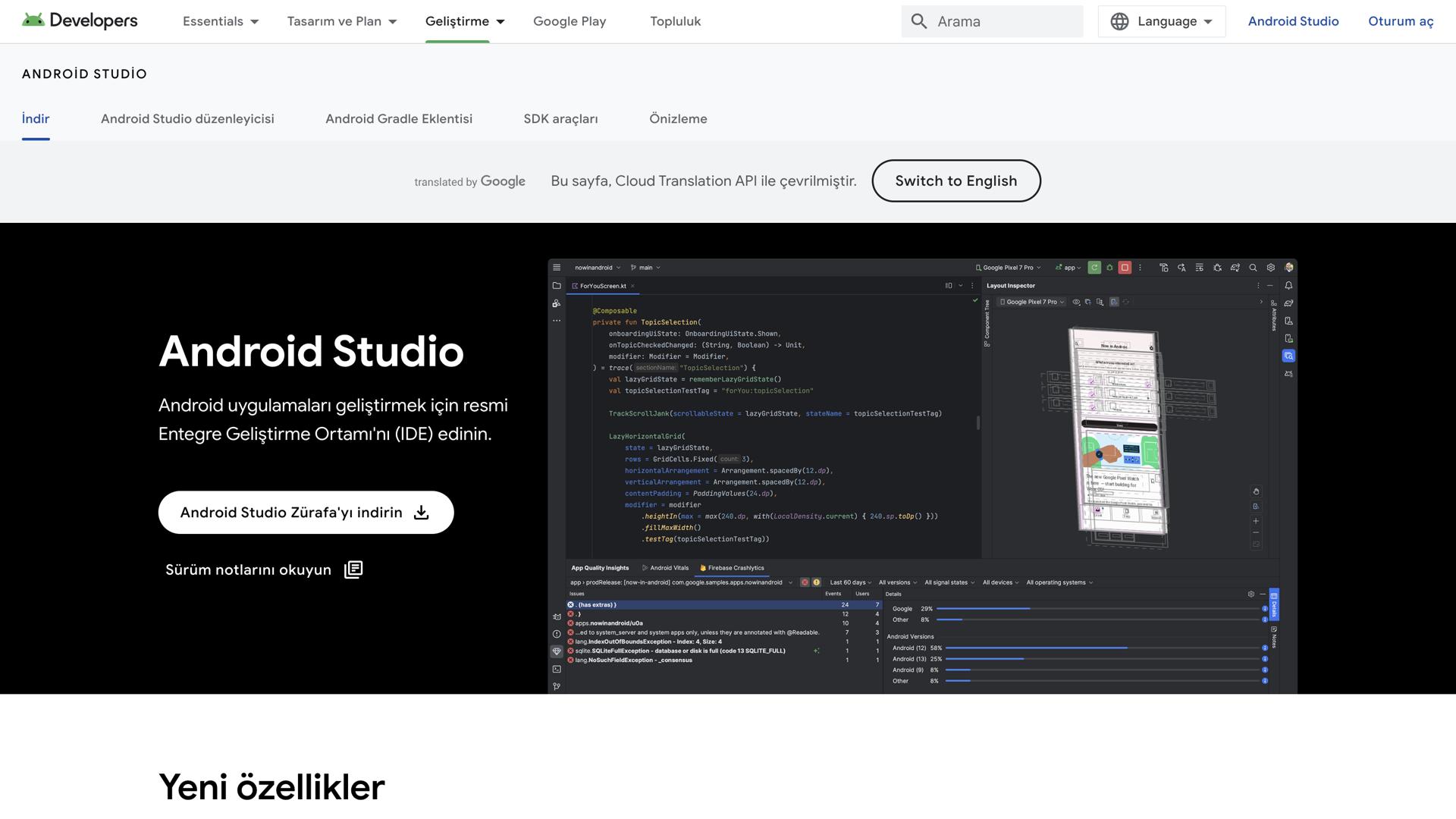

What is Android Studio?
Android Studio is an integrated development environment (IDE) specifically designed for building Android applications. This powerful platform enables developers to leverage a comprehensive set of tools to create apps for Android phones, tablets, wearables, and more. It provides an extensive suite of features that allow developers to write, edit, and debug code, design beautiful user interfaces, build compelling prototypes, and deploy applications directly to the Google Play Store.
From creating an initial project to publishing an app, Android Studio offers a complete set of tools to help developers quickly and easily build quality Android applications. With its intuitive interface, drag-and-drop capabilities, and a wealth of features and plugins, Android Studio transforms the process of creating Android apps into an enjoyable and rewarding experience.
Use Cases and Features
1. Create Projects: Android Studio's intuitive interface and drag-and-drop capabilities make it easy to create Android apps quickly and efficiently.
2. Develop Code: Android Studio offers a comprehensive suite of tools to write, edit, and debug code with advanced features for streamlined development.
3. Deploy Apps: Deploy your Android applications to the Google Play Store with Android Studio's powerful suite of deployment tools and integration capabilities.
Tool Website Engagement
Last Update: 2 years ago
Disclaimer: Statistics sourced from third-party providers. Accuracy may fluctuate.
Total Monthly Visits: 34M
Bounce Rate: 69%
Visit Duration (avg): 136.97 seconds
Pages Per Visit: 2.23
Country Rank: 840
Global Rank: 1,994
Monthly Traffic
Traffic Sources
Traffic Share By Country
United States: 11.29%
India: 10.69%
Japan: 7.99%
China: 3.58%
Russia: 3.33%