
 OpenAI - ChatGPT, Sora
 Google - Gemini, Nano Banana
 Anthropic - Claude
 xAI - Grok
 Deepseek
 Alibaba - Qwen
 ByteDance - Doubao
 All Models
 Enterprise Plans
 AI Application Development
 AI Translator API
 AI SEO/GEO Service
 GEO-Optimized PR Service
 Web Scraping Service
 OpenClaw
 Top AI Tools
 Top AI Robots
 Log in

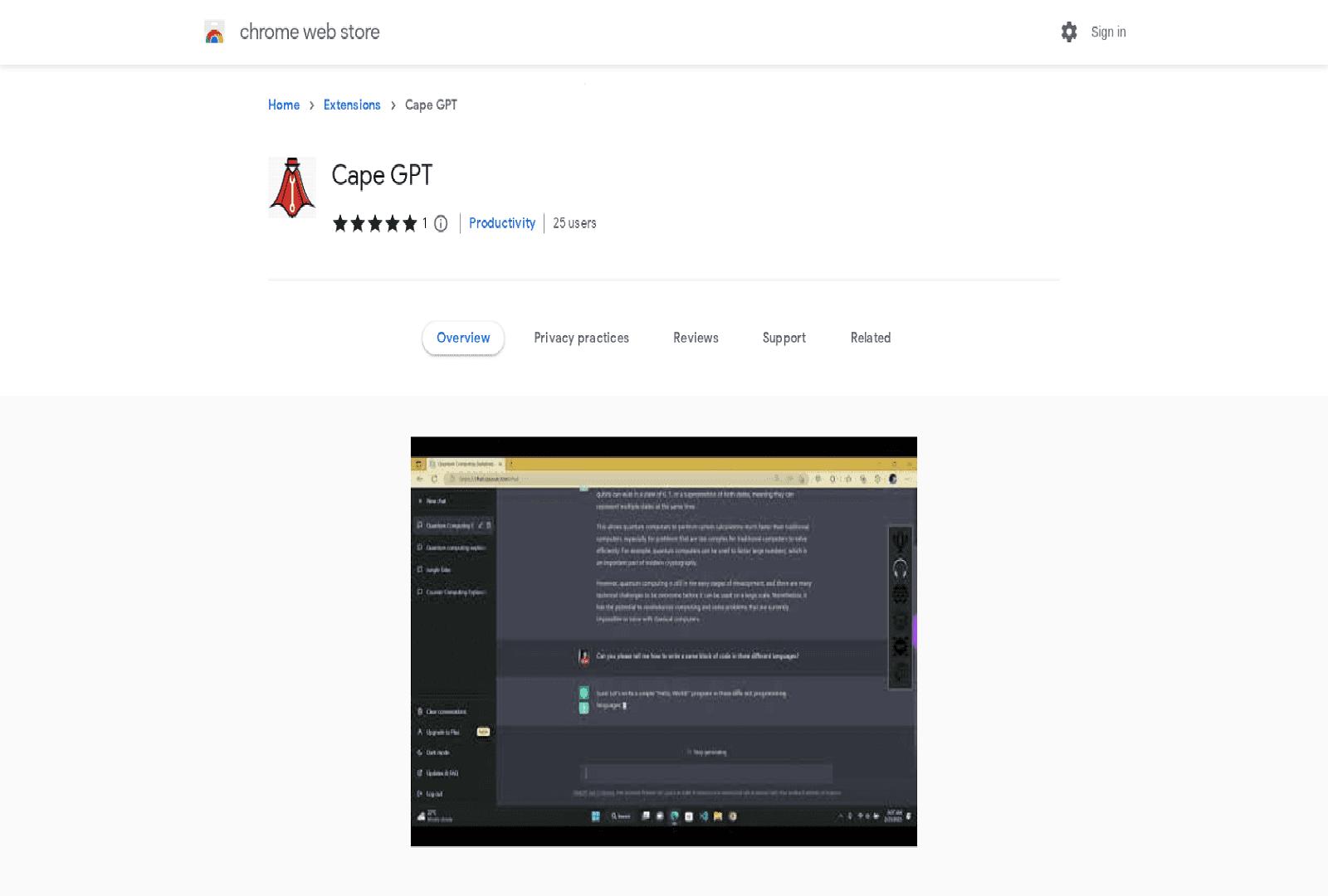

What is Cape GPT?
The Cape GPT Chrome extension is the ultimate tool for anyone who uses chat-GPTs for their day-to-day conversations. With a range of powerful features, the extension makes interactions easier, faster, and more engaging than ever before.
The speech-to-text capability allows users to quickly and accurately transcribe their conversations, while the OCR functionality enables them to search for words and phrases within the conversation. The search engine feature helps users find answers to their questions quickly and efficiently, while the API feature allows them to integrate other services into the chat-GPT.
The notes feature allows users to save and recall important information, while the reply feature enables them to quickly respond to messages. Finally, the download feature allows users to save conversations and import them into other applications. With the Cape GPT Chrome extension, users can enjoy a more interactive and engaging chat-GPT experience.
Use Cases And Features
1. Transcribe conversations with speech-to-text capability
Convert spoken words into written text seamlessly, making it easier to document and review important discussions without manual typing.
2. Search conversations using OCR functionality
Extract and search text from images or screenshots within your chat sessions, enabling you to find specific information quickly and efficiently.
3. Quickly find answers with search engine feature
Access a built-in search engine that helps you locate relevant information and responses instantly, streamlining your workflow and saving valuable time.
4. Integrate external services with API feature
Connect Cape GPT with other applications and tools through API integration, expanding functionality and creating a more comprehensive chat experience.
5. Save important information with notes feature
Create and store notes directly within your conversations, ensuring that critical details are preserved and easily accessible for future reference.
6. Respond quickly with reply feature
Streamline your communication with quick reply options that help you maintain conversational flow and respond to messages more efficiently.
7. Download and export conversations
Save your chat sessions and export them to various formats, allowing you to archive important discussions or import them into other productivity applications.