
 OpenAI - ChatGPT, Sora
 Google - Gemini, Nano Banana
 Anthropic - Claude
 xAI - Grok
 Deepseek
 Alibaba - Qwen
 ByteDance - Doubao
 All Models
 Enterprise Plans
 AI Application Development
 AI Translator API
 AI SEO/GEO Service
 GEO-Optimized PR Service
 Web Scraping Service
 OpenClaw
 Top AI Tools
 Top AI Robots
 Log in

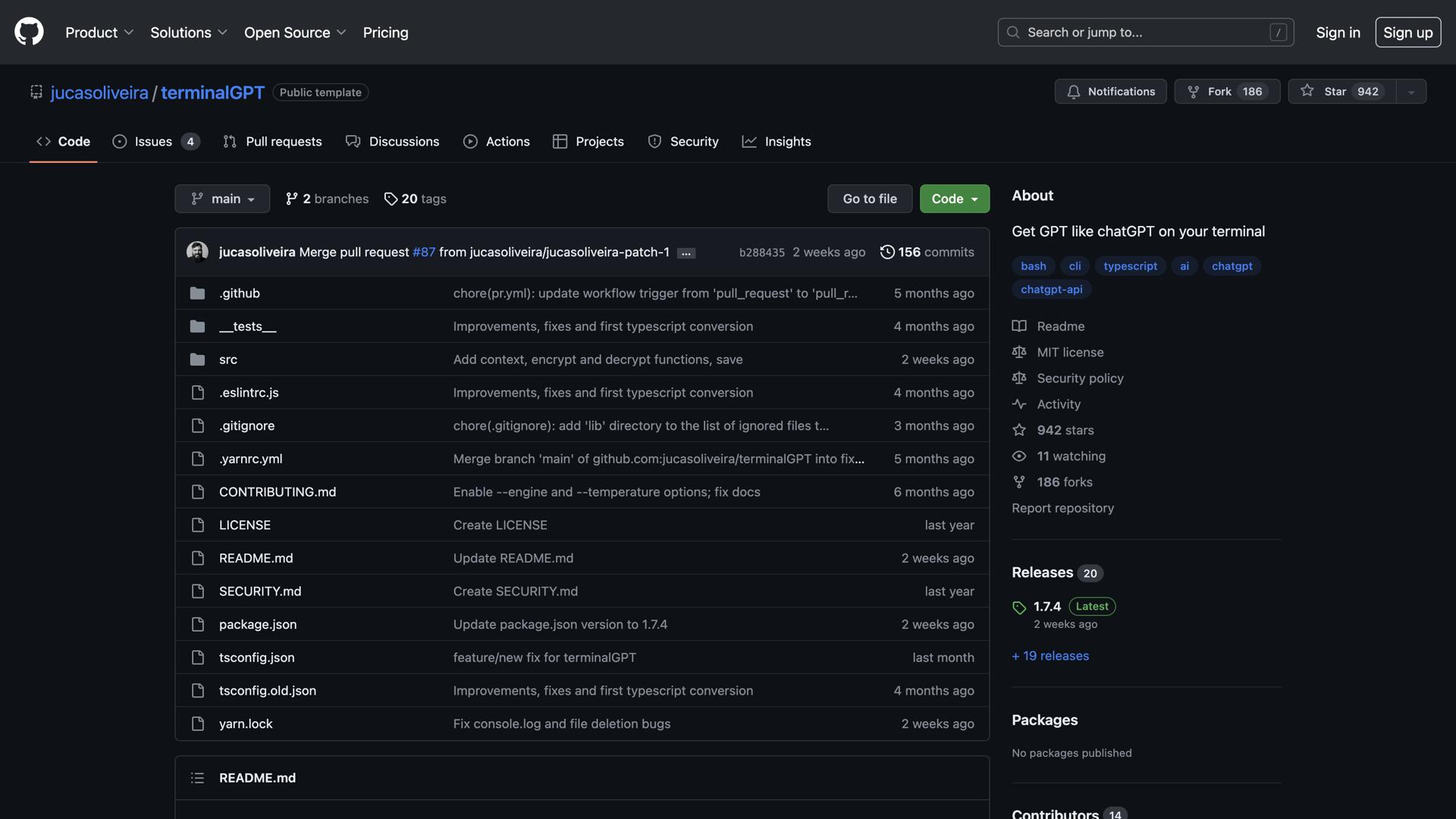

What is ChatGPT on Your Terminal?
ChatGPT on your terminal is an innovative conversational AI that brings natural language processing directly to the command line interface. This powerful tool enables users to engage in real-time conversations with a virtual assistant right on their computer, eliminating the need for web browsers or separate applications.
With ChatGPT on your terminal, users can quickly and easily access a wide range of information, from technical support and troubleshooting to product recommendations and general inquiries. As an open-source tool, it offers the flexibility for users to customize and personalize their experience while still benefiting from the advanced capabilities of artificial intelligence.
ChatGPT is designed to be both powerful and user-friendly. It features an intuitive conversational interface that allows users to ask questions, receive instant answers, and get help with various tasks seamlessly. The tool can be utilized for conducting research, finding information, automating workflows, and even interacting with customers in professional settings.
Its advanced natural language processing capabilities enable it to understand and respond to complex questions with remarkable accuracy. The robust architecture powering ChatGPT allows it to process multiple requests simultaneously, ensuring efficient performance even under heavy usage. Additionally, its open-source nature empowers users to customize and adapt the tool to their specific needs and preferences, making it an invaluable asset for developers, researchers, and technical professionals alike.
Use Cases and Features
1. Ask Questions and Get Answers Quickly
Leverage the power of AI to obtain instant responses to technical queries, programming questions, or general information requests directly from your command line.
2. Receive Help with Tasks in Real-Time
Get immediate assistance with coding problems, debugging, system administration tasks, or any other command-line operations without leaving your terminal environment.
3. Customize and Personalize Your Experience
Tailor the AI assistant to your specific workflow, programming languages, and preferences through its open-source architecture, creating a truly personalized development assistant.