
 OpenAI - ChatGPT, Sora
 Google - Gemini, Nano Banana
 Anthropic - Claude
 xAI - Grok
 Deepseek
 Alibaba - Qwen
 ByteDance - Doubao
 All Models
 Enterprise Plans
 AI Application Development
 AI Translator API
 AI SEO/GEO Service
 GEO-Optimized PR Service
 Web Scraping Service
 OpenClaw
 Top AI Tools
 Top AI Robots
 Log in

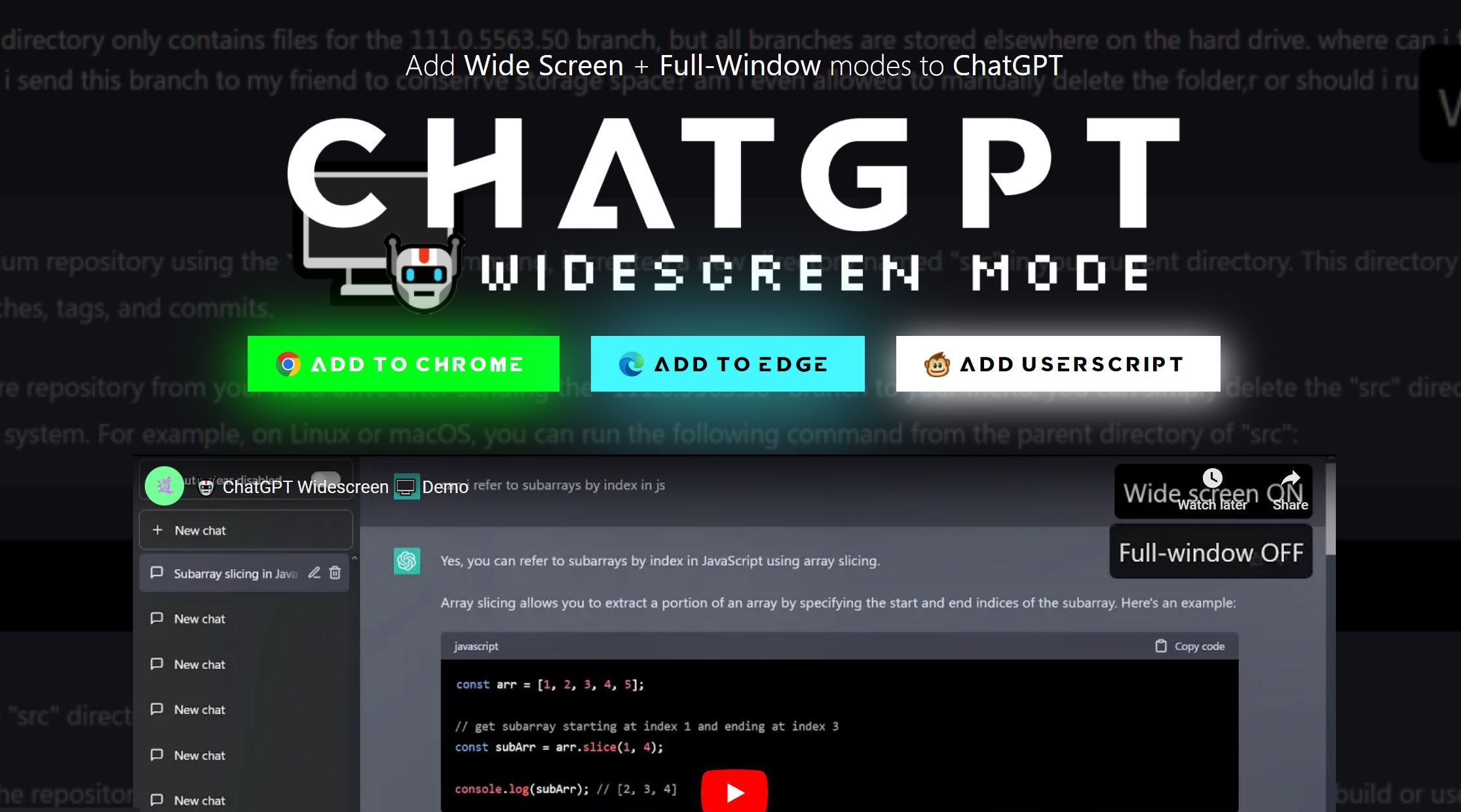

What is ChatGPT Widescreen Mode?
ChatGPT Widescreen Mode is the perfect solution for enjoying an enhanced ChatGPT experience. With Widescreen & Full-Window toggles, you can customize the size of your chat window to fit your preferences perfectly. This innovative feature allows you to adjust the chat window dimensions to better match your screen size, making your chat experience more comfortable and enjoyable.
Experience the flexibility of switching between different modes with just a few clicks. Widescreen mode enables you to view the chat window in a larger format, allowing you to see more of the conversation at once. Meanwhile, Full-Window mode maximizes the chat window to full-screen, letting you focus entirely on the conversation without any distractions.
ChatGPT Widescreen Mode is designed to make the ChatGPT experience more enjoyable and accessible to everyone, regardless of their screen size or viewing preferences.
Use Cases And Features
1. View more of the conversation at once in Widescreen mode.
2. Focus on the conversation without distractions in Full-Window mode.
3. Easily switch between modes with just a few clicks.
Tool Website Engagement
Last Update: 2 years ago
- Disclaimer: Statistics sourced from third-party providers. Accuracy may fluctuate.
Total Monthly Visits: 4K
Bounce Rate: 63%
Visit Duration (avg): 22.15 seconds
Pages Per Visit: 1.41
Country Rank: 156
Global Rank: 4,985,938
Monthly Traffic
Traffic Sources
Traffic Share By Country
China: 54.38%
United States: 16.54%
Pakistan: 6.38%
Brazil: 6.29%
Mexico: 4.05%