
 OpenAI - ChatGPT, Sora
 Google - Gemini, Nano Banana
 Anthropic - Claude
 xAI - Grok
 Deepseek
 Alibaba - Qwen
 ByteDance - Doubao
 All Models
 Enterprise Plans
 AI Application Development
 AI Translator API
 AI SEO/GEO Service
 GEO-Optimized PR Service
 Web Scraping Service
 OpenClaw
 Top AI Tools
 Top AI Robots
 Log in

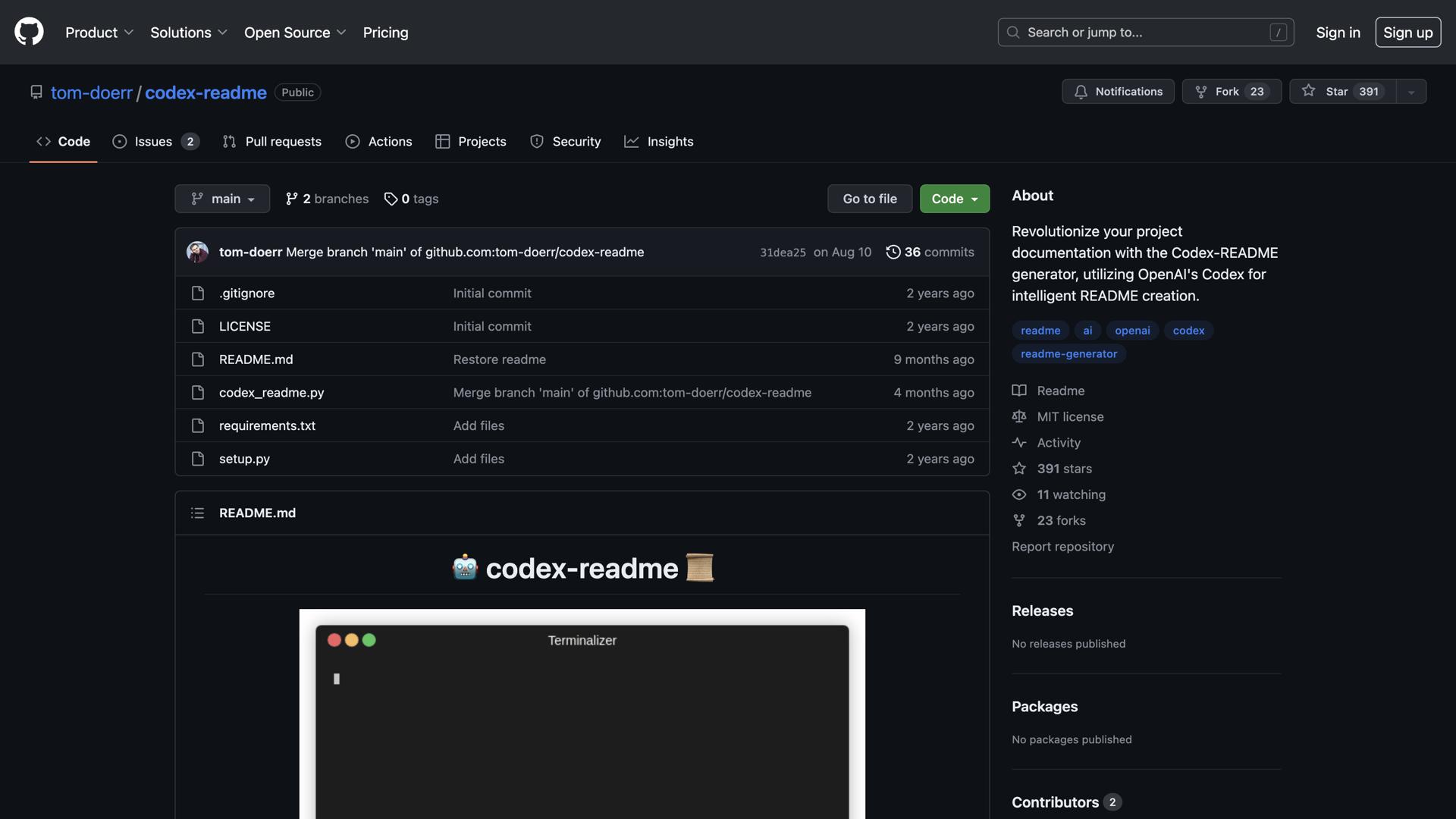

What is Codex-Readme?
Codex-readme is an easy-to-use and powerful tool for creating beautiful and informative readme files for your projects. It helps you quickly create attractive and professional readme files that are tailored to the needs of your project.
With codex-readme, you can easily add images, tables, code blocks, and other content to make your readme stand out. Plus, its intuitive user interface makes it easy to customize the look and feel of your readme to match your project's branding.
Codex-readme also helps you keep your readme organized, enabling you to quickly and easily update it as your project evolves. Whether you're a novice programmer or a seasoned veteran, codex-readme is the perfect tool for creating and maintaining readme files.
With its powerful features and intuitive design, codex-readme makes it easy to create beautiful and informative readme files for your projects, streamlining your documentation process and enhancing project presentation.
Use Cases and Features
1. Create professionally-formatted readme files in minutes
Generate polished, industry-standard documentation quickly without spending hours on formatting and structure.
2. Easily add images, code blocks, and tables
Seamlessly integrate visual elements, code snippets, and structured data to enhance readme clarity and comprehension.
3. Quickly update readme files as project evolves
Maintain up-to-date documentation effortlessly as your project grows and changes over time.