
 OpenAI - ChatGPT, Sora
 Google - Gemini, Nano Banana
 Anthropic - Claude
 xAI - Grok
 Deepseek
 Alibaba - Qwen
 ByteDance - Doubao
 All Models
 Enterprise Plans
 AI Application Development
 AI Translator API
 AI SEO/GEO Service
 GEO-Optimized PR Service
 Web Scraping Service
 Top AI Tools
 Top AI Robots
 Log in

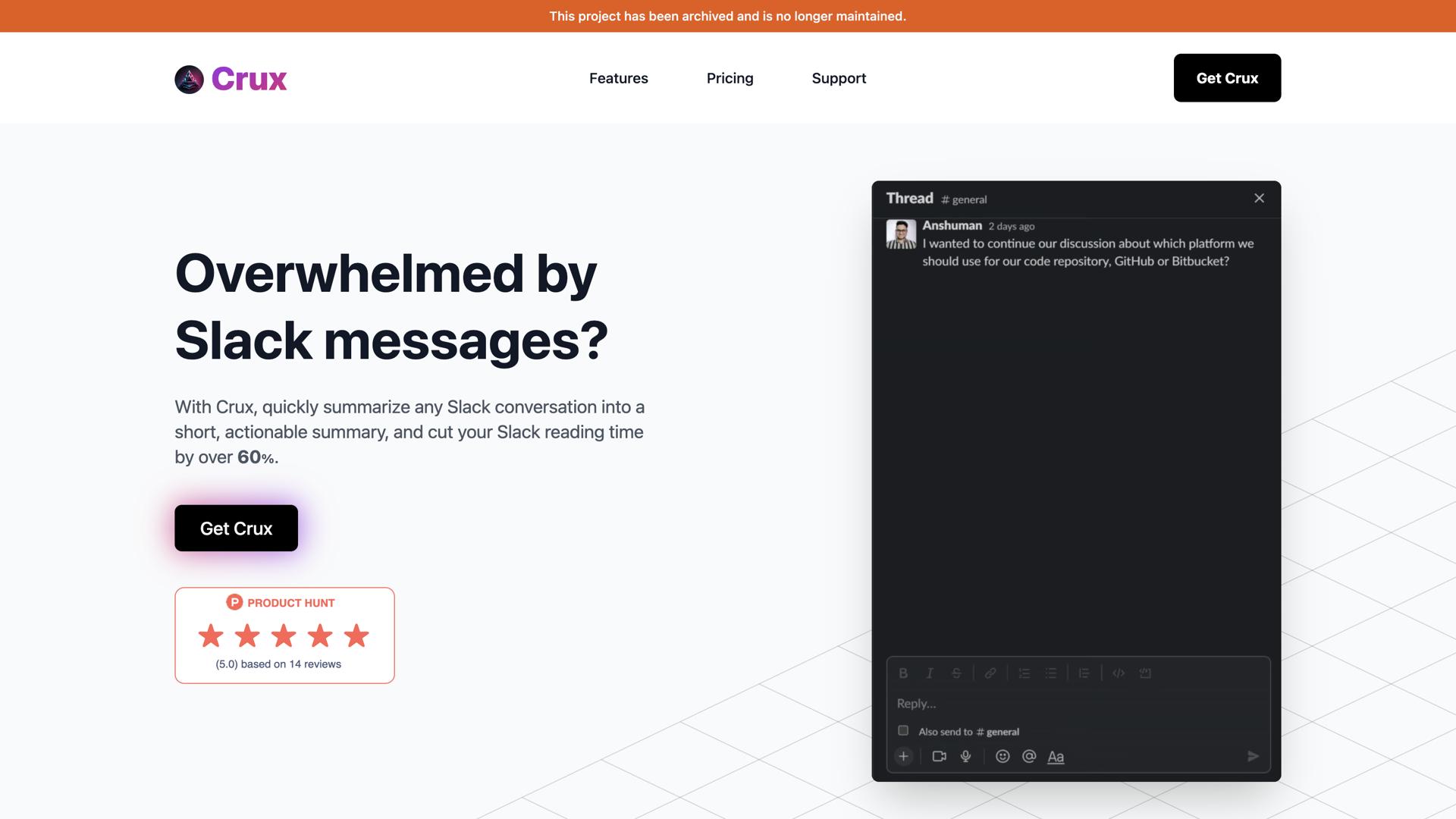

What is Crux?
Crux is an AI-powered tool that makes it easy to stay up-to-date with conversations on Slack. With Crux, users can quickly get the context of conversations in seconds, eliminating the need to scroll through long threads. This time-saving tool is designed to be user-friendly and easy to use – all you have to do is install the Crux app in your Slack workspace, select a conversation, and reply to it with a @crux message or select "Get the Crux" from the message menu.
This powerful tool can help you stay on top of conversations, no matter how long or complex. Crux lets you get the gist of conversations quickly, so you can keep up with the conversation and make sure you don't miss a beat. With Crux, you can save hours of time and effort, while never missing a thing.
Use Cases And Features
- Reply to conversations quickly using @crux message.
- Instantly get the context of conversations in seconds.
- Save time and effort by selecting "Get the Crux" from the message menu.
Tool Website Engagement
Last Update: 2 years ago
Disclaimer: Statistics sourced from third-party providers. Accuracy may fluctuate.
Total Monthly Visits: 1K
Bounce Rate: 39%
Visit Duration (avg): 0.00 seconds
Pages Per Visit: 0.06
Country Rank: 0
Global Rank: 20,601,895
Monthly Traffic
Traffic Sources
Traffic Share By Country
- India: 84.30%
- France: 15.70%