
 OpenAI - ChatGPT, Sora
 Google - Gemini, Nano Banana
 Anthropic - Claude
 xAI - Grok
 Deepseek
 Alibaba - Qwen
 ByteDance - Doubao
 All Models
 Enterprise Plans
 AI Application Development
 AI Translator API
 AI SEO/GEO Service
 GEO-Optimized PR Service
 Web Scraping Service
 OpenClaw
 Top AI Tools
 Top AI Robots
 Log in

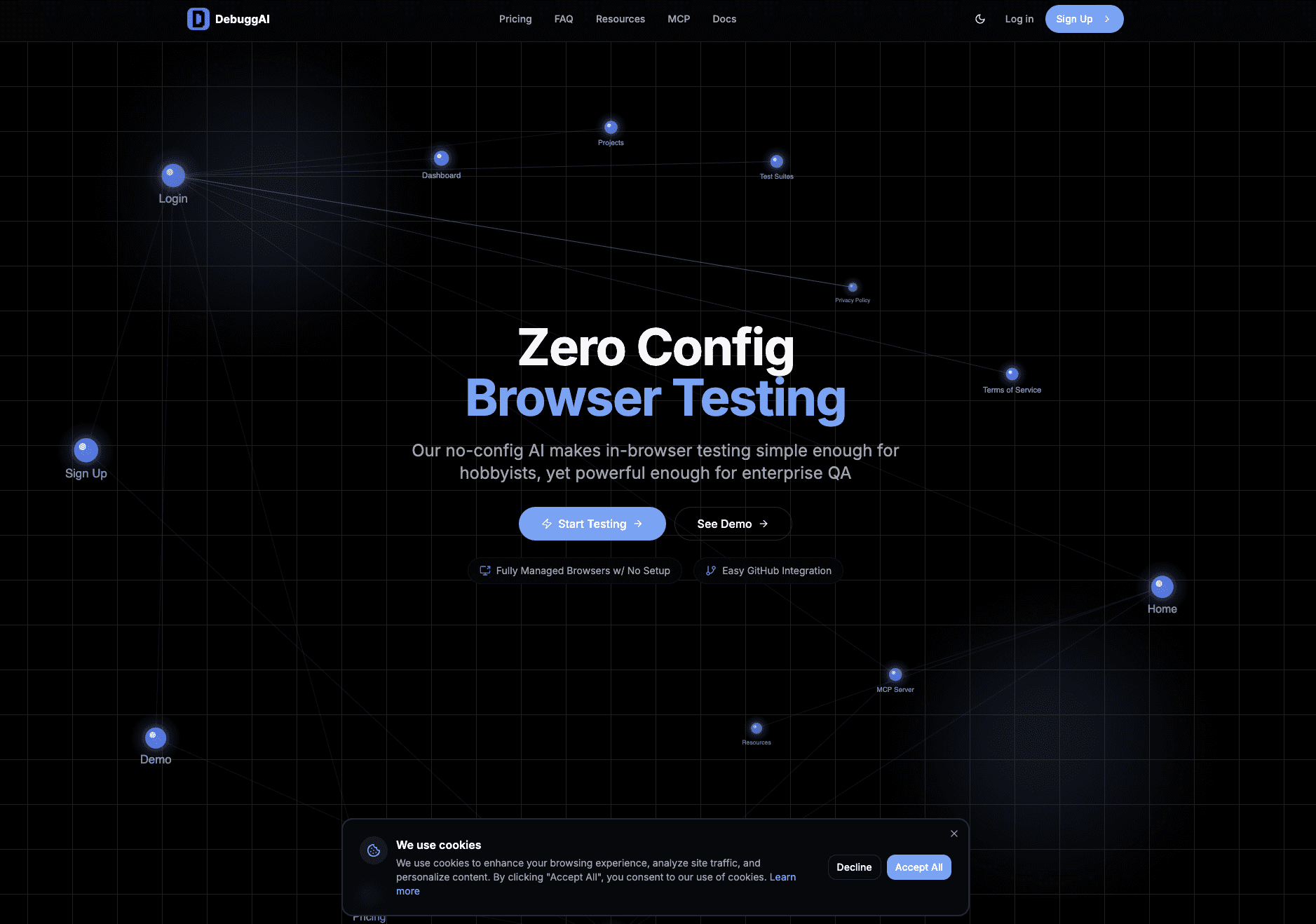

What is Debugg AI?
DebuggAI is an AI-powered testing and browser-agent platform that automatically understands your code changes, generates the right tests, and executes them in scalable remote browsers—no setup required. Developers connect their repo, and DebuggAI analyzes diffs, creates rich test specifications, runs autonomous browser flows, and provides clear results directly in GitHub, VS Code, or the dashboard.
Building on this foundation, Surfs.dev extends the platform into a full lifecycle system for training, testing, monitoring, and deploying autonomous browser agents. Every interaction with a browser becomes structured data—captured, labeled, and fed back into agent training to create smarter, more reliable automations over time. Teams can visualize step-by-step browser flows, track agent behavior, evaluate quality metrics, and rapidly iterate on agent performance.
Whether used for end-to-end QA, autonomous workflows, or building next-gen browser agents, the platform gives teams a unified environment to develop, test, and deploy intelligent browser automations at scale.
Use Cases And Features
1. Easily test new AI generated code.
DebuggAI streamlines the validation of AI-generated code by automatically creating comprehensive test scenarios. This ensures that code produced by AI assistants meets quality standards and performs as expected in real-world browser environments.
2. Automatically run browser tests against every new commit.
The platform integrates seamlessly with your development workflow, triggering automated browser tests with each code commit. This continuous testing approach catches issues early, reduces manual QA overhead, and maintains code quality throughout the development cycle.
3. Get recordings and feedback within minutes of pushing code, right in GitHub.
DebuggAI provides rapid feedback by delivering detailed test recordings and actionable insights directly within your GitHub workflow. Developers receive visual documentation of test executions, making it easy to identify and resolve issues without switching contexts or waiting for lengthy test cycles.