
 OpenAI - ChatGPT, Sora
 Google - Gemini, Nano Banana
 Anthropic - Claude
 xAI - Grok
 Deepseek
 Alibaba - Qwen
 ByteDance - Doubao
 All Models
 Enterprise Plans
 AI Application Development
 AI Translator API
 AI SEO/GEO Service
 GEO-Optimized PR Service
 Web Scraping Service
 OpenClaw
 Top AI Tools
 Top AI Robots
 Log in

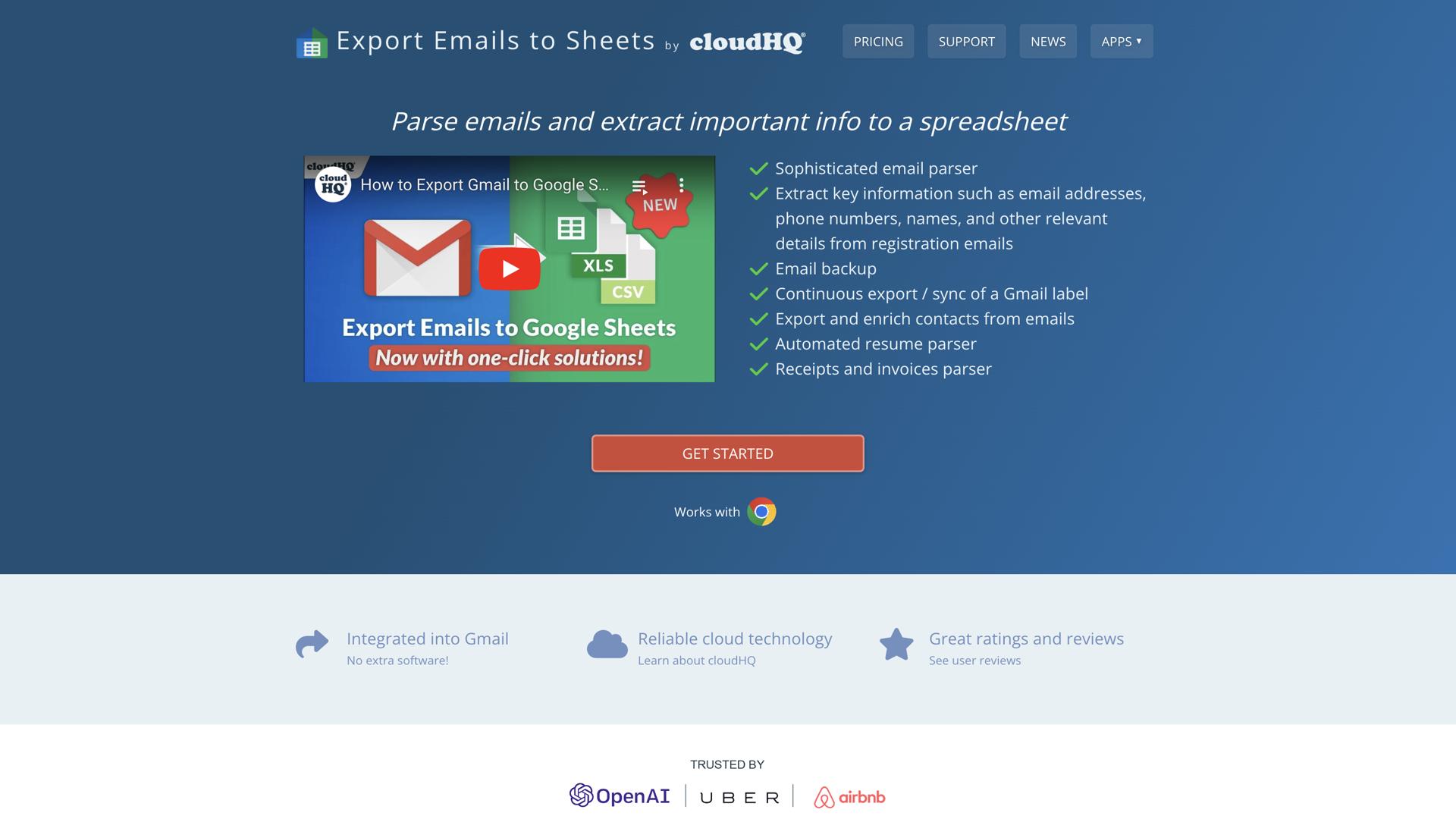

Export Emails to Sheets by cloudHQ is the perfect tool for busy professionals who want to quickly and easily capture and organize their emails in spreadsheet format. This innovative service offers a fast and intuitive way to export emails from your Gmail, Outlook, and Office 365 accounts into an organized spreadsheet.
With this service, you can filter emails by date and sender, and quickly sort and categorize them into the columns of your spreadsheet. You can also add custom columns and labels for easy navigation and search. Plus, Export Emails to Sheets by cloudHQ makes it simple to share and collaborate on your spreadsheet with colleagues, keeping your team in sync and up to date.
With its streamlined interface and helpful features, Export Emails to Sheets by cloudHQ is the best way to save time and maximize productivity.
Use Cases And Features
1. Quickly filter emails by date and sender
Efficiently organize your inbox by narrowing down emails based on specific timeframes and contacts.
2. Easily sort and categorize emails into columns
Transform your email data into structured spreadsheet format with customizable organization.
3. Add custom columns and labels for easy navigation
Personalize your spreadsheet layout to match your workflow and data management needs.
Tool Website Engagement
Last Update: 2 years ago
Disclaimer: Statistics sourced from third-party providers. Accuracy may fluctuate.
Total Monthly Visits: 17K
Bounce Rate: 72%
Visit Duration (avg): 40.57 seconds
Pages Per Visit: 0.25
Country Rank: 840
Global Rank: 5,072,737
Monthly Traffic
Traffic Sources
Traffic Share By Country
- United States: 6.96%
- Vietnam: 5.32%
- Turkey: 4.95%
- Argentina: 4.21%
- Chile: 4.20%