
 OpenAI - ChatGPT, Sora
 Google - Gemini, Nano Banana
 Anthropic - Claude
 xAI - Grok
 Deepseek
 Alibaba - Qwen
 ByteDance - Doubao
 All Models
 Enterprise Plans
 AI Application Development
 AI Translator API
 AI SEO/GEO Service
 GEO-Optimized PR Service
 Web Scraping Service
 OpenClaw
 Top AI Tools
 Top AI Robots
 Log in

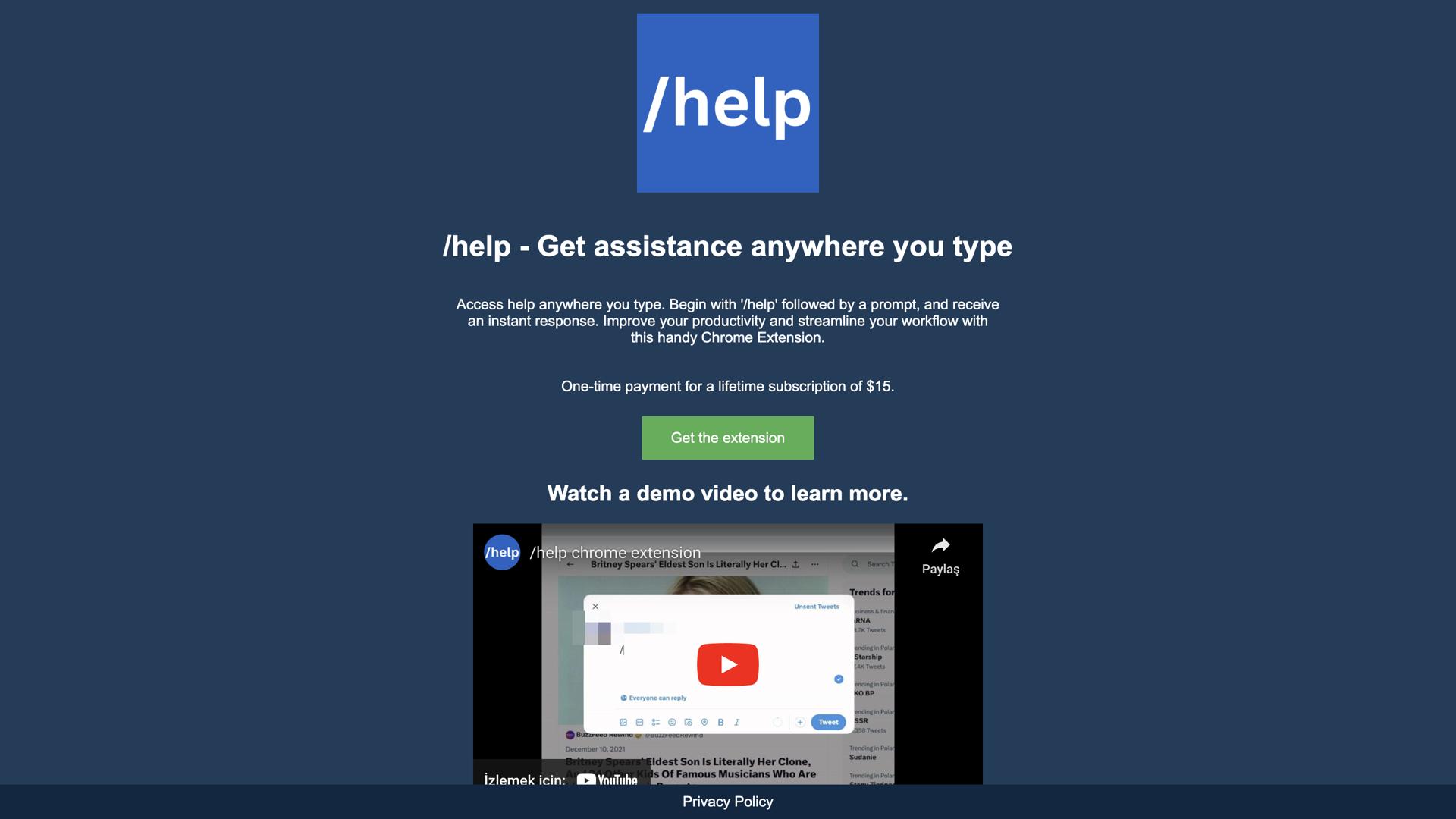

What is /Help?
The /Help Chrome Extension is an AI-powered tool that makes accessing assistance easier than ever before. With this powerful tool, users can get instant answers to their questions by simply typing '/help' followed by their query. This groundbreaking technology helps to improve productivity and streamline workflow, enabling users to get the answers they need without having to leave their current task.
Whether you're a busy professional looking for quick solutions, a student trying to finish an assignment, or anyone else who needs help with their digital tasks, The /Help Chrome Extension is the perfect tool for you. Cut down on wasted time and get the answers you need fast, making your work more efficient and effective. Get the help you need instantly and make the most of your time with The /Help Chrome Extension.
Use Cases And Features
1. Instantly access help by typing '/help' and your query.
2. Improve productivity and streamline workflow.
3. Get answers without leaving your current task.
Key Benefits:
- Time-Saving: No need to switch between tabs or applications to find answers
- AI-Powered Accuracy: Receive intelligent, contextual responses to your queries
- Seamless Integration: Works directly within your Chrome browser for maximum convenience
- Enhanced Workflow: Maintain focus on your tasks while getting instant support
The /Help Chrome Extension revolutionizes the way you access information online. By eliminating the need to search through multiple resources or navigate away from your work, this innovative tool ensures you stay productive and focused. Perfect for professionals, students, researchers, and anyone who values efficiency in their digital workspace.
Experience the future of instant assistance – where help is just a simple command away. Transform your browsing experience and unlock new levels of productivity with every query you make.