
 OpenAI - ChatGPT, Sora
 Google - Gemini, Nano Banana
 Anthropic - Claude
 xAI - Grok
 Deepseek
 Alibaba - Qwen
 ByteDance - Doubao
 All Models
 Enterprise Plans
 AI Application Development
 AI Translator API
 AI SEO/GEO Service
 GEO-Optimized PR Service
 Web Scraping Service
 OpenClaw
 Top AI Tools
 Top AI Robots
 Log in


What is ImgGood?
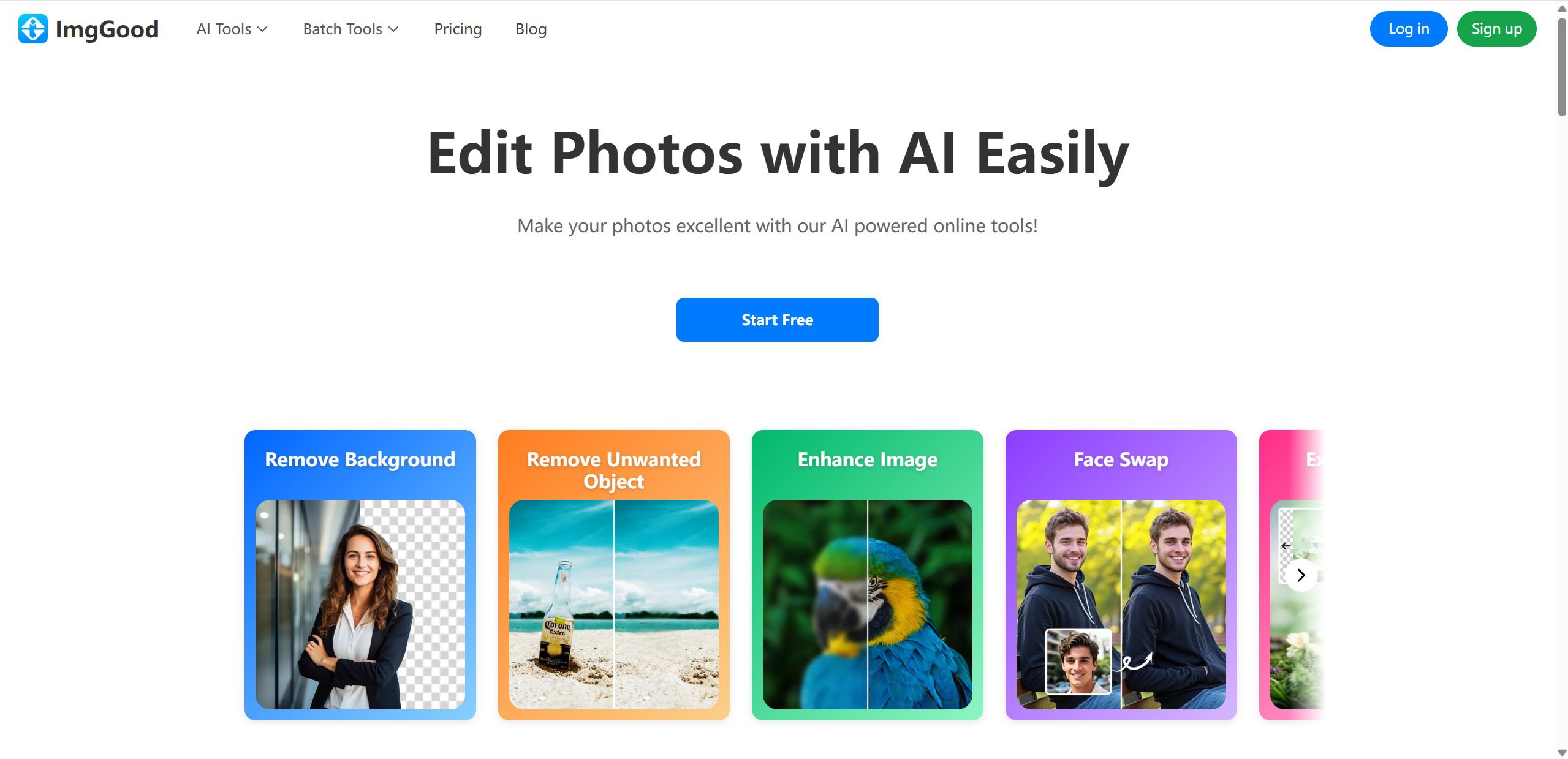
ImgGood is an online AI-powered image editor that makes photo editing easy, fast, and intelligent. With a wide range of powerful features, ImgGood allows users to remove backgrounds, erase unwanted objects, colorize black-and-white photos, upscale images without losing quality, swap faces, try new hairstyles, extend image boundaries, and enhance overall image quality.
Whether you're touching up personal memories or preparing visuals for work, ImgGood provides professional-grade results without the need for any design skills. This intelligent tool streamlines the entire photo editing process, making advanced image manipulation accessible to everyone regardless of their technical expertise.
Use Cases And Features
1. Effortlessly remove background from image
The AI-powered background removal feature automatically detects and separates subjects from their backgrounds with precision. Perfect for creating product photos, professional portraits, or preparing images for presentations and marketing materials.
2. Easily remove unwanted objects from your images
Quickly eliminate photobombers, power lines, blemishes, or any distracting elements from your photos. The intelligent eraser tool seamlessly fills in the removed areas, maintaining natural-looking results that blend perfectly with the surrounding environment.
3. Colorize black and white photos
Bring old memories back to life by adding realistic colors to vintage black-and-white photographs. The AI analyzes the image content and applies appropriate, natural-looking colors that transform historical photos into vibrant, modern images while preserving their original character and detail.
4. Upscale images without quality loss
Enhance image resolution and clarity using advanced AI algorithms that intelligently add detail and sharpness. This feature is ideal for enlarging photos for printing or improving low-resolution images for professional use.
5. Face swap and hairstyle transformation
Experiment with different looks by swapping faces or trying various hairstyles virtually. This creative feature is perfect for fun photo projects, visualizing style changes, or creating unique content for social media.
6. Extend image boundaries intelligently
Expand your photos beyond their original borders with AI-generated content that naturally extends the scene. This powerful tool helps you achieve the perfect composition or adjust aspect ratios for different platforms and formats.
7. Enhance overall image quality
Automatically improve brightness, contrast, saturation, and sharpness with one-click enhancement. The AI optimizes various image parameters to deliver visually stunning results that make every photo look professionally edited.