
 OpenAI - ChatGPT, Sora
 Google - Gemini, Nano Banana
 Anthropic - Claude
 xAI - Grok
 Deepseek
 Alibaba - Qwen
 ByteDance - Doubao
 All Models
 Enterprise Plans
 AI Application Development
 AI Translator API
 AI SEO/GEO Service
 GEO-Optimized PR Service
 Web Scraping Service
 OpenClaw
 Top AI Tools
 Top AI Robots
 Log in

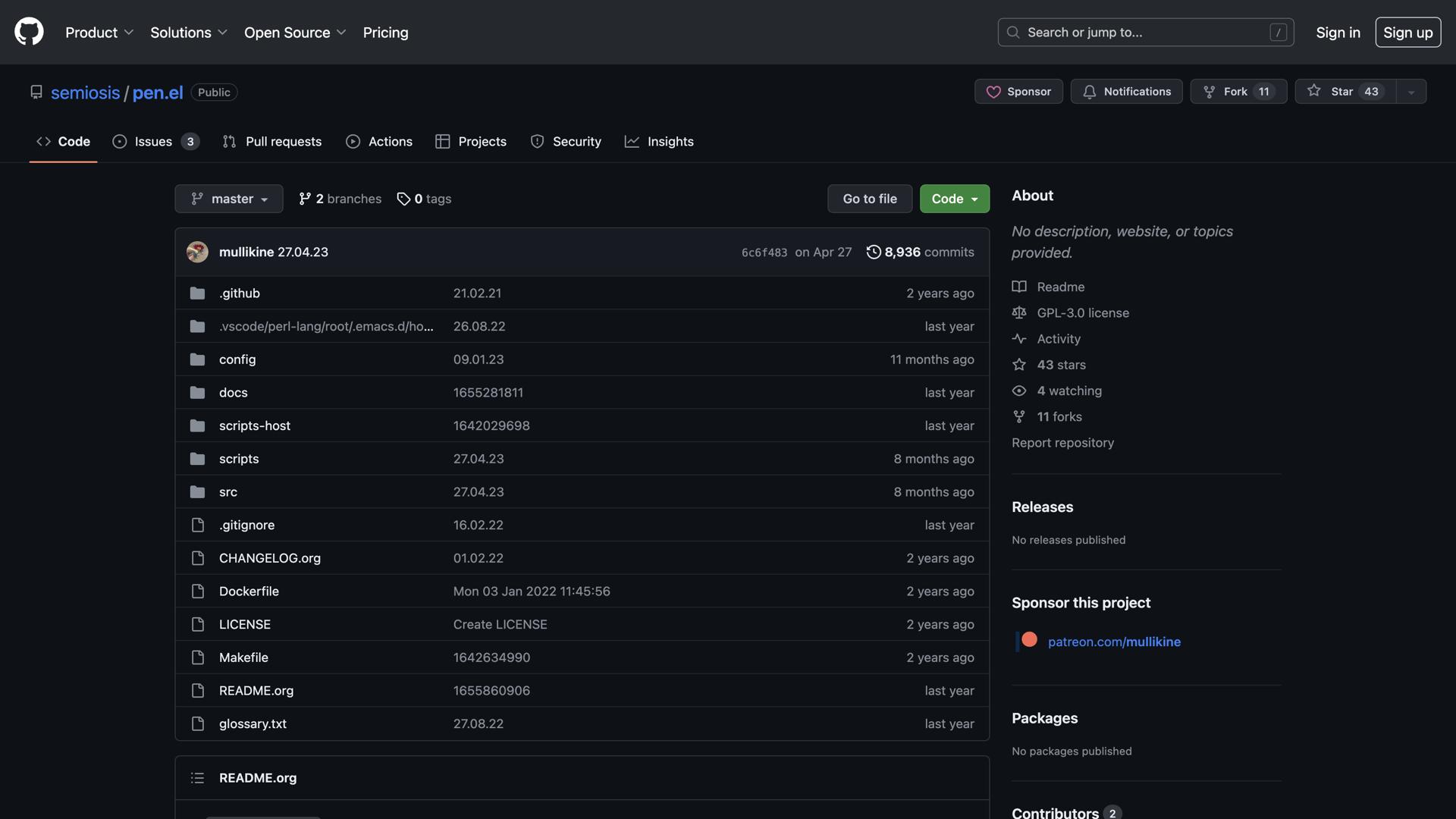

What is Pen?
Pen is an open-source editor for Emacs that makes programming and text editing simpler and more efficient. With its user-friendly interface, customizable key-bindings, and powerful language support, Pen offers an ideal solution for developers and writers alike.
Pen's core features include syntax highlighting for a variety of programming languages, auto-complete capabilities, and the ability to store snippets of code for easy reuse. To make coding more efficient, Pen also provides macros and custom commands to automate commonly-performed tasks. Additionally, it makes it easy to switch between projects, with a tab-based system to quickly switch between files.
For writers, Pen offers a range of features to help them get their ideas down quickly and easily. It has a distraction-free mode for uninterrupted writing, as well as inline spell-checking and dictionary support to catch typos. Additionally, it allows users to customize their text editor with color schemes, fonts, and themes.
Use Cases And Features
1. Syntax highlighting for multiple programming languages.
Pen supports a wide range of programming languages with comprehensive syntax highlighting, making code easier to read and debug.
2. Auto-complete capabilities and code snippets.
Save time with intelligent auto-complete suggestions and reusable code snippets that streamline your development workflow.
3. Tab-based file switching to switch between projects.
Efficiently manage multiple files and projects simultaneously with an intuitive tab-based navigation system.