
 OpenAI - ChatGPT, Sora
 Google - Gemini, Nano Banana
 Anthropic - Claude
 xAI - Grok
 Deepseek
 Alibaba - Qwen
 ByteDance - Doubao
 All Models
 Enterprise Plans
 AI Application Development
 AI Translator API
 AI SEO/GEO Service
 GEO-Optimized PR Service
 Web Scraping Service
 OpenClaw
 Top AI Tools
 Top AI Robots
 Log in


What is TheLibrarian?
What is It?
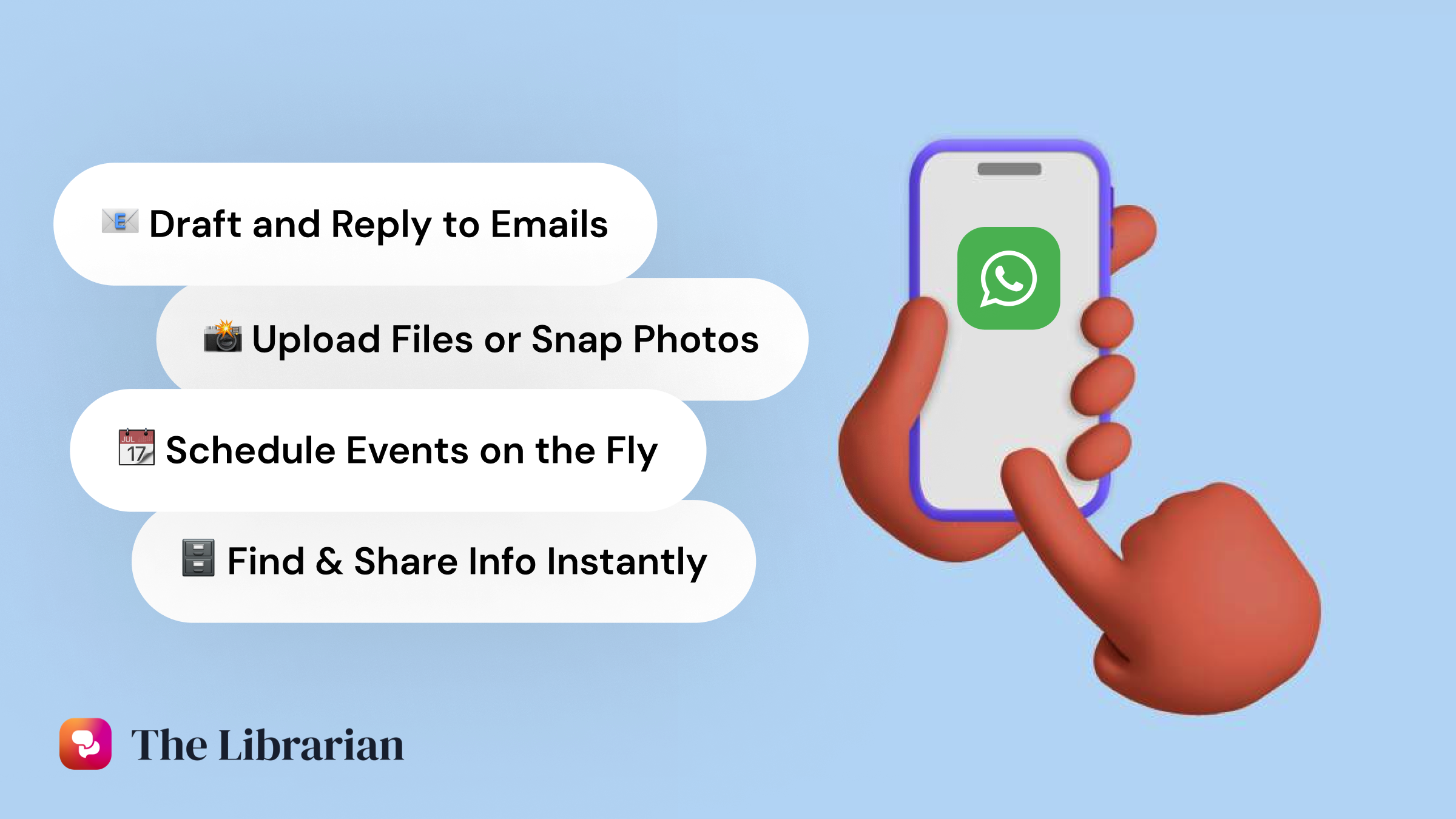
TheLibrarian is a WhatsApp AI Assistant designed to help you master your inbox, control your schedule, and find anything you need — so you can focus on what truly matters. It seamlessly integrates with all your Google Apps (Gmail, Drive, Calendar, Contacts), Slack, and Notion, providing a comprehensive productivity solution right at your fingertips.
Top Features
1. Morning Briefs: Start your day with a clear, concise overview of what's ahead. Your meetings, tasks, and priorities — all in one place. It's the ultimate productivity booster to help you stay organized and focused throughout your busy day.
2. Memories & Facts: TheLibrarian remembers key details about you, like your home or office addresses, default Zoom link, email signature, and more. These smart memories save you valuable time by automating repetitive tasks and making your workflow seamless and efficient.
3. Upload Files & Pictures: Share files (PDF, PPT) or images with the assistant to extract information or ask questions. Whether it's a business card, a conference agenda, or a document, TheLibrarian.io makes it easy to get the answers you need instantly.
Use Cases And Features
1. Peace of Mind: Create reminders so you don't forget anything important. Morning Briefs give you a comprehensive overview of your day ahead, while PreMeeting Briefs help you prepare effectively for your next meeting with all the context you need.
2. Networking Superpowers: Simply take a picture of someone's business card and ask by voice to TheLibrarian.io to follow up with that person via email. Transform networking into a seamless, automated process that helps you maintain valuable connections effortlessly.
3. Calendar Events: Just share a picture with event details or a website/PDF with a list of events and ask TheLibrarian.io to add them to your calendar. And that's it — no need to open Google Calendar anymore. Manage your schedule with simple voice commands or image uploads.