
 OpenAI - ChatGPT, Sora
 Google - Gemini, Nano Banana
 Anthropic - Claude
 xAI - Grok
 Deepseek
 Alibaba - Qwen
 ByteDance - Doubao
 All Models
 Enterprise Plans
 AI Application Development
 AI Translator API
 AI SEO/GEO Service
 GEO-Optimized PR Service
 Web Scraping Service
 OpenClaw
 Top AI Tools
 Top AI Robots
 Log in












Claude Code Auto Mode Tutorial 2026

Claude Code Auto Mode 2026: True Zero-Approval Automated Development via API
Anthropic just dropped a game-changer for developers tired of permission fatigue. Claude Code Auto Mode uses an internal AI classifier to auto-approve safe actions, block dangerous ones, and only prompt you when truly necessary — long-running, autonomous coding sessions without the security nightmares.
Works with Claude Sonnet 4.6 and Opus 4.6. Rolling out to Enterprise and API users now.
What Is Claude Code Auto Mode & Why It Matters
Claude Code is Anthropic's terminal-native AI coding agent. It can navigate codebases, edit files, run commands, debug, and ship features — all from natural language prompts. The old workflow was painful for anything beyond tiny tasks.
Approve every single tool call. Maximum safety, maximum friction. Impractical at scale.
Full autonomy with zero safety net. Fast, but reckless in any real environment.
Built-in AI classifier reviews every action before execution. Safe actions run automatically. Risky ones get blocked or escalated. Speed + guardrails, in one mode.
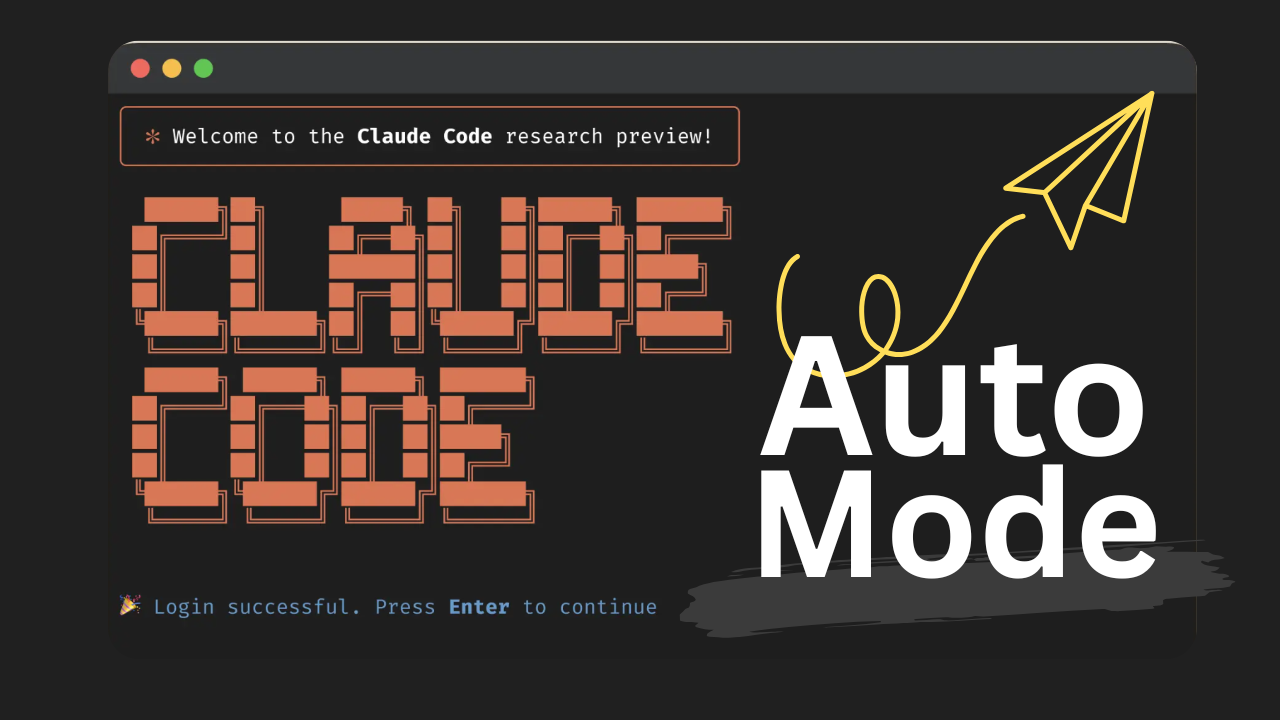
// Anthropic Adds (New) Claude Code Auto Mode — No More Permission Modes (Medium, Mar 2026)
Enable Auto Mode in Under 2 Minutes
- Install / Update Claude Code — Ensure you're on v2.0+ as of March 2026.
- Enable Auto Mode via CLI — Run this once: bash
claude --enable-auto-mode
- Start a Session & Activate — Launch with
claudethen press Shift + Tab to cycle permission modes until you see "Auto Mode ON". - Desktop / VS Code Users — Go to Settings → Claude Code → toggle Auto Mode on, then select it from the permission dropdown in any session.
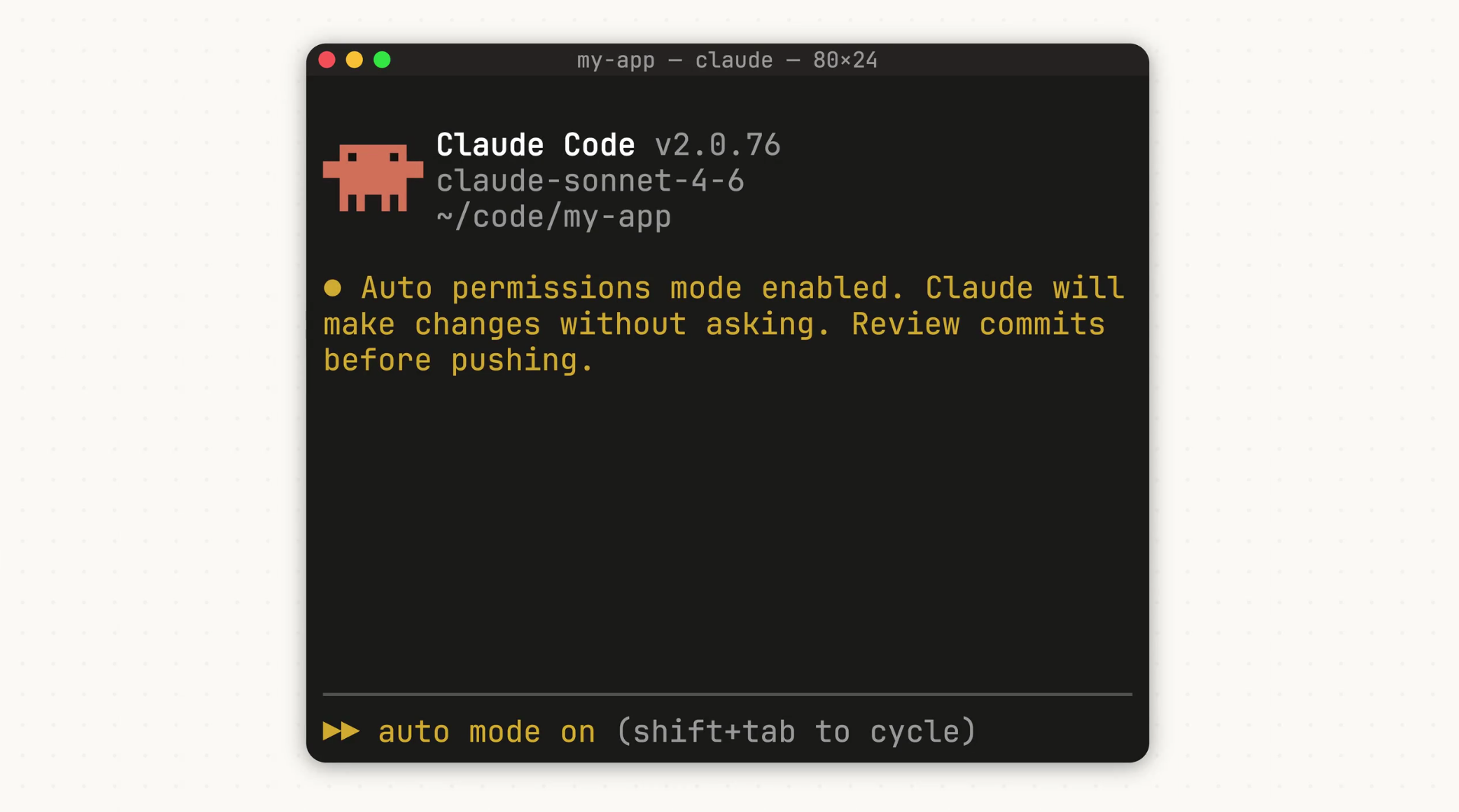
// Claude Code unchained — Auto Mode in action choosing its own permissions
Real-World Automated Workflows
Three battle-tested examples running in production daily — zero approval required:
Prompt: "Implement a new user analytics dashboard using React + Tailwind. Include tests, update README, and commit with conventional message."
Claude plans, writes code, runs tests, formats, and commits — all without a single prompt from you.
Prompt: "Refactor all API routes to use our new error-handling middleware. Update tests and run full suite."
Auto Mode handles 200+ tool calls without breaking flow.
Claude reproduces the bug, fixes it, runs CI, spins up a preview branch, and notifies you only if tests fail.
Zero-Approval via Anthropic API
Auto Mode isn't just for the CLI — it's coming to the API, letting you build custom agents that inherit the same intelligent permission system. Here's a minimal Python example using the Anthropic SDK:
import anthropic client = anthropic.Anthropic(api_key="your_key_here") response = client.messages.create( model="claude-3-5-sonnet-20241022", # or latest 4.6 max_tokens=4096, tools=[{... your tools ...}], messages=[{"role": "user", "content": "Run full autonomous refactor..."}], # Auto Mode equivalent via extended tool-use parameters (rolling out) ) print(response.content) With the unified API at www.ai.cc, you get one key for Claude (plus Gemini, Grok, and more), smart routing, cost optimization, and built-in sandboxing — no more juggling dashboards.
Permission Modes Comparison
| Mode | Interruptions | Safety Level | Best For | API Available? |
|---|---|---|---|---|
| Default (Ask Every) | High | Highest | Sensitive / first runs | Yes |
| Auto Mode ▶ | Very Low | High (classifier) | Daily autonomous dev | Rolling out |
| Dangerously Skip | Zero | None | Trusted sandboxes only | Yes |
Pro Tips from Real Production Use
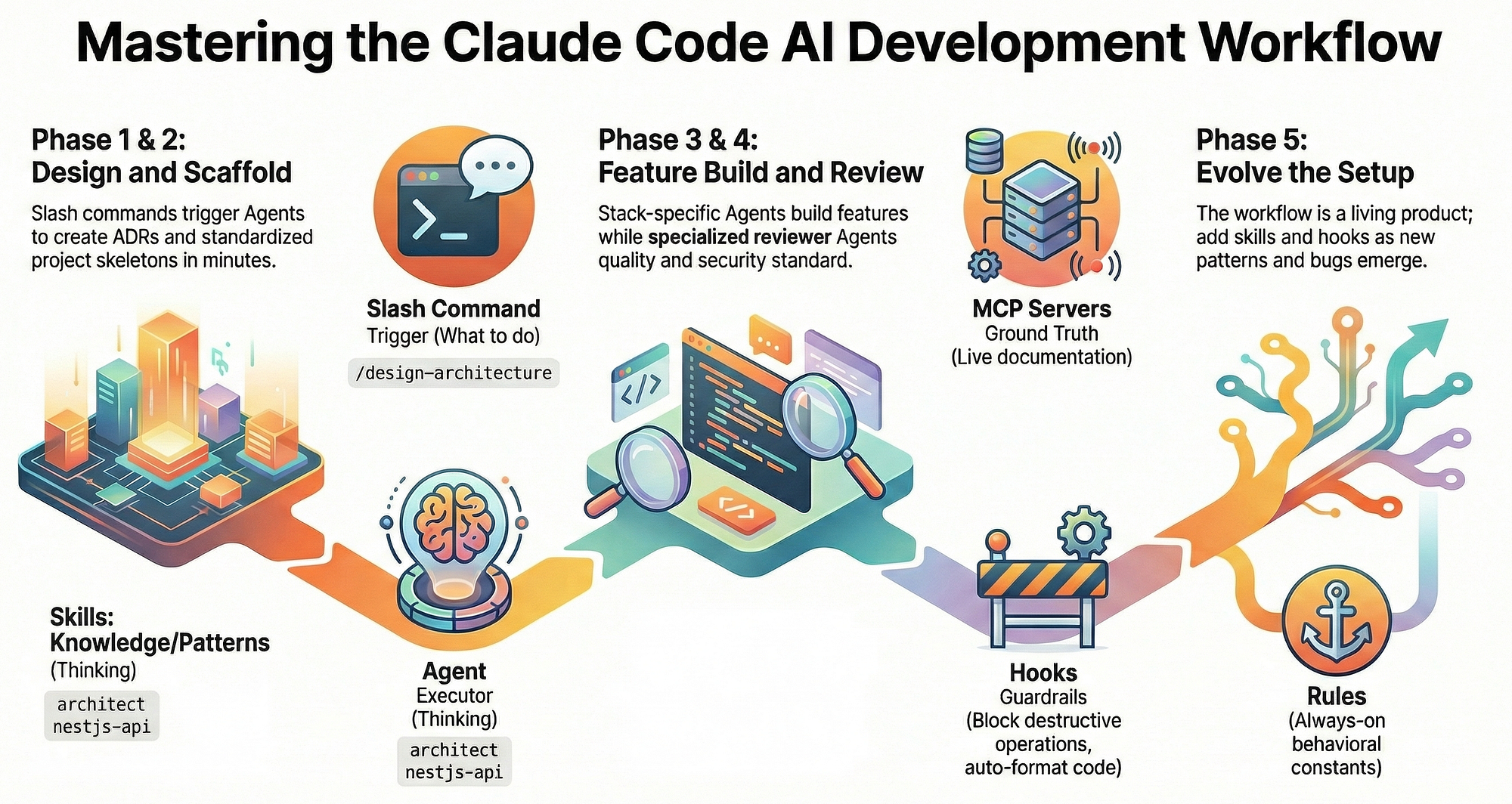
// My Claude Code setup — lessons from real production use (Medium, Feb 2026)
- Always run in a git repo with clean commits — easy rollback if needed.
- Combine with Claude's new sandboxing features (filesystem + network isolation).
- Monitor token usage with
/contextcommand before long runs. - For teams: Use Enterprise settings to enforce Auto Mode + audit logs.
- Never run Auto Mode on production servers without review — use isolated dev environments.
Ready for Truly Autonomous Development?
Claude Code Auto Mode is the biggest leap yet toward AI that doesn't just suggest code — it ships it. Stop approving every line. Start building at AI speed. Instant access to Claude Sonnet 4.6 / Opus 4.6, unified billing, free credits.
Get Started at www.ai.cc