
 OpenAI - ChatGPT, Sora
 Google - Gemini, Nano Banana
 Anthropic - Claude
 xAI - Grok
 Deepseek
 Alibaba - Qwen
 ByteDance - Doubao
 All Models
 Enterprise Plans
 AI Application Development
 AI Translator API
 AI SEO/GEO Service
 GEO-Optimized PR Service
 Web Scraping Service
 OpenClaw
 Top AI Tools
 Top AI Robots
 Log in











Claude Computer Use vs OpenClaw 2026: Which AI Agent Is Better?
Claude Computer Use vs OpenClaw in 2026
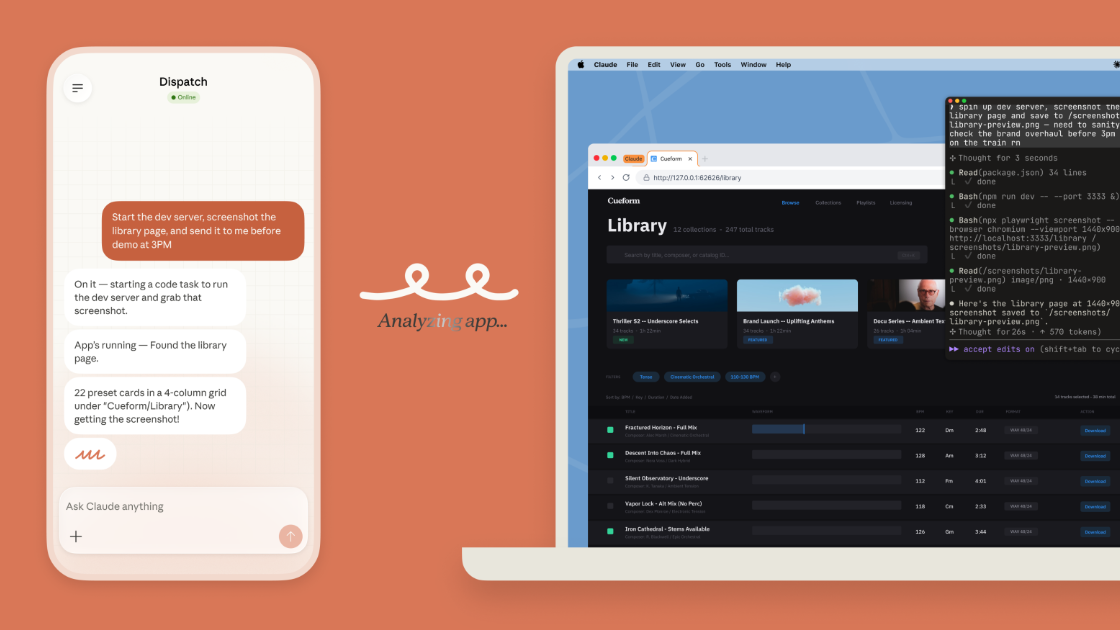
Anthropic’s March 2026 launch of Claude Computer Use (inside Claude Cowork and Claude Code) — paired with the Dispatch feature for phone-based task assignment — has sparked intense debate: Is this the “OpenClaw killer” that everyone’s been waiting for?
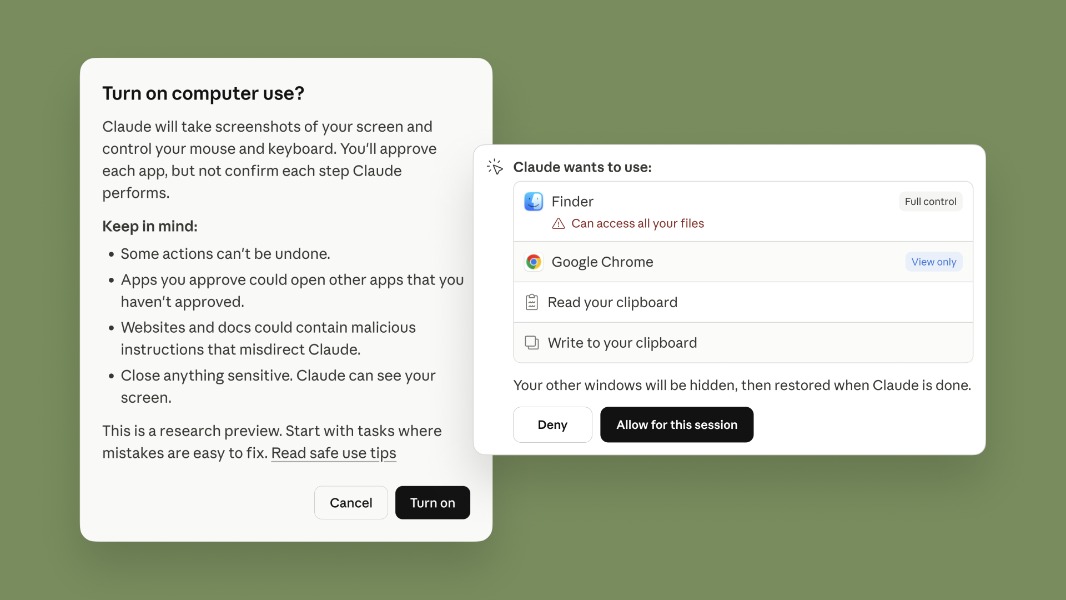
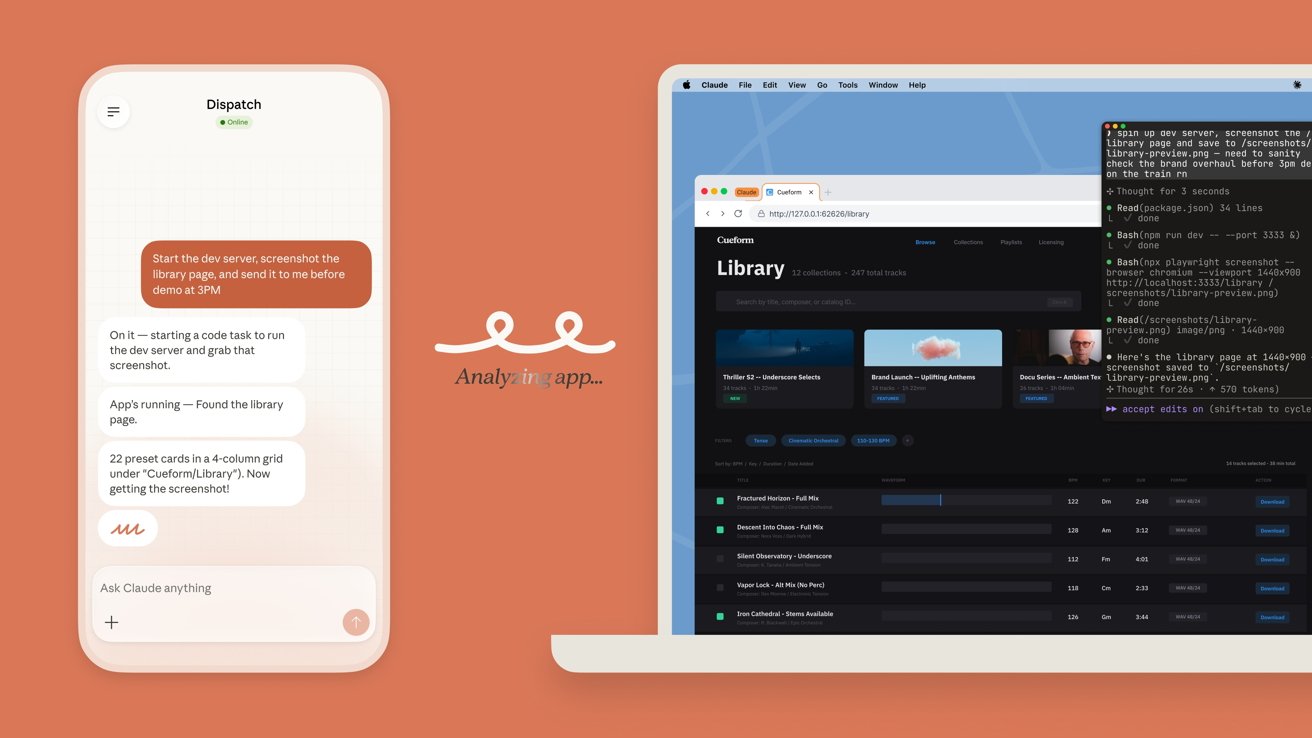
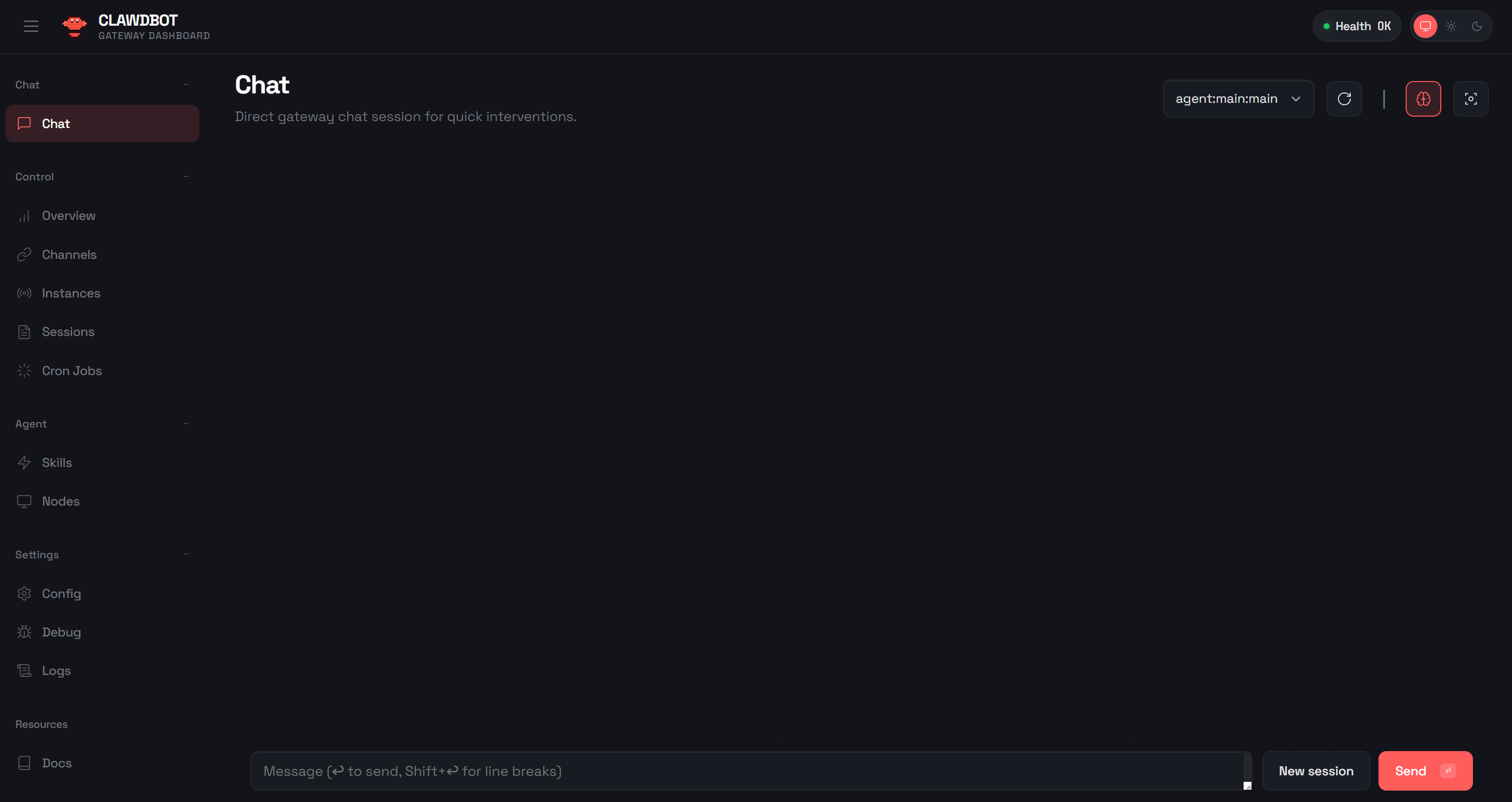
OpenClaw, the viral open-source AI agent (formerly known as Clawdbot or Moltbot), exploded in popularity earlier in 2026 with its ability to run locally, connect to messaging apps like WhatsApp and Slack, and execute real desktop tasks. Now, Claude brings polished screen control, mouse/keyboard simulation, and safer sandboxing to the mainstream.
After testing both extensively on macOS, here’s a no-fluff comparison of how they stack up in real workflows, their strengths and weaknesses, and who should choose which in 2026.
Technical Overview
Claude Computer Use + Dispatch
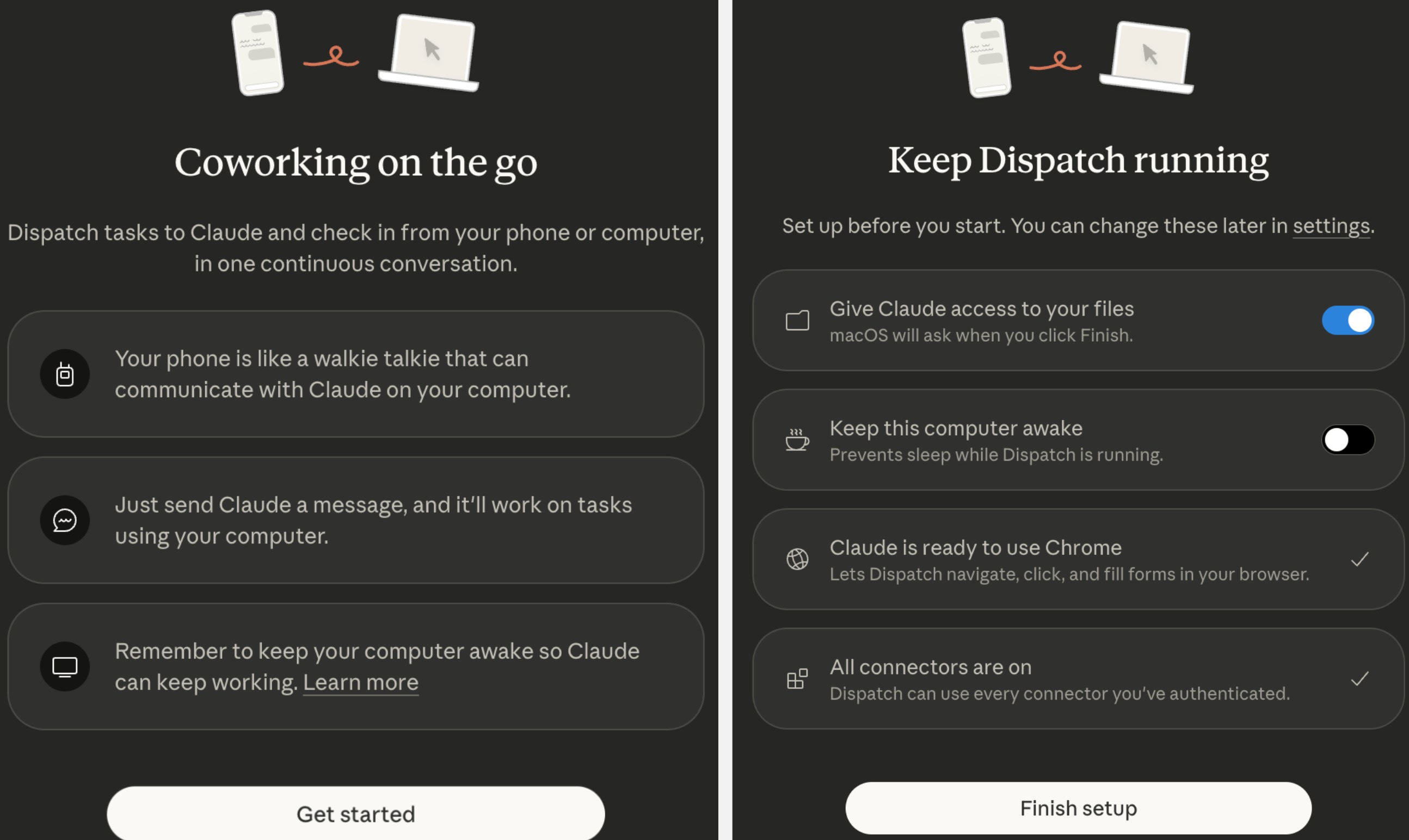
A research preview that lets Claude directly see your screen, move the mouse, click, type, and perform multi-step tasks across desktop apps. Dispatch allows you to assign tasks from your phone and receive updates when they’re done on your Mac. It’s tightly integrated with Anthropic’s powerful models and emphasizes granular permissions and safety.

OpenClaw
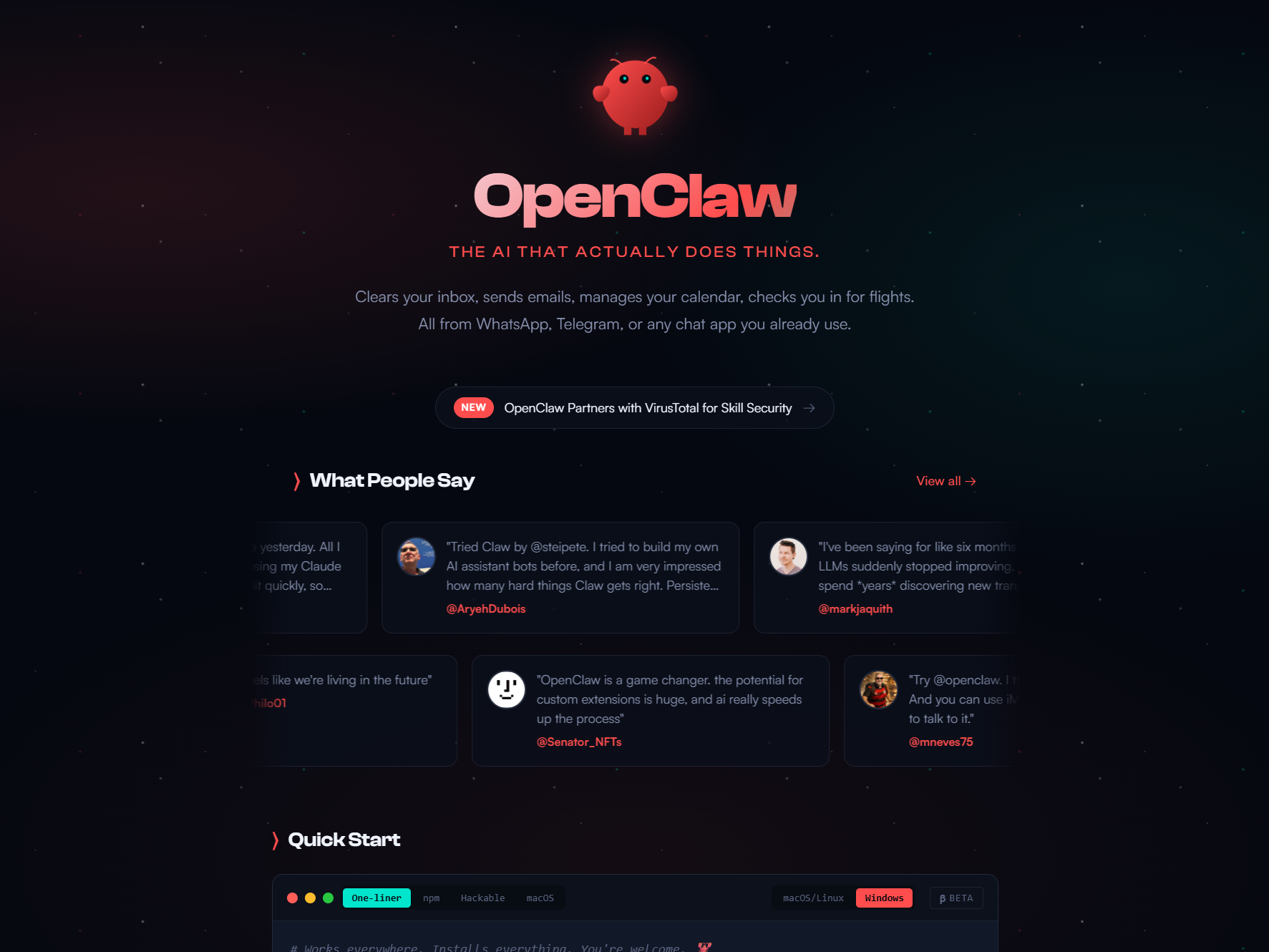
An open-source, self-hosted autonomous AI agent that runs on your machine (Mac, Windows, Linux). You interact with it primarily through chat apps (WhatsApp, Telegram, Slack, Discord, etc.). It’s model-agnostic — supporting Claude, GPT, local models via Ollama, and more — and uses a skills-based system for browser automation, file management, and persistent background tasks.
Head-to-Head Comparison
| Category | Claude Computer Use + Dispatch | OpenClaw |
|---|---|---|
| Primary Strength | High-quality reasoning + safe desktop control | Persistent autonomy + broad integrations |
| Platform Support | macOS (Windows soon); Claude apps only | Mac, Windows, Linux; Any messaging app |
| Model Support | Locked to Claude models | Model-agnostic (Claude, GPT, local LLMs) |
| Setup & Ease | Very easy (Pro/Max subscription) | Technical setup; self-hosted |
| Memory | Session-based (with Cowork persistence) | Persistent hierarchical memory |
| Security | Granular permissions & sandboxing | User-managed; higher risk but fully local |
| Best For | Knowledge work, coding, reliable async tasks | Life automation, always-on assistant |
Strengths and Weaknesses
Claude Wins When:
- You need strong reasoning for multi-step knowledge work (e.g., analyzing spreadsheets, drafting reports).
- Safety and permissions matter — Claude asks for explicit approval before sensitive actions.
- You want a polished, low-friction experience. Dispatch makes it feel magical: start a task on your commute and find it completed.

OpenClaw Wins When:
- You want a true “always-on” personal assistant that runs in the background and wakes up on schedules.
- You need deep integrations across messaging apps and third-party services.
- You prefer full control: run it locally with cheap or open-source models.
Security and Privacy
This is the biggest differentiator. Claude’s approach is more enterprise-friendly with granular, per-app permissions. OpenClaw is fully local and private by default, but you bear full responsibility for sandboxing.
Recommendation: Start both in isolated environments (VM or dedicated folder) if handling important files or credentials. Never grant blanket access on day one.
Final Verdict
Claude’s new Computer Use + Dispatch isn’t a complete “killer” of OpenClaw — it’s a different, more accessible evolution of the same idea. For most users tired of repetitive desktop drudgery, Claude feels more ready for prime time today. OpenClaw remains the experimental powerhouse for those willing to invest time in customization.
Which one are you deploying? Share your experience in the comments — we update this post weekly with real user insights.