
 OpenAI - ChatGPT, Sora
 Google - Gemini, Nano Banana
 Anthropic - Claude
 xAI - Grok
 Deepseek
 Alibaba - Qwen
 ByteDance - Doubao
 All Models
 Enterprise Plans
 AI Application Development
 AI Translator API
 AI SEO/GEO Service
 GEO-Optimized PR Service
 Web Scraping Service
 OpenClaw
 Top AI Tools
 Top AI Robots
 Log in


Google Stitch 2026: The Game-Changing Vibe Design Update
Build AI App Prototypes in Under 5 Minutes
Google Stitch's March 2026 Vibe Design update changes everything. Describe an app idea — or speak it — and instantly get high-fidelity, editable, interactive UI with clean code export. No Figma required.
Why Stitch 2026 Is a Must-Try
If you're building with AI APIs like Gemini, you know the bottleneck: going from idea to a working, interactive prototype often takes hours or days of sketching in Figma, coding frontend, and wiring logic.
Google Stitch's March 2026 Vibe Design update changes that. Now a full AI-native infinite canvas inside Google AI Studio, Stitch lets you describe or speak an app idea and instantly get high-fidelity, editable, interactive UI with clean code export.
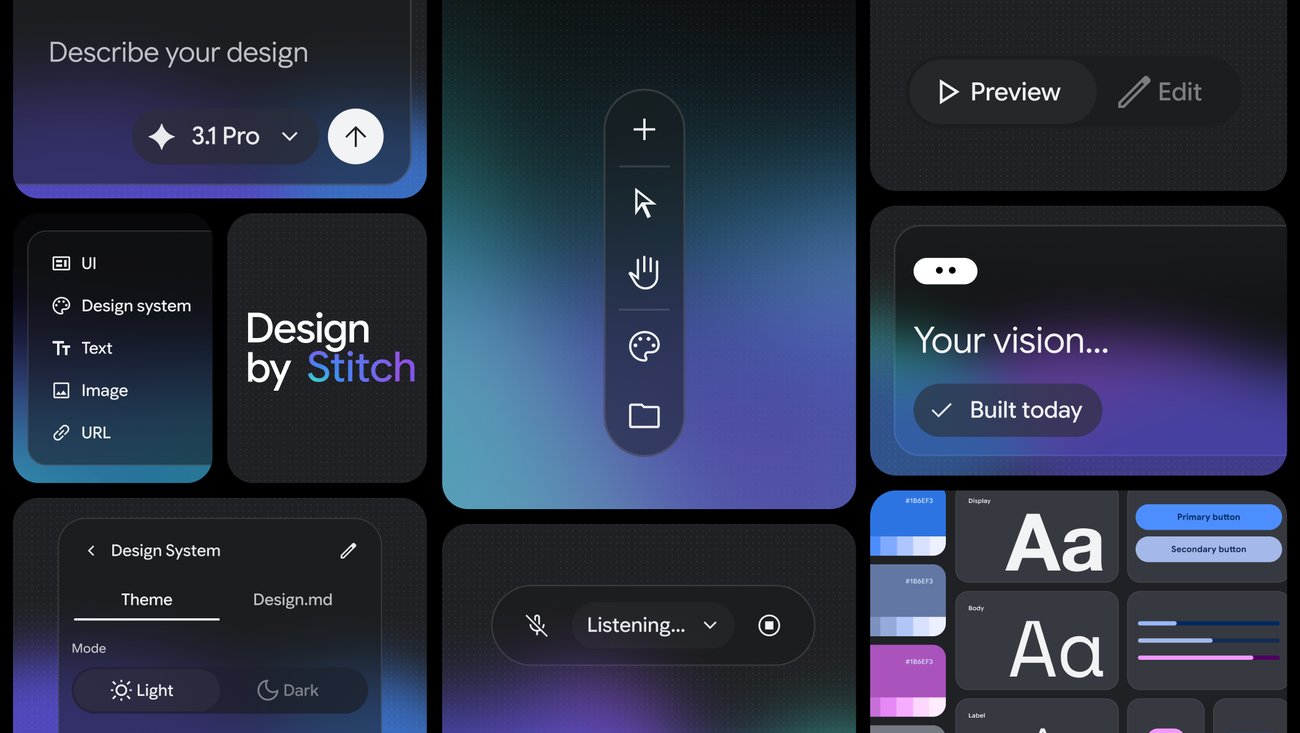
// Google Stitch 2026 interface — AI-native canvas, Vibe Design tools, and preview options (Source: Google Labs)
What's New: Vibe Design Explained
The biggest upgrade is Vibe Design: instead of starting with rigid wireframes, you describe the feeling and goal — for example, "modern dark SaaS dashboard with glassmorphism, calm productivity vibe, floating action button." Stitch's AI agent generates multiple high-fidelity screens, understands context from images, text, or code you drop in, and lets you iterate with natural language or voice.
Infinite AI canvas for free-form exploration across unlimited screens
Voice input + real-time listening — design by speaking
"Make the cards larger and add subtle hover glow" — changes appear instantly
Instant Prototype mode: click to simulate user flows; AI auto-generates logical next screens
DESIGN.md export for handing off to Cursor, Claude, or other AI tools
Clean HTML/Tailwind export or direct push to Google AI Studio
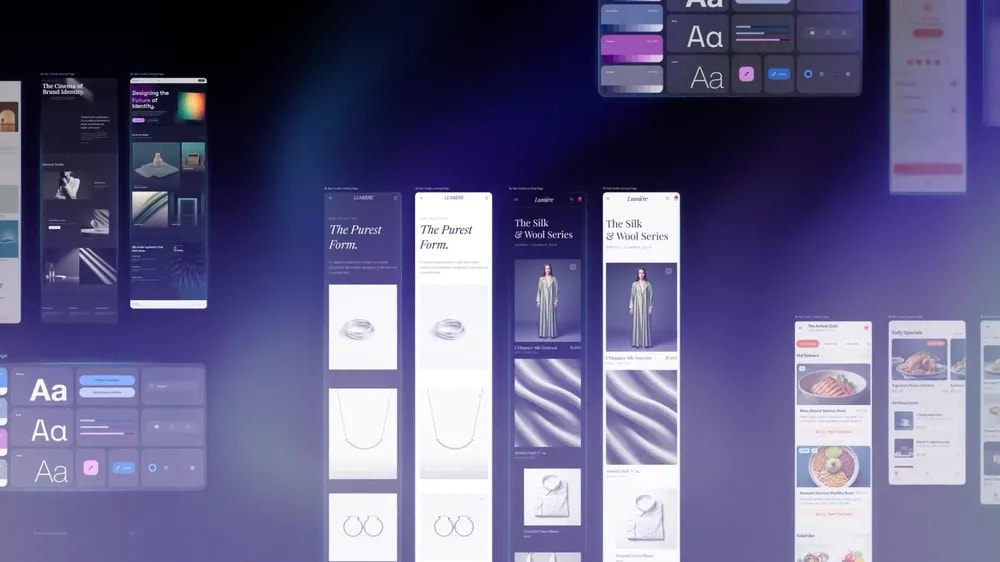
// Multiple high-fidelity UI variants generated on the infinite canvas using Vibe Design
Step-by-Step: Build an AI App in ~5 Minutes
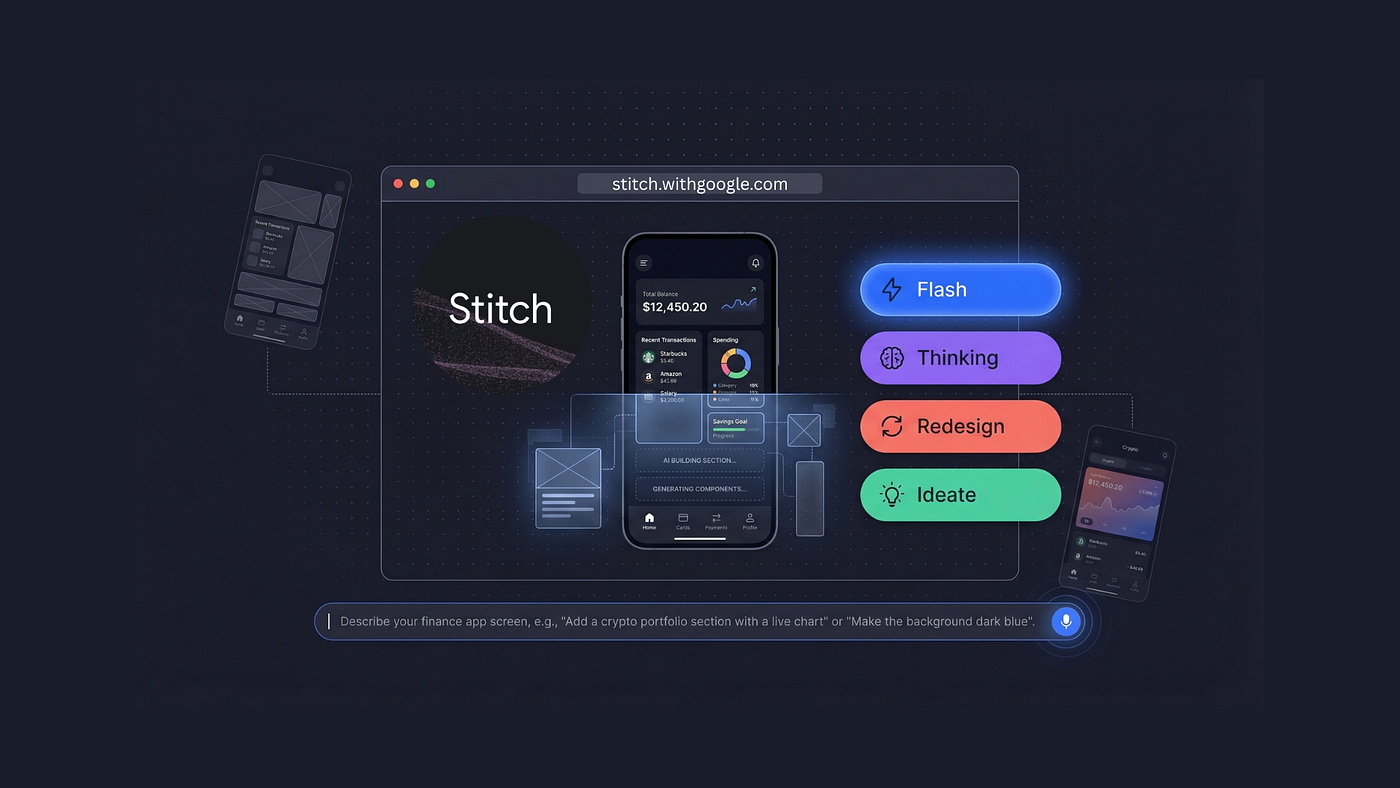
// Stitch generating a finance app dashboard prototype from a text prompt
- Open Stitch — Go to stitch.withgoogle.com (free with Google account) and start a new project in Vibe Design mode.
- Describe your vision — Type or speak:
"Modern AI assistant web app with dark theme, glassmorphism chat window on the left, image generation gallery on the right with infinite scroll, floating generate button using Gemini."Stitch generates the full layout in seconds. - Refine with Direct Edits & Voice — Select any element and say:
"Add markdown support to chat with typing animation"or"Make the gallery cards larger with lazy loading."Changes appear instantly. - Create Interactive Prototype — Click the Play / Instant Prototype button. Stitch connects screens into a clickable flow and auto-generates missing screens based on user clicks.
- Export Code — Export clean HTML + Tailwind (or feed into AI Studio for full React/TS). The output is structured and ready for development.
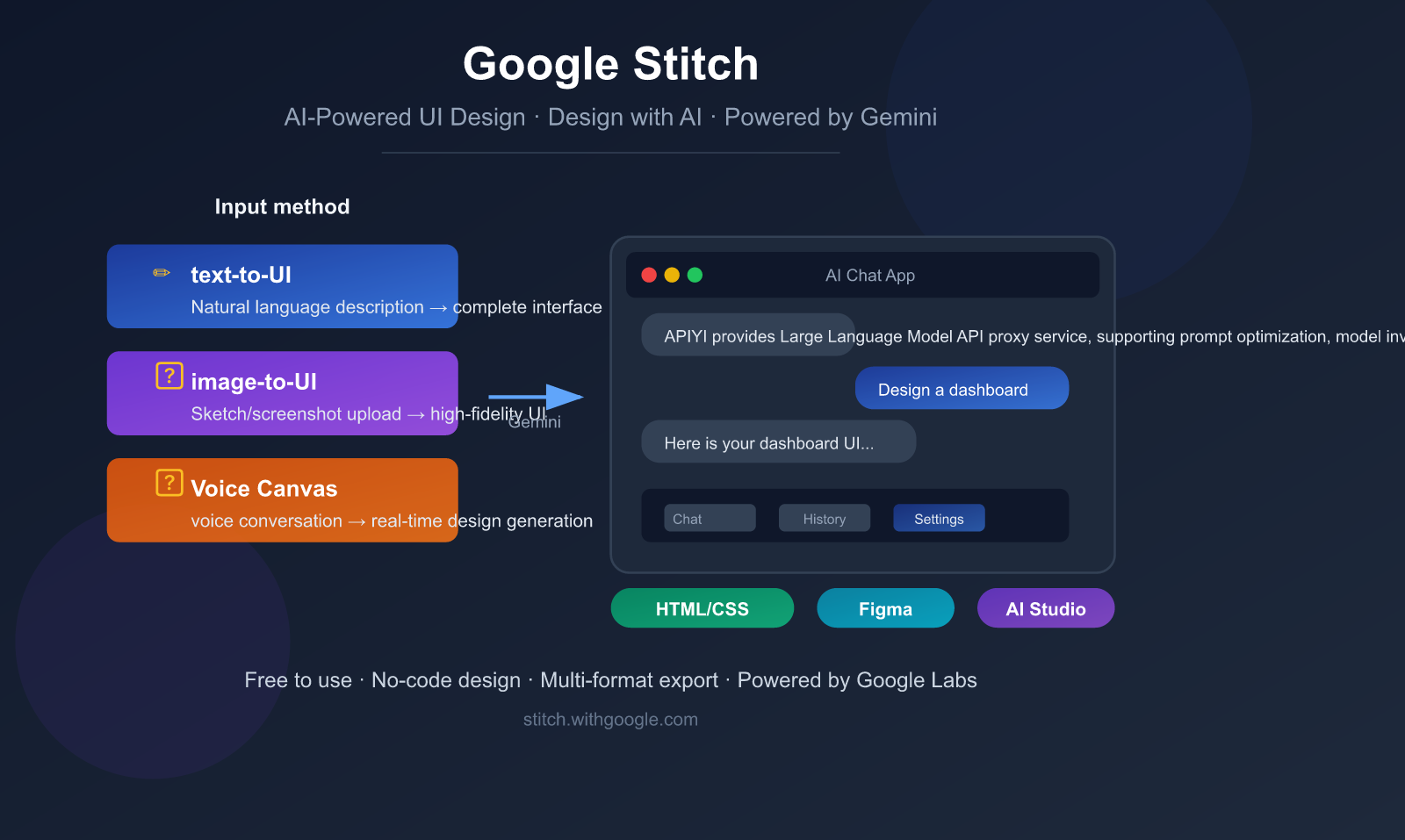
// Stitch's input methods: text-to-UI, image-to-UI, and Voice Canvas, with export to HTML/CSS, Figma, or AI Studio
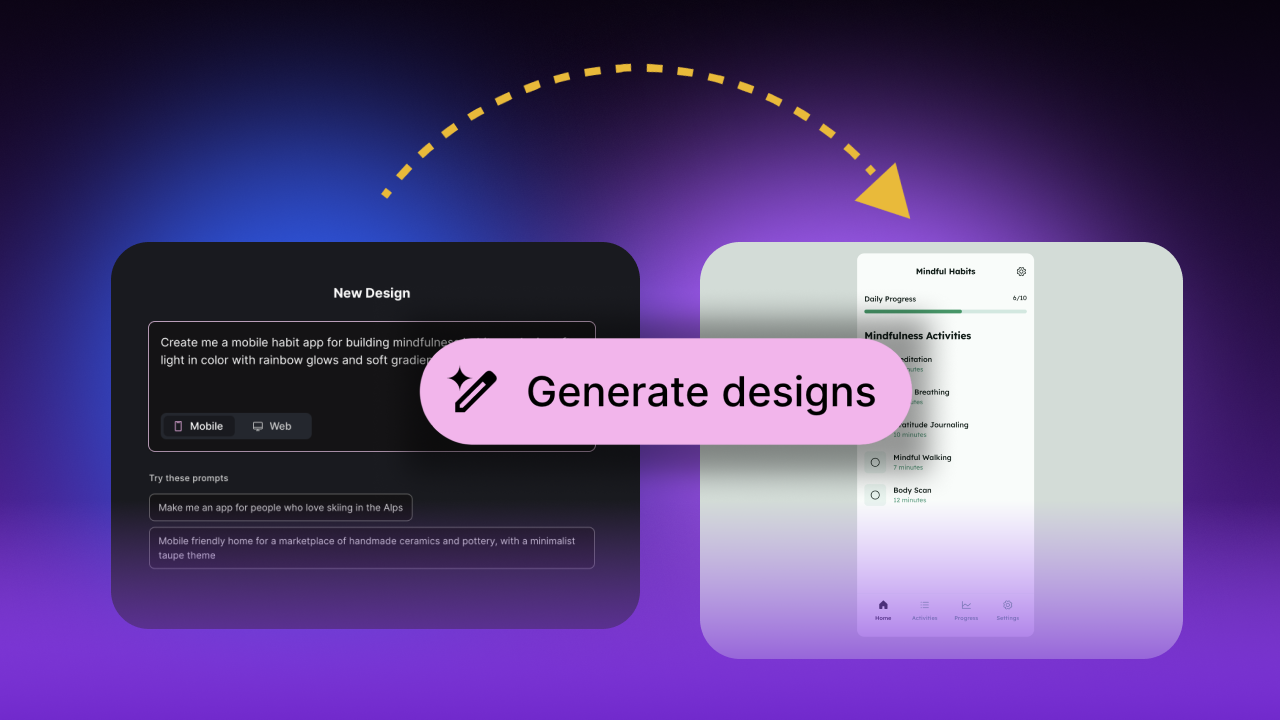
// Real generated prototype — a habit tracking app UI created from a natural language prompt
Real Examples Developers Are Building
- SaaS dashboards with live charts and AI actions
- Multimodal apps combining chat + image generation
- Mobile-first tools with smooth flows and dark/light themes
The speed and quality make Stitch ideal for rapid iteration before wiring real backend logic.
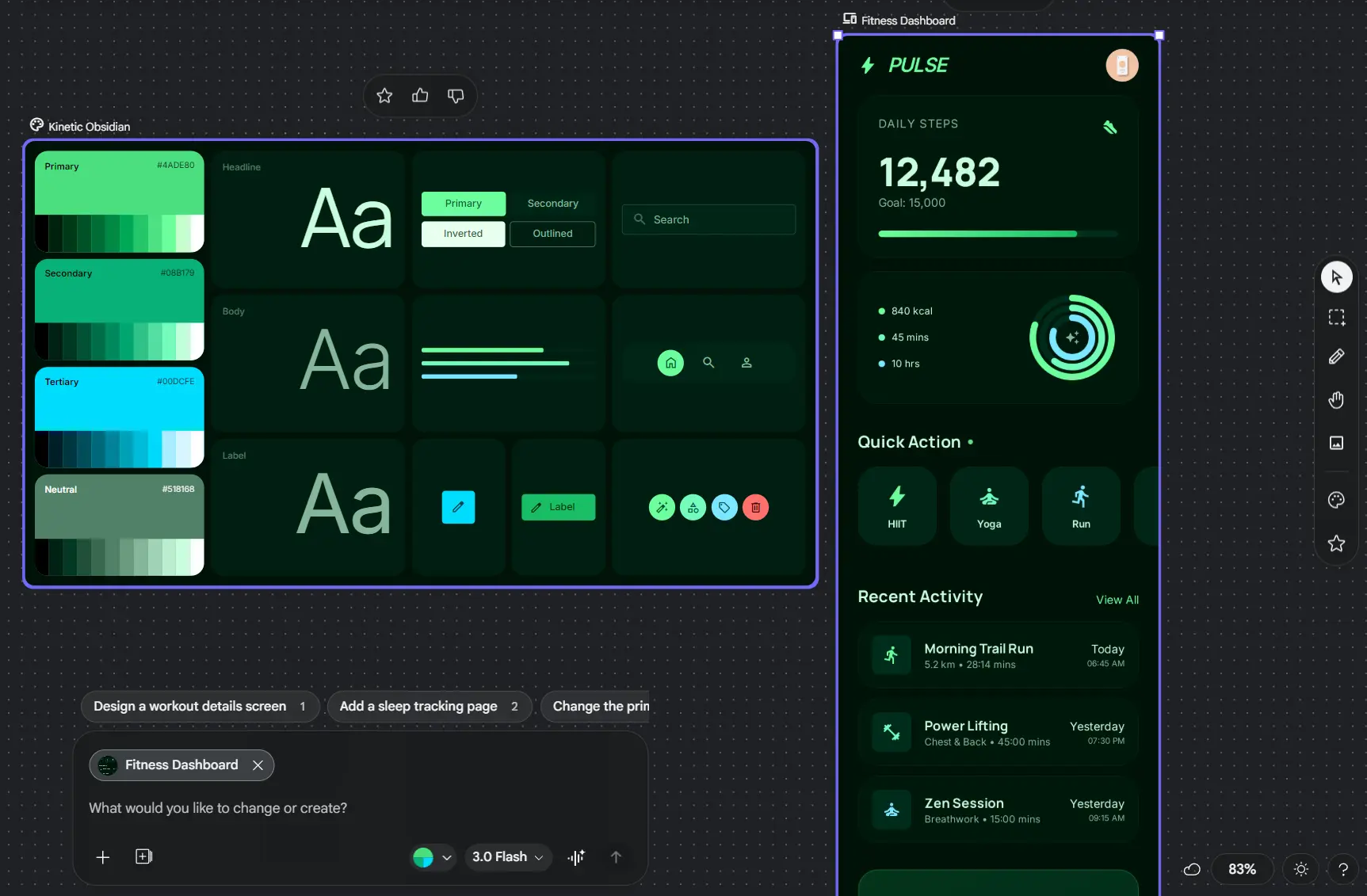
// Fitness dashboard prototype generated and refined in Stitch — clean, modern, and interactive
Stitch 2026 vs Figma — Honest Comparison
| Feature | Google Stitch 2026 | Figma + AI Plugins | Winner |
|---|---|---|---|
| Starting from "vibe" | Native — describe feeling & goal | Requires wireframes or plugins | Stitch |
| Natural language edits | Real-time Direct Edits + voice | Limited to plugins | Stitch |
| Instant interactive flow | Built-in auto-generation | Manual or plugin-based | Stitch |
| Code export quality | Clean HTML/Tailwind, ready for dev | Good but often needs cleanup | Stitch |
| Speed (idea → prototype) | Under 5 minutes | 20–60+ minutes | Stitch |
| Price | Free | Subscription + plugins | Stitch |
Stitch excels at early-stage AI product exploration. Figma remains stronger for polished design systems and team collaboration at scale.
Pro Tips for Maximum Productivity
Power User Moves
- Drop reference images or URLs onto the canvas for instant style matching.
- Export
DESIGN.mdto continue refinement in Cursor or Claude. - Use Experimental Mode (Gemini 3.1 Pro) for higher fidelity outputs.
- Combine generated UI directly with Gemini API calls for live intelligence.
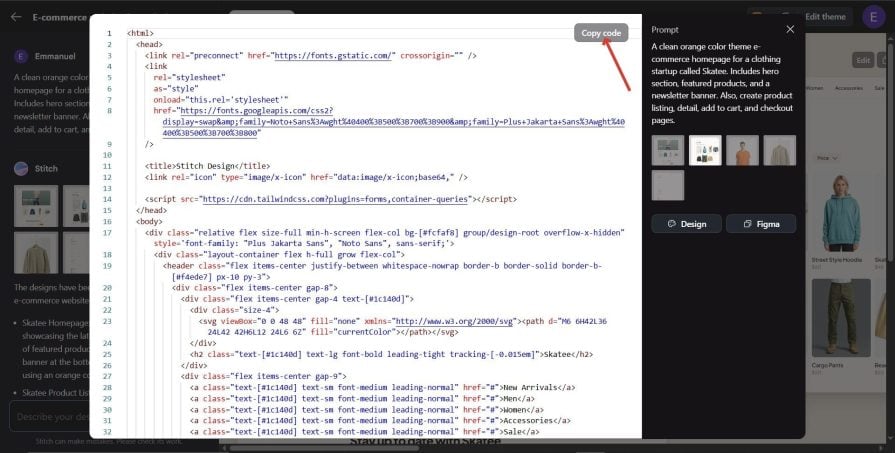
// Exported code view from a Stitch-generated e-commerce UI (Tailwind/HTML) — LogRocket
Ready to Build Your First Stitch Prototype?
Google Stitch 2026 with Vibe Design isn't just another design tool — it's a fundamental shift in how fast we go from idea to testable, interactive AI-powered prototypes. Free. In your browser. Right now.
Open Stitch — It's Free