
 OpenAI - ChatGPT, Sora
 Google - Gemini, Nano Banana
 Anthropic - Claude
 xAI - Grok
 Deepseek
 Alibaba - Qwen
 ByteDance - Doubao
 All Models
 Enterprise Plans
 AI Application Development
 AI Translator API
 AI SEO/GEO Service
 GEO-Optimized PR Service
 Web Scraping Service
 OpenClaw
 Top AI Tools
 Top AI Robots
 Log in


Google Veo 3 1 Guide to Cinematic AI Video with Audio and Control
The landscape of generative video has shifted dramatically in 2025. While the race for AI video supremacy continues with contenders like Sora 2 and Kling AI, a new benchmark has been set.
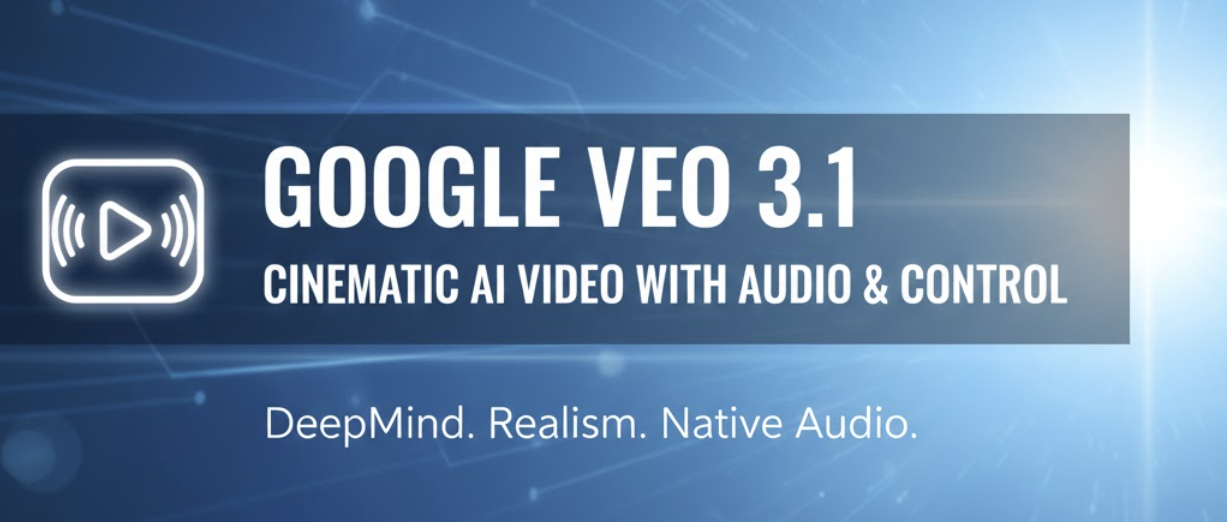
According to the original analysis in "The New State of AI Video", Google has countered global competition with Google Veo-3.1. This update from Google DeepMind delivers unprecedented cinematic realism, native synchronized audio, and advanced creative controls that redefine the boundary between AI generation and professional filmmaking.
What is Google Veo-3.1?
Google Veo-3.1 is the latest evolution in Google's AI video generation lineup. Building upon the foundations of Veo 1.0, this 2025 release handles both text-to-video and image-to-video workflows. It is specifically designed to meet the high-fidelity demands of marketers, professional filmmakers, and content creators who require more than just "moving pictures."
🚀 Key Features & Technological Capabilities
1. Superior Visual Fidelity & Physics
Veo 3.1 enhances visual realism through sophisticated temporal coherence. It outputs 1080p resolution at 24 FPS, supporting both cinematic 16:9 and vertical 9:16 formats. The model excels at rendering detailed textures, natural lighting, and realistic shadows that obey the laws of physics more consistently than its predecessors.
2. Native Synchronized Audio
One of the standout features is the integration of native audio generation. The model doesn't just create visuals; it generates matching soundscapes, ambient effects, and even lip-synced dialogue for multi-person scenes. While complex scenes may still benefit from post-production, the initial synchronization is a significant leap forward.
3. "Ingredients-to-Video" Consistency
Creators can now use up to three reference images to maintain character and style consistency. This "ingredients" approach ensures that a character or environment looks the same across multiple generated clips—a historical pain point in AI video production.
4. Advanced Camera Control
The model understands complex cinematic terminology. Users can direct the "virtual camera" using terms like drone shots, Dutch angles, tracking shots, or handheld aesthetics, allowing for professional-level storyboarding.
Access, Workflow, and Investment
Accessing Veo 3.1 is streamlined through Google's professional ecosystem. Users can engage with the model via Gemini Advanced, the standalone generator interface, or through Google Flow for advanced editing.
💰 Pricing Structure (2025 Estimates):
- Gemini Advanced Subscription: Approximately $20/month, which includes a set quota of high-priority video generations.
- Google Flow / Professional Tiers: New users often receive free credits to trial the system.
- Ultra Plan: Offers a "fast mode" for lower-latency generation at a premium, while standard modes remain cost-effective for long-form experimentation.
Veo-3.1 vs. The Competition
| Feature | Google Veo 3.1 | OpenAI Sora 2 | Runway / Kling |
|---|---|---|---|
| Accessibility | High (Public/Gemini) | Limited / Invite Only | High (Web/App) |
| Native Audio | Yes (Lip-synced) | Partial/Experimental | Variable |
| Character Control | 3-Image Reference | High (Text based) | Hyper-realism Focus |
🎬 The Cinematic Prompting Formula
To get the best results from Veo 3.1, follow this structural hierarchy for your prompts:
[Cinematography] + [Subject] + [Action] + [Context] + [Style]
Example Prompt:
"Sweeping drone shot of a lone astronaut planting a flag on a dusty asteroid, rings of a gas giant in the deep purple sky, 70mm sci-fi epic aesthetic with sharp chiaroscuro lighting and cinematic lens flare."
Limitations & Ethical Framework
Despite its power, Veo 3.1 has constraints. Base clips remain relatively short, and maintaining a consistent narrative over 5-minute durations requires significant manual stitching. Audio quality can vary depending on the complexity of the background noise requested.
To address safety, Google utilizes SynthID watermarking. This invisible digital watermark embeds information directly into the pixels and audio, ensuring that AI-generated content can be identified, mitigating the risks of deceptive deepfakes.
Frequently Asked Questions
Q1: How can I try Google Veo-3.1 right now?
The primary access point is through a Gemini Advanced subscription. Alternatively, the Google Flow editor offers a dedicated creative workspace, often providing a free trial of generation credits for new users.
Q2: Can I keep the same character across different videos?
Yes. By using the "Ingredients-to-Video" feature, you can upload up to three reference images of a character. The AI uses these as a visual anchor to maintain the same appearance across different prompts and scenes.
Q3: How does the lip-syncing feature work?
Veo 3.1 analyzes the dialogue provided in the text prompt and uses native audio synthesis to generate speech. It simultaneously animates the character's mouth movements to match the phonemes of the generated audio in real-time.
Q4: Is Veo 3.1 better than OpenAI Sora 2?
It depends on your goal. Veo 3.1 is currently more accessible and offers better creative control (via reference images and audio). Sora 2 is often praised for slightly more fluid human motion and physics but remains harder for the general public to access.