
 OpenAI - ChatGPT, Sora
 Google - Gemini, Nano Banana
 Anthropic - Claude
 xAI - Grok
 Deepseek
 Alibaba - Qwen
 ByteDance - Doubao
 All Models
 Enterprise Plans
 AI Application Development
 AI Translator API
 AI SEO/GEO Service
 GEO-Optimized PR Service
 Web Scraping Service
 OpenClaw
 Top AI Tools
 Top AI Robots
 Log in
How I Set Up Openclaw on a Mac Mini
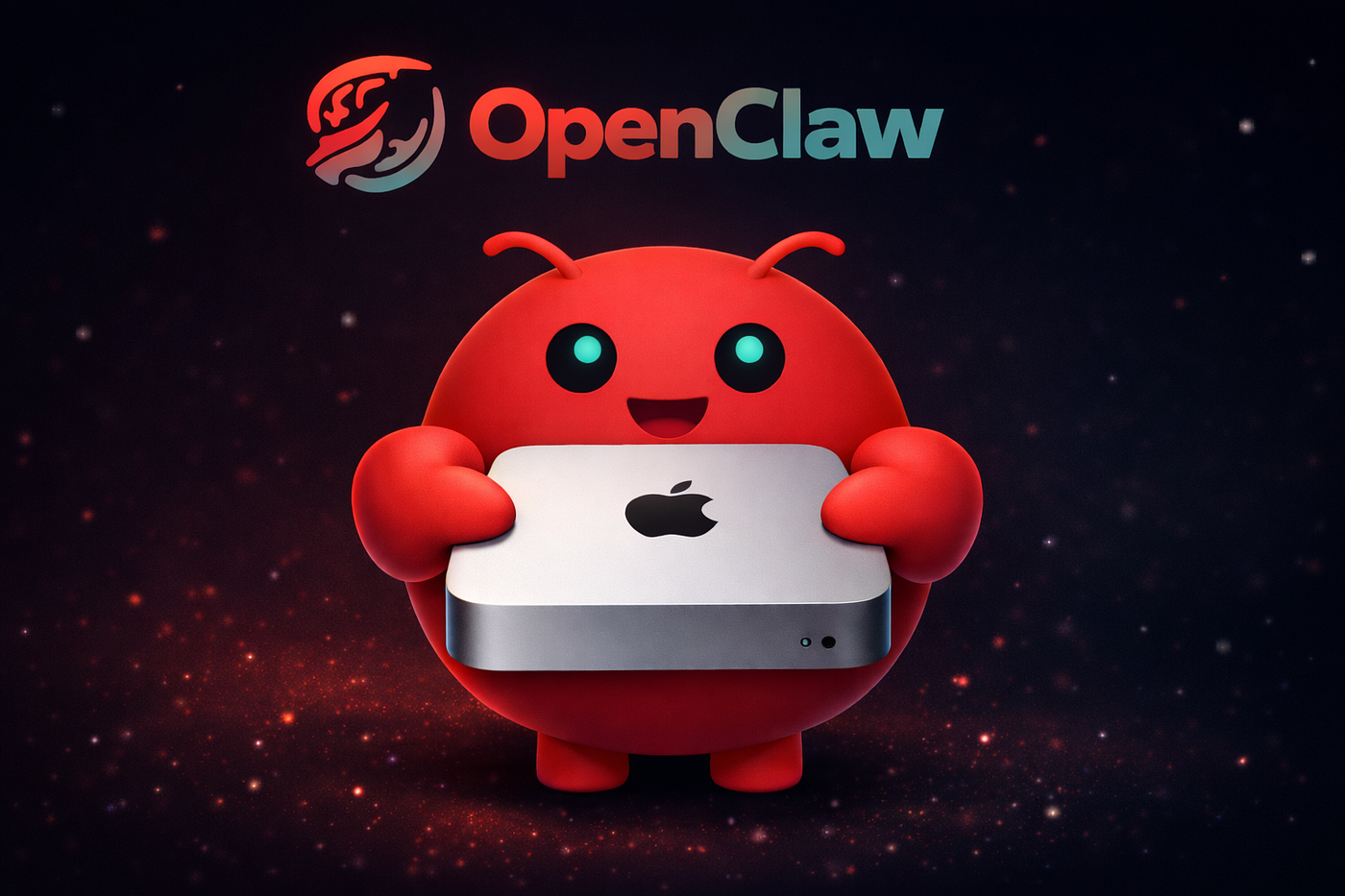
🖥️ Why a Mac Mini Is Ideal for OpenClaw
The Mac Mini occupies a unique sweet spot for self-hosted AI: it is small enough to tuck behind a monitor, quiet enough to sit on a desk, and powerful enough to handle every task OpenClaw throws at it. Apple Silicon's unified memory architecture means the GPU and CPU share the same RAM pool, which is a significant advantage when running local AI models through Ollama.
Compared to a VPS, a Mac Mini has no recurring cloud fees after the initial purchase. Compared to a Linux server, it requires minimal maintenance because macOS handles updates, disk encryption (FileVault), and security patches automatically. For OpenClaw creator Peter Steinberger (@steipete), a Mac Mini running at home is the reference deployment target.
If you prefer containers, you can also run OpenClaw in Docker on macOS using Docker Desktop or OrbStack for an extra layer of isolation.
⚙️ Hardware Recommendations
Any Apple Silicon Mac Mini works, but the right configuration depends on how you plan to use OpenClaw:
- Mac Mini M2 (8 GB) — Sufficient for cloud-only models (Anthropic Claude, OpenAI). Handles the OpenClaw gateway, messaging channels, and browser automation comfortably.
- Mac Mini M2 Pro (16 GB) — Recommended if you want to run small local models (7B parameters) alongside OpenClaw.
- Mac Mini M4 (16-32 GB) — The current best pick. The M4 chip delivers faster single-threaded Node.js performance and more GPU cores for local inference. 24 GB or 32 GB of unified memory lets you run 13B-34B parameter models locally.
- Mac Mini M4 Pro (48 GB) — For users who want to run 70B+ parameter models or multiple local models simultaneously.
Storage matters less for OpenClaw itself (it uses under 1 GB), but local AI models can be 4-40 GB each. The base 256 GB SSD is tight if you plan to keep multiple models downloaded; 512 GB or more is recommended.
📡 Headless macOS Setup
A "headless" Mac Mini runs without a monitor, keyboard, or mouse. macOS supports this natively, but a few settings make it more reliable:
- Enable Remote Login (SSH) in System Settings > General > Sharing. This is your primary way to manage the machine remotely.
- Enable Screen Sharing (VNC) for the occasional graphical task.
- Set the machine to automatically log in to your user account in System Settings > Users & Groups > Login Options.
- If you do not have a monitor plugged in, macOS defaults to a low resolution for Screen Sharing. A $10 HDMI dummy plug forces a higher resolution if you need it.
SSH into the Mac Mini from any other machine using ssh username@mac-mini.local (Bonjour) or its static IP address. From there, you can install OpenClaw with npm i -g openclaw, edit configuration, and manage the gateway. For installation details, follow the Quick Setup Guide.
🚀 Auto-Starting OpenClaw on Boot
To ensure OpenClaw starts automatically after a reboot or power outage, create a macOS Launch Daemon. Save the following plist file to /Library/LaunchDaemons/io.openclaw.gateway.plist:
Load it with sudo launchctl load /Library/LaunchDaemons/io.openclaw.gateway.plist. The KeepAlive key tells macOS to restart the process if it ever crashes. Check logs with tail -f /var/log/openclaw.log.
🔋 Power Management for 24/7 Operation
By default, macOS aggressively sleeps inactive machines. For an always-on server, disable sleep entirely:
The autorestart flag is critical: if your home loses power for a moment, the Mac Mini boots back up as soon as electricity returns, and the Launch Daemon starts OpenClaw automatically.
Apple Silicon Mac Minis are remarkably power-efficient. At idle, an M2 Mac Mini draws approximately 5-7 watts. Under typical OpenClaw workloads (handling messages, running the gateway), expect 8-15 watts. That translates to roughly $1-2 per month in electricity at average US rates — far cheaper than any cloud VPS.
🔄 Running OpenClaw Around the Clock
With auto-start and power management configured, your Mac Mini becomes a reliable always-on server. To keep it healthy long-term:
- Automatic updates — Enable automatic macOS security updates but schedule full upgrades for a maintenance window. Major OS updates occasionally break Node.js or npm global packages.
- Monitoring — Use the OpenClaw Dashboard to monitor gateway status and active sessions from any browser on your network.
- Backups — Time Machine backs up your entire
~/.openclawdirectory including configuration and memory databases. Point it at a USB drive or NAS. - UPS — A small uninterruptible power supply prevents data corruption during power outages and gives the Mac Mini a clean shutdown window.
For the most secure configuration, review the Secure OpenClaw Setup guide and ensure your home network's firewall does not expose port 18789 to the internet. Access the gateway remotely via a VPN or SSH tunnel instead.
🧠 Running Local Models on Apple Silicon
One of the biggest advantages of a Mac Mini is running AI models locally with Ollama, eliminating cloud API costs and keeping all data on your hardware. Apple Silicon's Metal GPU acceleration makes local inference surprisingly fast:
- 8 GB RAM — Run 7B parameter models (Llama 3.1 7B, Mistral 7B) at usable speeds
- 16-24 GB RAM — Run 13B-34B models comfortably, ideal for most use cases
- 48+ GB RAM — Run 70B models like Llama 3.1 70B for near-cloud-quality responses
Install Ollama with brew install ollama, pull a model with ollama pull llama3.1, and configure OpenClaw to use it as described in our Ollama integration guide. The combination of a Mac Mini, Ollama, and OpenClaw gives you a fully private, zero-subscription AI assistant accessible via Telegram, Discord, or any other supported channel.
💬 Frequently Asked Questions
Yes, OpenClaw runs on any Mac with Node.js 22+. However, Intel Mac Minis lack the unified memory architecture and Metal GPU acceleration needed for local AI model inference, and they draw significantly more power at idle. An Apple Silicon Mac Mini is strongly recommended for always-on use.
An Apple Silicon Mac Mini draws 5-15 watts under typical OpenClaw workloads. At the US average electricity rate of about $0.16 per kWh, that works out to roughly $1-2 per month, making it far cheaper than any cloud server.
For simplicity, install OpenClaw directly with npm and manage it via a Launch Daemon. Docker adds overhead through the Linux VM layer on macOS. However, Docker is useful if you want strict isolation or plan to run additional services in containers alongside OpenClaw.
Absolutely. The OpenClaw gateway is a lightweight Node.js process that easily manages Telegram, Discord, WhatsApp, Slack, Signal, and iMessage channels running at the same time on even the base M2 Mac Mini.