
 OpenAI - ChatGPT, Sora
 Google - Gemini, Nano Banana
 Anthropic - Claude
 xAI - Grok
 Deepseek
 Alibaba - Qwen
 ByteDance - Doubao
 All Models
 Enterprise Plans
 AI Application Development
 AI Translator API
 AI SEO/GEO Service
 GEO-Optimized PR Service
 Web Scraping Service
 OpenClaw
 Top AI Tools
 Top AI Robots
 Log in

How to Get Grok to Animate Images
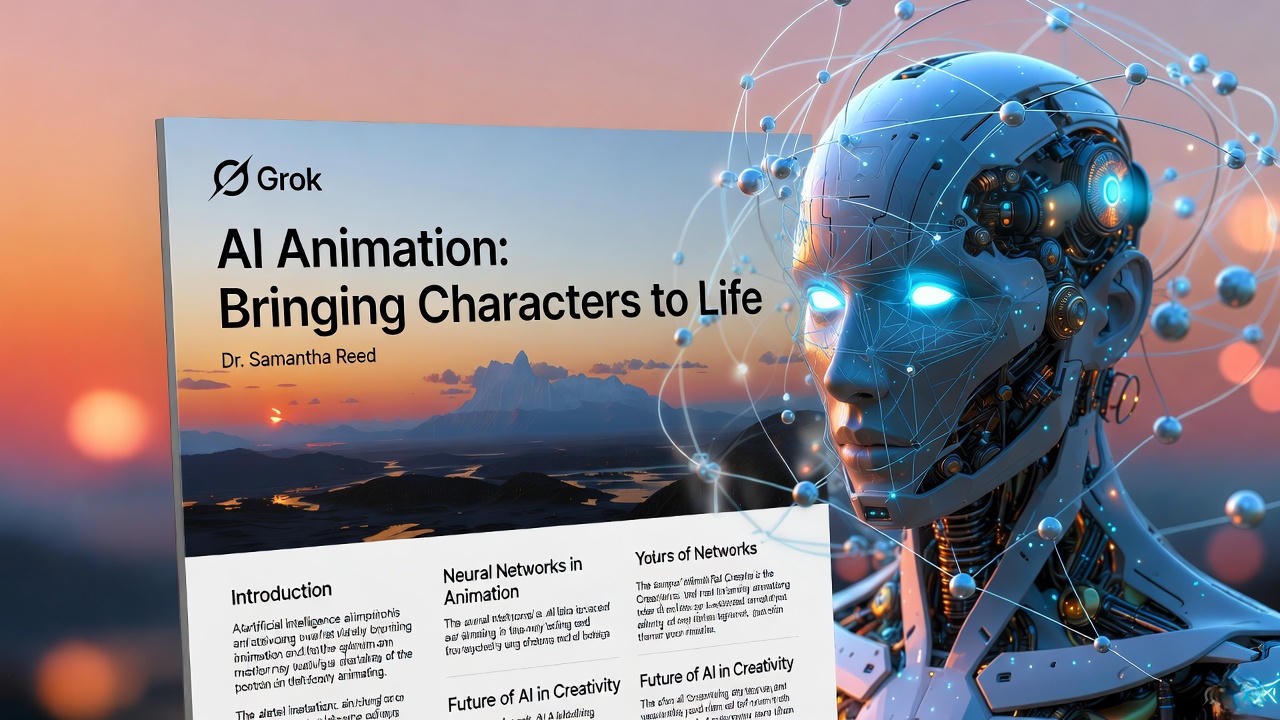
In the rapidly evolving world of artificial intelligence, the ability to animate static images has become a fascinating frontier. Grok, developed by xAI, stands out as a versatile AI assistant that goes beyond simple text generation. Unlike traditional chatbots, Grok leverages a suite of integrated tools—specifically code execution—to manipulate digital assets dynamically.
If you have ever wondered how to get Grok to animate an image—turning a still photo into a moving scene with subtle effects like waving flags, flowing water, or parallax shifts—this guide will walk you through the process. But we will go beyond the basics. We will explore the broader implications of AI in image animation, delve into the underlying Python libraries like Matplotlib and OpenCV, and discuss the future of generative video.
Understanding Grok: The "Coder" Approach to Animation
To master image animation with Grok, one must first understand its architecture. Grok is not a native "Video Diffusion Model" like OpenAI's Sora or Runway Gen-2. It does not "dream" up video frames from noise in the same way. Instead, Grok acts as an intelligent programmer.
When you ask Grok to animate an image, it doesn't use a "magic button." It writes and executes Python code to mathematically manipulate the pixels of your image over time. This distinction is crucial because it gives you, the user, granular control over the physics and logic of the animation.
Code Execution
Grok accesses a secure sandbox environment where it can run Python scripts. It utilizes libraries like PIL (Pillow) for image manipulation and Matplotlib for rendering frames.
Visual Analysis
Through its computer vision capabilities, Grok can "see" your uploaded image, identify distinct elements (like the sky or water), and target those specific areas for animation.
Algorithmic Motion
Instead of hallucinating movement, Grok calculates movement using mathematical functions (Sine waves for water, affine transformations for zoom), ensuring logical consistency.
Step-by-Step Guide to Animating Images with Grok
Prepare and Upload Your Image
Begin by selecting a high-quality static image. Images with distinct layers (foreground/background) or natural elements (water, clouds) work best. Upload the image directly to the chat interface or provide a direct URL.
Prompt Tip: "View this image and identify the main elements that could logically move, such as the water or the clouds."
Craft a Technical Prompt
The magic happens in the prompt. Do not just say "animate this." Be specific about the method. Instruct Grok to use its code_execution tool.
The Logic Behind the Code
Grok will internally generate a script. For a flowing water effect, it might use a "shift" function on the pixel array. Here is a conceptual look at what Grok does:
- Import: Loads
numpyfor matrix math andPILfor image loading. - Masking: Selects specific pixels (e.g., only blue pixels for water).
- Transformation: Applies a mathematical offset to those pixels frame-by-frame.
- Rendering: Compiles the frames into an animated GIF or MP4 container.
Review and Iterate
Grok will output a downloadable file or a visual representation. If the animation is too jerky, refine your prompt: "Increase the frame rate to 30fps and make the transition smoother using cubic interpolation."
Deep Dive: The Science of AI Animation
While Grok uses code manipulation, the broader industry is moving towards deep learning models. Understanding these technologies helps you realize the potential (and limitations) of current AI tools.
Generative Adversarial Networks (GANs)
Introduced by Ian Goodfellow, GANs pit two neural networks against each other: a Generator creating fake frames, and a Discriminator judging them. This technology is the backbone of "Deepfakes" and face-swapping animations, allowing for hyper-realistic facial movements.
Diffusion Models
The tech behind Stable Diffusion and Midjourney. For animation (like AnimateDiff), these models learn to predict "motion paths" in latent space. They add noise to an image and then reverse the process over time, creating coherent video sequences from a single static input.
Optical Flow & Depth Maps
This is closer to how Grok functions. AI analyzes an image to create a "Depth Map" (determining what is near vs. far). By applying Parallax—moving foreground objects faster than background objects—AI creates a convincing 3D illusion from a 2D photo.
Advanced Technique: Neural Style Transfer
You can ask Grok to combine animation with style transfer. Prompt: "Apply a Van Gogh 'Starry Night' style to this landscape, and then animate the swirls using a fluid dynamics simulation." While computationally heavy, this represents the intersection of artistic creativity and algorithmic precision.
Future Trends and Ethical Considerations
As we empower AIs like Grok to animate images, we enter a complex ethical landscape. The ability to bring static images to life is not just a novelty; it is a powerful tool for communication, education, and deception.
The Ethical Frontier
Deepfakes & Misinformation: Animating a public figure's photo to make them appear to speak is technically feasible but ethically fraught. xAI's safety protocols are designed to prevent the generation of harmful or deceptive content. Always ensure you have the rights to the images you are animating.
Future: Real-Time Rendering
We are moving towards Real-Time Generative Rendering. Soon, Grok won't just output a GIF; it might generate an interactive 3D environment from a photo that you can explore in VR. Technologies like Gaussian Splatting are already making this possible.
Industry Applications
- Marketing: Brands see a 40% increase in engagement with animated ads vs. static banners.
- Medical Imaging: Animating MRI slices to visualize 3D blood flow for better diagnostics.
- Education: Bringing historical photos to life to engage students in history lessons.Unleash Your CreativityGetting Grok to animate images is about bridging the gap between artistic vision and code execution. As AI models evolve, the barrier between imagination and reality continues to dissolve.Start Experimenting with GrokExplore the future of generative media responsibly.