
 OpenAI - ChatGPT, Sora
 Google - Gemini, Nano Banana
 Anthropic - Claude
 xAI - Grok
 Deepseek
 Alibaba - Qwen
 ByteDance - Doubao
 All Models
 Enterprise Plans
 AI Application Development
 AI Translator API
 AI SEO/GEO Service
 GEO-Optimized PR Service
 Web Scraping Service
 OpenClaw
 Top AI Tools
 Top AI Robots
 Log in








How to use claude mcp free plan 2026
It's January 2026, and the AI landscape has shifted dramatically. Claude, Anthropic's flagship AI, has evolved from a simple chatbot into a powerful agent capable of executing complex tasks via the Model Context Protocol (MCP). However, for many users—students, hobbyists, and early-stage developers—the cost of entry for Pro or Max tiers ($20-$100/month) remains a significant barrier.
The good news? You can harness the power of MCP on Claude's free plan. It's not a seamless "out-of-the-box" experience, but with the right configuration and a bit of ingenuity, you can transform the free version of Claude into a capable desktop assistant. This guide peels back the layers of marketing hype to reveal the gritty, practical reality of using advanced AI tools for zero cost.
Model Context Protocol (MCP) is the bridge that connects Claude to your local environment. Instead of being trapped in a browser window, MCP allows Claude to:
- Read & Manipulate Local Files: Organize messy desktops, analyze spreadsheets, or refactor codebases directly on your drive.
- Browse the Real-Time Web: Bypass knowledge cutoffs by scraping live data for research or market analysis.
- Automate Browser Actions: Use tools like Playwright to fill forms, take screenshots, or test web apps autonomously.
 Visualizing the MCP Architecture: Connecting LLMs to Local and Remote Data Sources.
 The Brutal Truth: Free Tier Limits in 2026
Before diving into the "how-to," let's manage expectations. Anthropic's free tier is generous with intelligence but stingy with compute. Using MCP adds overhead, meaning you will hit limits faster than standard chatting.
| Plan | Context Window | MCP Tool Calls/Hour | Stability | Ideal Use Case |
|---|---|---|---|---|
| Free | 8K - 16K | 5 - 10 | Variable | Learning, Light Scripting, Single File Analysis |
| Pro ($20/mo) | 100K | 50+ | High | Daily Workflows, heavy Coding |
| Max ($100+/mo) | 200K+ | Unlimited (Soft Cap) | Enterprise | Large Scale Data Processing |
Key Takeaway: High-frequency tasks like recursive web scraping will burn your free quota in minutes. The free tier is best suited for targeted, high-value actions—like debugging a specific file or summarizing a single research paper—rather than continuous automation.
Strategic Approaches to Free MCP
We've tested multiple methods to bypass limitations and optimize the free experience. Here is the hierarchy of effectiveness for 2026:
- Method A: Claude Desktop (Official & Best): Using the official desktop app with a free account and manually configured local MCP servers. This offers the most control and privacy.
- Method B: Claude Code + Mirrors: Utilizing third-party proxy sites (mirrors) to access API-like functionality without a direct API subscription. Note: Use with caution regarding data privacy.
- Method C: Shared Access: "Group buy" style accounts. While cost-effective ($5/mo), these violate TOS and risk sudden bans.
 Optimizing workflows: Choosing the right method for your technical skill level.
 Step-by-Step: The "Claude Desktop" Method
This is the most robust way to use MCP for free. It requires some initial setup but pays off with a stable, local environment.
- Install Claude Desktop:
Download the official client from Anthropic.
Mac Users: brew install claude
Windows/Linux: Download the installer directly. - Enable Developer Mode:
Log in with your free account. Navigate to Settings > Developer > Enable MCP. This unlocks the ability to connect local tools.
- Install MCP Servers (Node.js or Python):
You need "servers" that act as the hands for Claude. We recommend starting with the Filesystem tool.
npm install -g @anthropic/mcp-filesystem - Configure the Config File:
Locate your
claude_desktop_config.jsonfile. Add your local paths to give Claude access.{ "mcpServers": { "filesystem": { "command": "npx", "args": ["-y", "@modelcontextprotocol/server-filesystem", "/Users/yourname/Desktop"] } } } - Restart & Verify:
Restart the app. You should see a plug icon indicating active tools. Test it by asking: "List the files on my desktop and summarize the text files."
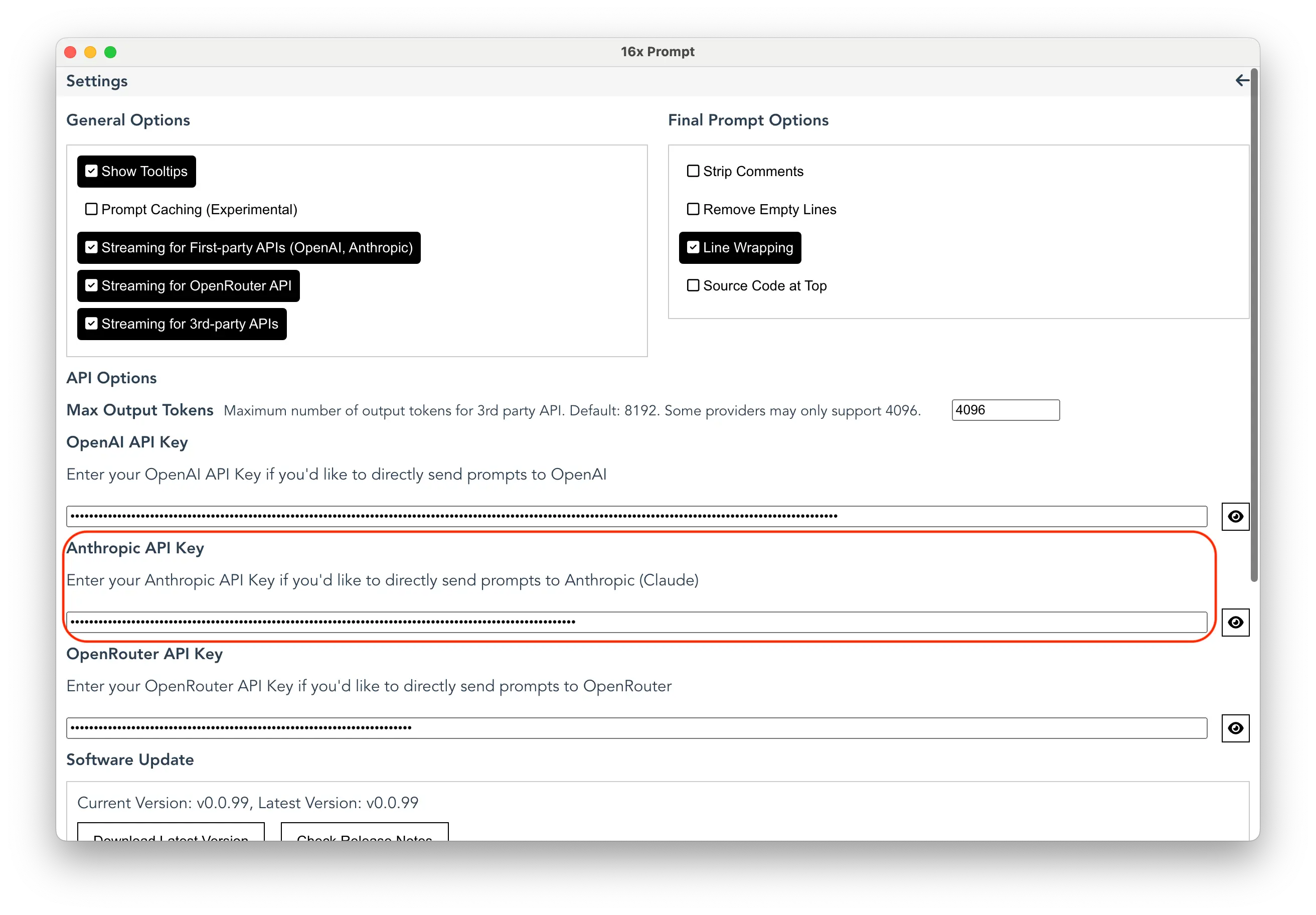 The configuration panel is where the magic happens—linking local servers to the Claude interface.
 Must-Have MCP Tools for 2026
Once you have the basics running, supercharge your setup with these essential tools:
1. GitHub Integration
Command: npm i @claude/github-mcp
Allows Claude to clone repos, analyze commits, and suggest pull requests. Perfect for "free tier" code reviews.
2. Playwright (Browser Automation)
Command: pip install playwright
Turns Claude into a web agent. Ask it to "Go to techcrunch.com and take a screenshot of the top headline."
3. Sequential Thinking
A specialized MCP tool that forces Claude to output its reasoning steps before acting. This drastically reduces errors and token waste—crucial for free users.
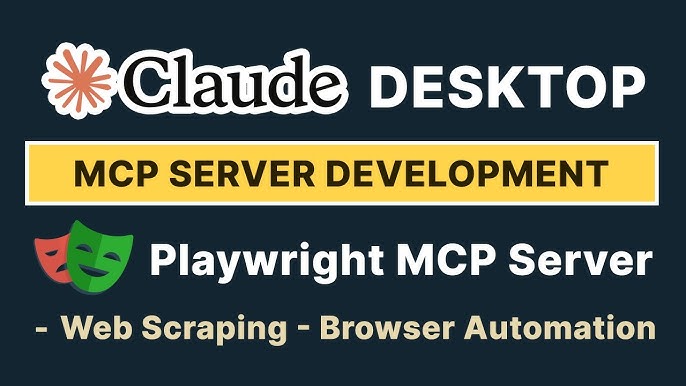 Automating web interactions using Playwright and Claude MCP.
 Avoiding Common Pitfalls
- The "Context Trap": Don't dump 50 files at once. The free tier's context window is small. Process files one by one.
- Token Waste: Use the prefix "Concise:" in your prompts to prevent Claude from generating lengthy, token-burning pleasantries.
- Security Risks: Never give MCP access to sensitive system folders (like root or /etc). Stick to specific project directories.
Conclusion: The Future of Free AI
Using MCP on Claude's free plan in 2026 is a testament to the flexibility of modern AI ecosystems. While it requires patience and technical setup, the reward is an AI assistant that actually does work rather than just talking about it. Whether you are automating mundane file tasks or conducting deep web research, these tools democratize access to agentic AI.
As we look ahead, expect open-source community servers to become even more efficient, further bridging the gap between free and paid tiers. Start small, optimize your prompts, and unlock the full potential of your local machine.