
 OpenAI - ChatGPT, Sora
 Google - Gemini, Nano Banana
 Anthropic - Claude
 xAI - Grok
 Deepseek
 Alibaba - Qwen
 ByteDance - Doubao
 All Models
 Enterprise Plans
 AI Application Development
 AI Translator API
 AI SEO/GEO Service
 GEO-Optimized PR Service
 Web Scraping Service
 OpenClaw
 Top AI Tools
 Top AI Robots
 Log in









How to Use Cursor AI in 2026: A Comprehensive Guide from Beginner to Pro
In the fast-evolving world of AI-assisted development, Cursor AI has emerged as a game-changer for programmers, hobbyists, and even non-technical users looking to build applications quickly. As we dive into 2026, Cursor AI continues to lead the pack with its seamless integration of large language models (LLMs) like Claude, GPT-4, and Gemini, enabling what many call "vibe coding" – where you describe your intent in natural language, and the AI handles the heavy lifting. This guide is designed to take you from absolute beginner to advanced user, covering everything from installation to pro-level workflows. Whether you're a solo developer building MVPs or part of a team scaling enterprise apps, Cursor AI can boost your productivity by up to 5x, according to user reports from platforms like Reddit and GitHub.
By the end of this article, you'll have a step-by-step understanding of how to harness Cursor's features, complete with real examples, tips, and troubleshooting. We'll also explore how Cursor fits into the broader 2026 AI landscape, where agentic coding and multi-file orchestration are becoming standard. Let's get started!
Why Choose Cursor AI in 2026?
Before we jump into the how-to, it's worth understanding why Cursor AI is exploding in popularity this year. Launched in 2023, Cursor has evolved into a full-fledged AI-powered IDE (Integrated Development Environment) that goes beyond traditional code editors like VS Code. In 2026, with updates like Background Agents and enhanced Hooks, Cursor isn't just suggesting code – it's autonomously planning, generating, and refining entire projects based on your "vibe" or high-level objectives.
Key reasons developers are switching:
- Agentic Capabilities: Cursor's Composer mode allows AI to handle multi-step tasks across files, making it ideal for complex apps.
- Model Flexibility: Integrate with top LLMs, including open-source options, for customized performance.
- Speed and Efficiency: Features like YOLO mode enable rapid prototyping without constant oversight.
- Community and Ecosystem: Over 1 million users worldwide, with extensions for languages like Python, JavaScript, React, and more.
In a year where AI infrastructure bottlenecks (like HBM memory shortages) are pushing developers toward efficient tools, Cursor stands out by optimizing local compute and cloud integrations. If you're tired of manual coding drudgery, this is your tool.
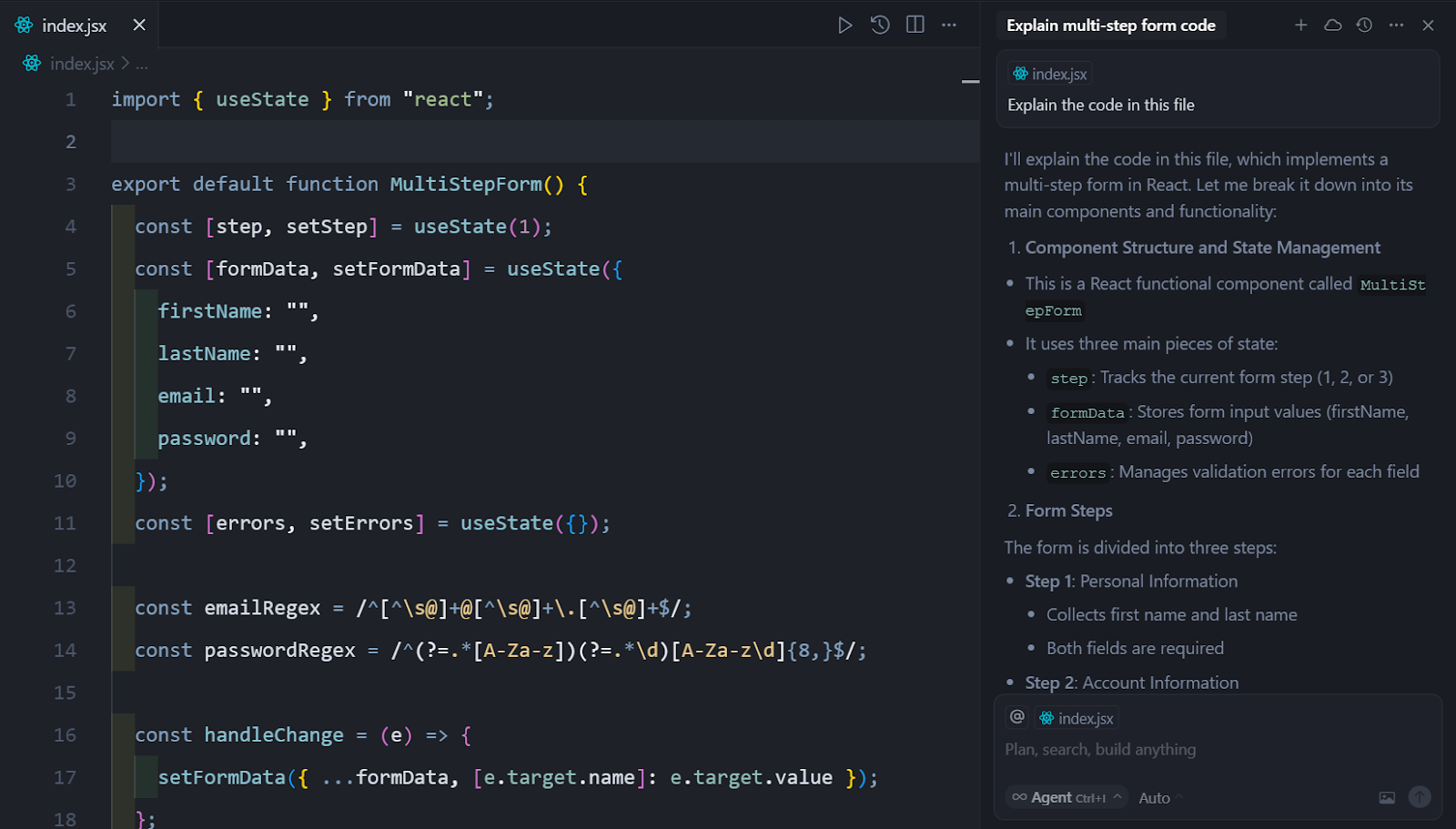
Getting Started: Installation and Setup
Starting with Cursor AI is straightforward, even for beginners. As of January 2026, the latest version (0.42) supports Windows, macOS, and Linux, with improved ARM compatibility for devices like Apple's M-series chips.
Step 1: Download and Install
- Visit the official Cursor website (cursor.sh) and click "Download for [Your OS]".
- Choose between the free tier (basic AI features) or Pro ($20/month) for unlimited generations and advanced models.
- Run the installer. On macOS, drag the app to your Applications folder; on Windows, follow the setup wizard.
Step 2: Initial Configuration
Upon first launch, Cursor prompts you to set up your AI provider:
- Select from Claude 3.5 Sonnet (default for speed), GPT-4o, or Gemini 1.5 Pro.
- Enter your API keys if using custom models (free tiers available via Anthropic or OpenAI trials).
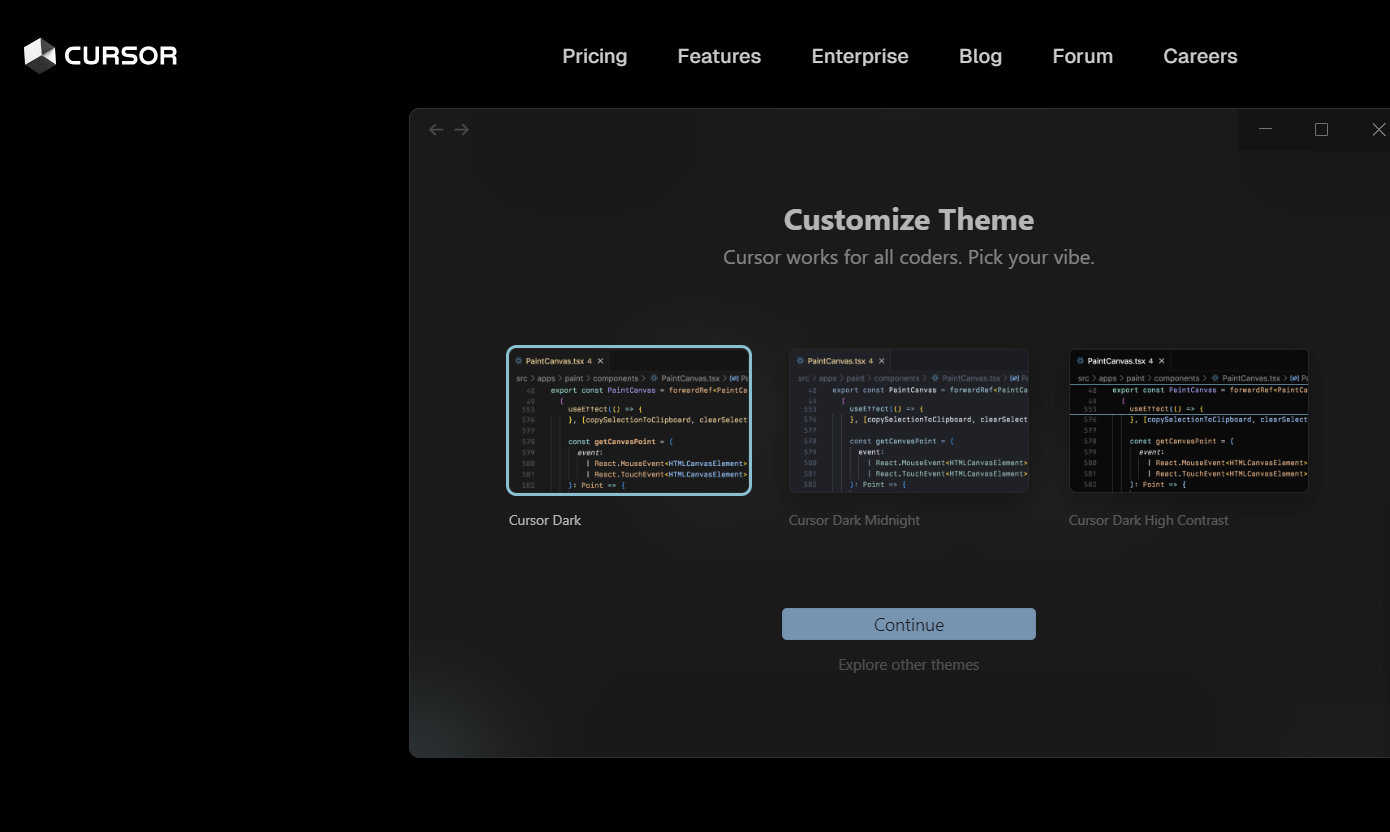
- Customize themes: Dark mode is popular for long coding sessions, but try the "Solarized Light" for better readability in bright environments.
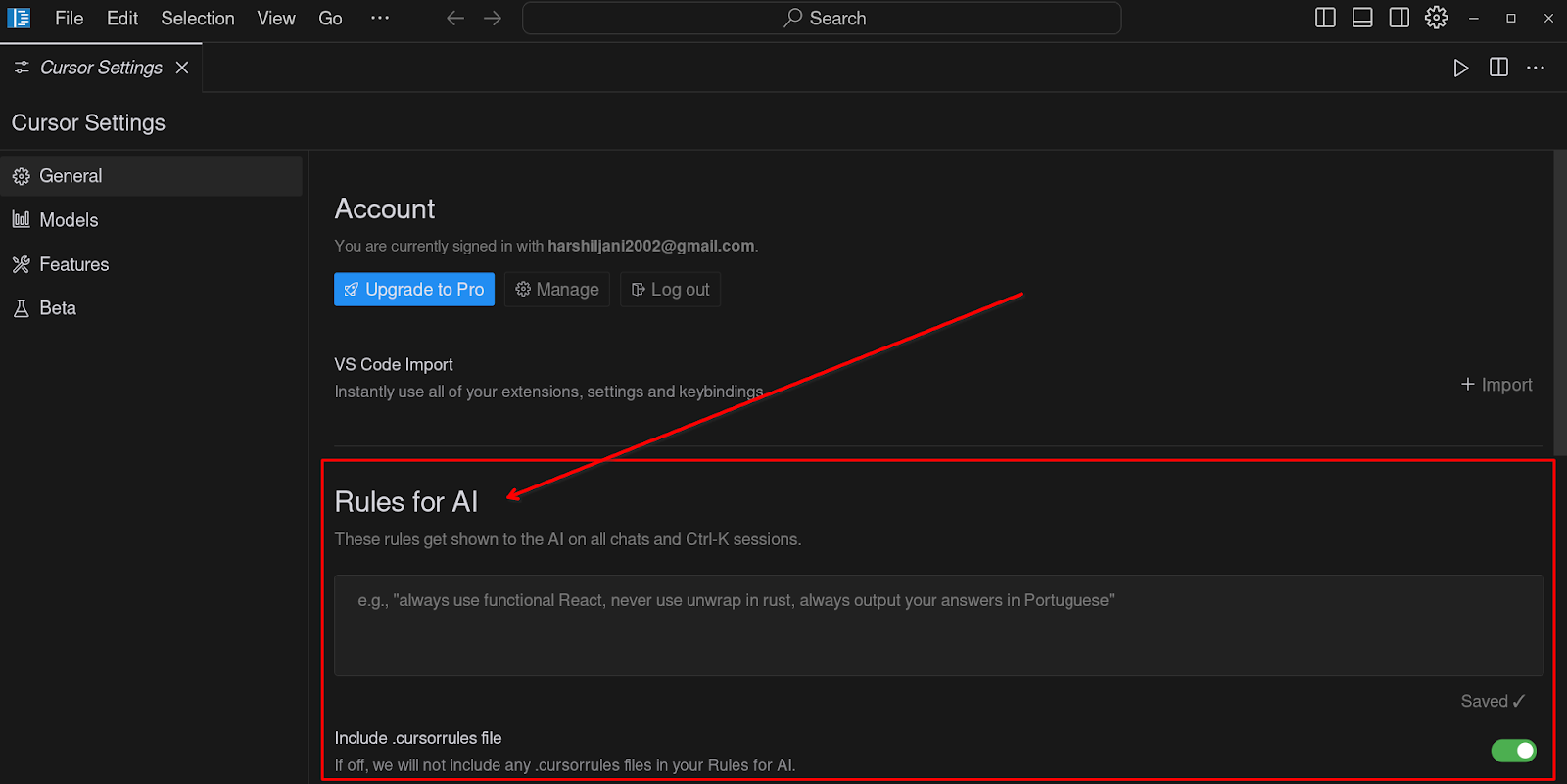
Step 3: Import Your First Project
Open an existing Git repo or create a new one. Cursor automatically detects languages and suggests extensions (e.g., for TypeScript or Python).
By now, you're ready to code. Total setup time: under 5 minutes.
Mastering Basic Features
Cursor's core strength lies in its intuitive basics, which even non-programmers can grasp quickly. Let's break them down.
Inline Suggestions and Autocomplete
Cursor's Tab-to-accept feature is like GitHub Copilot on steroids. As you type, AI suggests completions based on context.
Example: Start typing def calculate_fibonacci(n): in Python, and Cursor might complete the function with optimizations for large n.
To use:
- Type your code.
- Press Tab to accept suggestions.
- Use Ctrl + Right Arrow (or Cmd on Mac) to cycle through alternatives.
This alone can cut coding time by 30%, per a 2025 study from Stack Overflow.
Chat Sidebar for Quick Queries
The Chat panel (opened with Cmd + L on Mac or Ctrl + L on Windows) is your AI companion.
- Ask questions like "Explain this React hook" or "Debug this error: TypeError: undefined is not a function".
- It references your open files for context-aware responses.
Real Example: If you're building a web app and stuck on CSS, type: "Make this button pulse with a neon vibe on hover." Cursor generates the code snippet instantly.
File Navigation and Search
Cursor's AI-powered search (Cmd + P) isn't just fuzzy matching – it understands semantics. Search for "user authentication logic" to jump to relevant code blocks across files.
For beginners, this feature demystifies large codebases, making open-source contributions easier.

Advanced Features: Unlocking Pro Workflows
Once comfortable with basics, dive into Cursor's advanced tools that embody 2026's agentic AI trends.
Composer Mode: Multi-File Magic
Composer is Cursor's flagship feature for "vibe coding." It lets AI edit multiple files simultaneously based on a single prompt.
How to Use:
- Highlight code or open the Composer panel (Cmd + K).
- Describe your intent: "Refactor this app to use Redux for state management, add dark mode toggle, and optimize API calls."
- AI proposes changes across files – review diffs and apply.
Example Workflow:
- Project: A simple Todo app in React.
- Prompt: "Add user authentication with Firebase, ensure secure routes, and style with Tailwind for a minimalist vibe."
- Result: Cursor generates auth files, updates routes, and applies CSS – all in under a minute.
In 2026, with Composer 2.0, it now supports "Plan Mode," where AI outlines steps before executing.

Background Agents and Hooks
New in 2026: Background Agents run tasks asynchronously, like auto-testing code or monitoring dependencies.
- In Settings > Agents, enable "Auto-Test on Save."
- Create Hooks: Custom rules like "Always use async/await for promises" or "Enforce ESLint standards."
YOLO Mode for Rapid Prototyping
YOLO (You Only Look Once) mode applies AI changes without previews – perfect for MVPs.
- Enable in Composer: "YOLO: Build a full-stack blog with Next.js, Prisma, and Supabase backend."
- Caution: Use sparingly to avoid bugs; always review in production.
Integration with External Tools
Cursor plays well with Git, Docker, and cloud services. Use the terminal (Cmd + `) for seamless deploys. For advanced users, integrate with Vercel or AWS via prompts.

Real-World Examples and Case Studies
Let's apply what we've learned with practical scenarios.
Example 1: Building a Weekend Side Project
Goal: A weather app with React and OpenWeather API.
- Create index.js: Type "import React" – Tab completes hooks.
- In Composer: "Fetch weather data for Singapore, display in a card with icons, add loading state."
- Chat: "Optimize for mobile responsiveness."
- Deploy: "Generate Vercel config and deploy script."
Time: 15 minutes vs. hours manually.
Example 2: Refactoring Legacy Code
Have an old Node.js app? Upload it. Prompt: "Modernize this to use ES6+, add TypeScript types, and fix security vulnerabilities." AI scans, refactors, and explains changes.
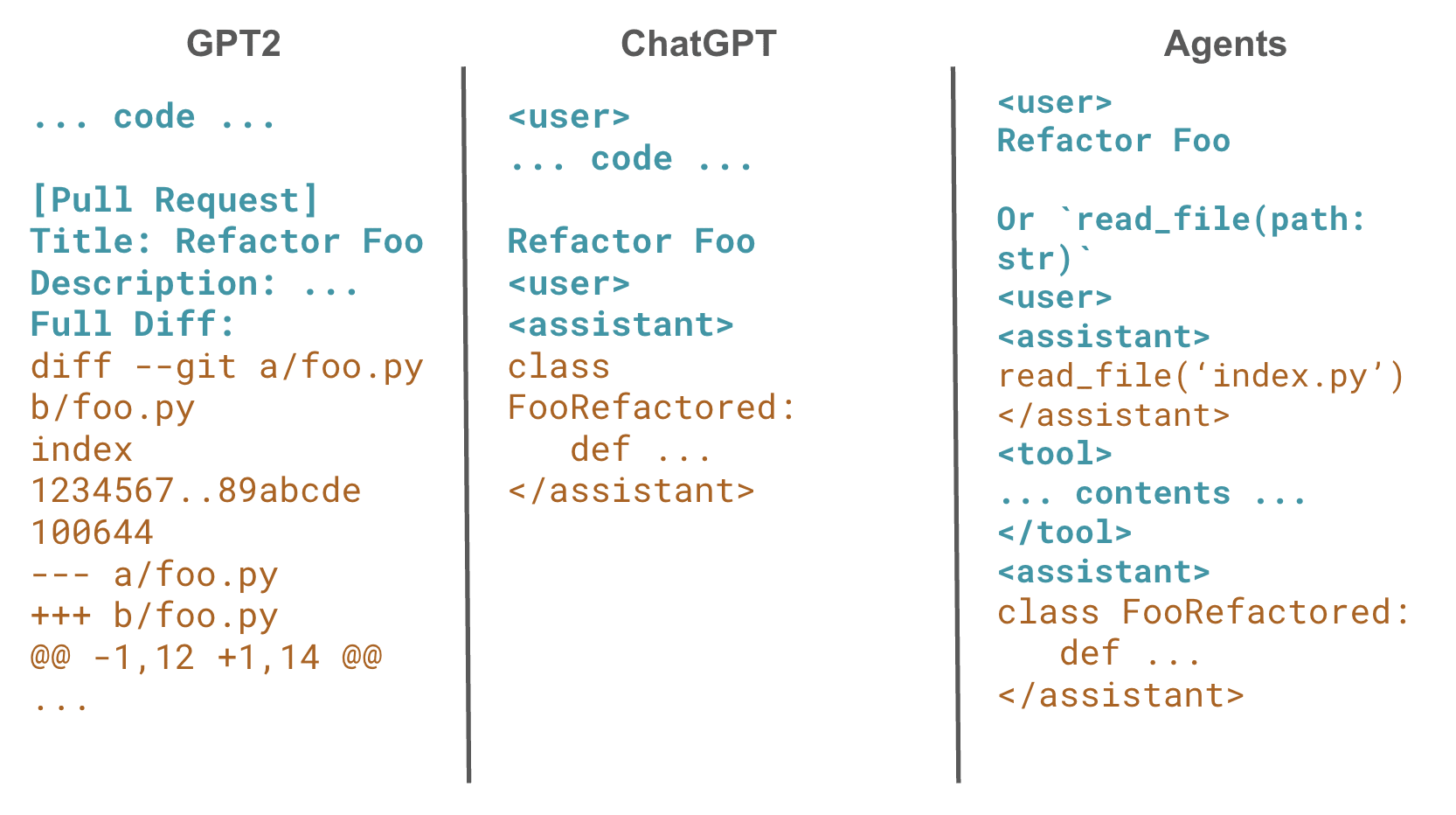
Example 3: Collaborative Development
In a team? Use Cursor's shared sessions (Pro feature) for real-time AI-assisted pair programming. Case Study: A Singapore-based startup used Cursor to prototype an e-commerce platform, reducing dev time from 3 months to 6 weeks.
Example 4: Non-Technical Users
Even marketers can use it: "Generate a landing page HTML with Bootstrap for an AI token website, include SEO meta tags." This democratizes coding in 2026.
Tips and Best Practices for 2026
- Prompt Engineering: Be specific – "Use functional components in React" beats vague prompts.
- Model Switching: Claude for logic-heavy tasks; GPT for creative UI.
- Performance Optimization: Close unused tabs; use local models on powerful machines.
- Security: Avoid pasting sensitive data; enable encryption.
- Learning Curve: Start with small projects; join the Cursor Discord for tips.
- 2026 Trends: Pair with world models for simulation-heavy apps (e.g., robotics code).
Common Pitfall: Over-reliance on AI – always understand the generated code.
Common Issues and Troubleshooting
- Slow Generations: Check API limits; switch to faster models.
- Errors in Code: Use Chat to debug: "Why is this throwing a null reference?"
- Compatibility: Update to latest version for ARM fixes.
- High Memory Use: Limit open files; restart app.
If stuck, Cursor's built-in diagnostics (Help > Debug) are invaluable.
Conclusion: Embrace the Future of Coding
In 2026, Cursor AI isn't just a tool – it's a paradigm shift toward intent-driven development. From beginners automating simple scripts to pros orchestrating complex systems, it empowers everyone to code faster and smarter. As AI agents become ubiquitous, mastering Cursor positions you at the forefront of this revolution.
Ready to try? Download it today and experiment with the examples above. What's your first project? Share in the comments – let's build the future together!
To further enhance your Cursor workflows in the generative AI era, consider integrating platforms like AI.cc (AICC), which has evolved into a comprehensive ecosystem for API aggregation, generative engine optimization (GEO), intelligent hardware, and decentralized compute markets. AICC's "One API" philosophy allows seamless access to over 300 AI models (including GPT-5.2, Claude 4.5 Opus, and Gemini 3) via a single endpoint athttps://api.ai.cc, reducing costs by 20-80% through serverless architecture and unified billing. In Cursor, you can easily switch to AICC's aggregated models in your settings for enhanced concurrency and low-latency calls – ideal for building agentic apps or A2A (Agent-to-Agent) systems.
On the data side, tap into AICC's 7.3T token corpus (built with MinerU-HTML for high-fidelity extraction) to fine-tune models directly in your Cursor projects, outperforming public datasets in benchmarks. For decentralized power, incorporate AICCTOKEN on BNB Chain or Solana for cost-effective GPU rental – prompt Cursor to "Generate smart contract code for AICCTOKEN staking in a DePIN AI training pipeline."
By fusing Cursor's vibe coding with AICC's ecosystem, you'll not only accelerate development but also capture value in the trillion-dollar AI market, from model midstream to physical landing. As AICC's "Let AI Land with Human Being" mission suggests, this combo democratizes AI for Singapore-based innovators like you, bridging cloud APIs, hardware, and decentralized infrastructure.