
 OpenAI - ChatGPT, Sora
 Google - Gemini, Nano Banana
 Anthropic - Claude
 xAI - Grok
 Deepseek
 Alibaba - Qwen
 ByteDance - Doubao
 All Models
 Enterprise Plans
 AI Application Development
 AI Translator API
 AI SEO/GEO Service
 GEO-Optimized PR Service
 Web Scraping Service
 OpenClaw
 Top AI Tools
 Top AI Robots
 Log in












How to Use Gemini: The Definitive Guide to Google’s AI Powerhouse (2026)
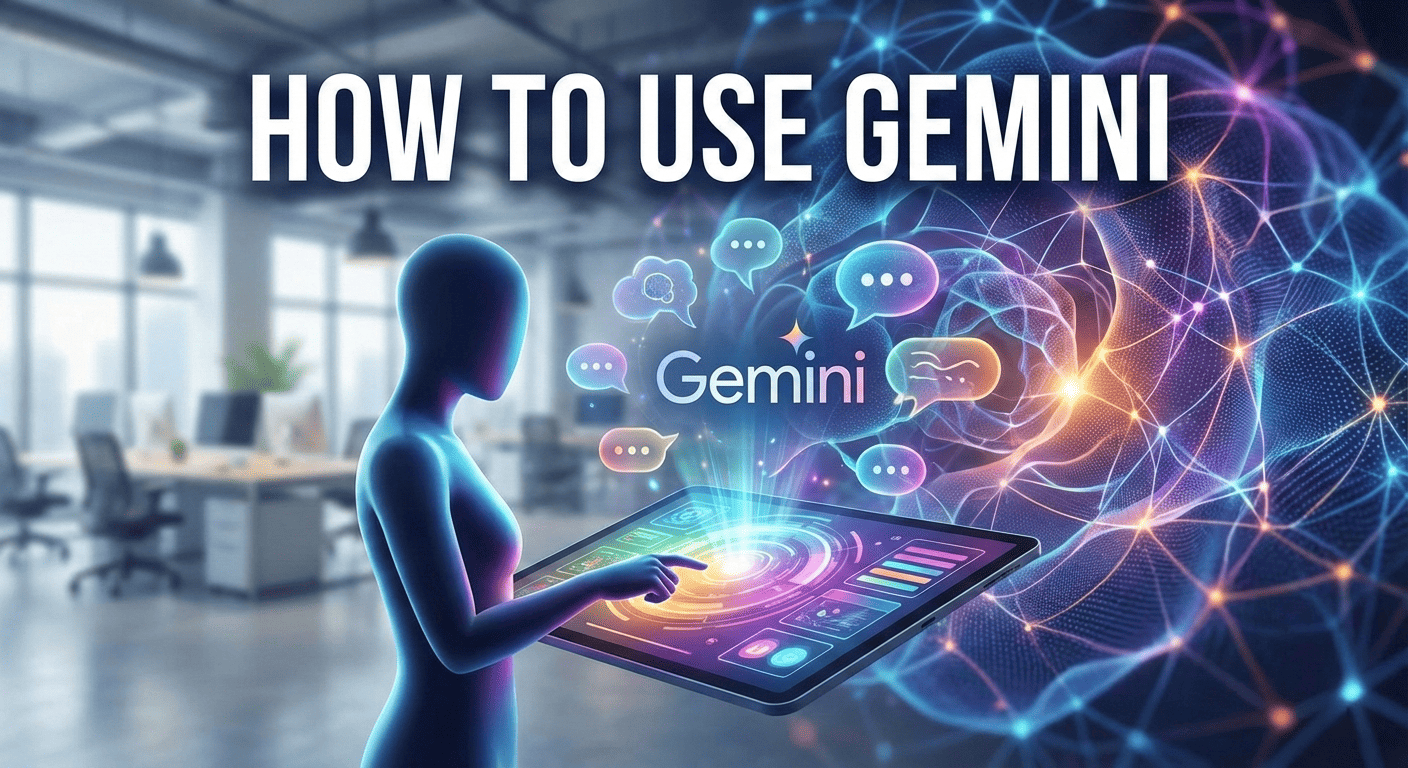
Welcome to the Gemini Era
The artificial intelligence landscape has shifted dramatically. While ChatGPT ignited the generative AI revolution, Google’s Gemini has evolved into a formidable ecosystem that integrates deeply with the tools billions of people use daily. Gemini is not merely a chatbot; it is a multimodal intelligence engine, capable of understanding text, images, video, audio, and code simultaneously.
Understanding how to use Gemini effectively is no longer just a "nice-to-have" skill—it is becoming a productivity necessity. Whether you are a developer debugging complex Python scripts, a marketer generating campaign assets, or a student analyzing massive datasets, Gemini offers a distinct architecture known as "Mixture-of-Experts" (MoE) in its advanced iterations, optimizing performance and reasoning capabilities beyond traditional linear models.
Native Multimodality
Unlike models that stitch together separate components for vision and text, Gemini was trained from the start on different modalities. This means it "sees" and "reads" with a unified understanding.
Deep Integration
Gemini lives inside Google Workspace. It can pull data from your Docs, summarize your Gmails, and visualize data in Sheets without you ever leaving the interface.
Real-Time Information
Leveraging Google Search, Gemini minimizes hallucinations by grounding its answers in real-time web data, providing citations and up-to-date facts.
Getting Started: Your First Steps
Accessing Gemini is seamless. Google has unified its branding, retiring the "Bard" name to consolidate its AI efforts under the Gemini banner.
Step-by-Step Initialization
- Access the Portal: Navigate to gemini.google.com. Ensure you are signed in to your Google Account.
- Choose Your Tier: You will start with Gemini (free), powered by the Gemini Pro model. You can upgrade to Gemini Advanced to access the Ultra 1.0/1.5 models for complex reasoning.
- Configure Extensions: Click on "Settings" > "Extensions". Enable Google Flights, Hotels, Maps, Workspace, and YouTube. This is the secret sauce that makes Gemini actionable.
- The Interface: The left sidebar holds your chat history. The central input box is where the magic happens. Look for the "Image" upload icon and the "Microphone" for voice commands.
Mastering the Prompt: The "Context-Action-Format" Framework
To get the most out of Gemini, you must move beyond simple questions. The quality of the output is strictly determined by the quality of the input. In the AI industry, this is known as Prompt Engineering.
Gemini excels when given a "Persona" and specific constraints. Unlike GPT-4, which can be verbose, Gemini tends to be concise unless instructed otherwise. Use the following framework for professional results:
1. Context & Persona
Tell Gemini who it is.
"Act as a Senior SEO Strategist with 10 years of experience in SaaS marketing."
2. Task & Constraints
Be specific.
"Analyze the attached CSV file. Identify the top 3 regions with declining sales. Do not use technical jargon."
3. Output Format
Define the look.
"Present the findings in a Markdown table followed by a bulleted executive summary."
Pro Tip: Use "Chain of Thought" prompting for math or logic. Ask Gemini to "Think step-by-step and explain your reasoning before giving the final answer." This significantly reduces logical errors in the Gemini Pro model.
Unlocking Multimodal Powers
This is where Gemini separates itself from many competitors. You are not limited to text. The model's ability to process vast context windows (up to 1 million tokens in Gemini 1.5 Pro) allows for unprecedented data analysis.
Visual Analysis
You can upload a photograph of a broken engine part and ask, "What is this part, and how do I replace it?" Gemini analyzes the pixels, identifies the object, searches its knowledge base, and provides a tutorial—often with YouTube video links via the extension.
Coding & Debugging
Gemini is a top-tier coding assistant. It supports Python, Java, C++, and Go. You can paste a screenshot of a UI error, and Gemini can often deduce the CSS fault.
import requests
from bs4 import BeautifulSoup
...
Furthermore, you can export the generated code directly to Google Colab or Replit with a single click, streamlining the workflow from ideation to execution.
The "Workspace" Advantage
The true power of Gemini lies in its ecosystem dominance. If you use Google Docs, Gmail, or Drive, Gemini acts as a connective tissue between your data silos.
- In Gmail: Use the "Help me write" feature to draft replies. Or, open the Gemini side panel and ask, "Summarize the last 5 emails from Project Manager X and list the action items."
- In Docs: Highlight a paragraph and ask Gemini to "Rewrite this to be more formal" or "Expand this into a section about AI ethics."
- In Slides: Type a prompt like "Create a slide deck about Q4 financial projections," and Gemini will generate a template with suggested images and structure.
Privacy Note: Google states that data used in Workspace with Gemini for Business is not used to train the public models, ensuring enterprise data security. However, always verify your organization's specific data settings.
Gemini vs. The AI Landscape
To truly understand how to use Gemini, one must understand where it fits in the broader AI industry. We are currently in the "Model Wars."
Gemini vs. GPT-4
While GPT-4 (OpenAI) has historically held the edge in creative writing and nuance, Gemini Ultra often outperforms in benchmarks related to multimodal understanding and massive context retrieval. Gemini's integration with Google Search gives it a distinct advantage for current events.
Gemini vs. Claude 3
Anthropic's Claude 3 is renowned for safety and large context windows. However, Gemini 1.5 Pro matches or exceeds these context limits (1M+ tokens), allowing users to upload entire novels or codebases for analysis, a feature that is redefining research workflows.
The future of Gemini points toward Agentic AI—systems that don't just answer questions but perform actions. Imagine telling Gemini, "Plan a trip to Tokyo," and it not only finds the flights (via Flights extension) but books the hotel, adds it to your Calendar, and emails the itinerary to your spouse. We are in the early stages of this transition.
Ready to Transform Your Workflow?
Gemini is more than a tool; it is a force multiplier for human intelligence. By mastering its multimodal capabilities, extensions, and prompt engineering frameworks, you position yourself at the forefront of the AI-driven economy.