
 OpenAI - ChatGPT, Sora
 Google - Gemini, Nano Banana
 Anthropic - Claude
 xAI - Grok
 Deepseek
 Alibaba - Qwen
 ByteDance - Doubao
 All Models
 Enterprise Plans
 AI Application Development
 AI Translator API
 AI SEO/GEO Service
 GEO-Optimized PR Service
 Web Scraping Service
 OpenClaw
 Top AI Tools
 Top AI Robots
 Log in











Microsoft Copilot vs ChatGPT Comparison Guide 2025 Best AI Assistant Review
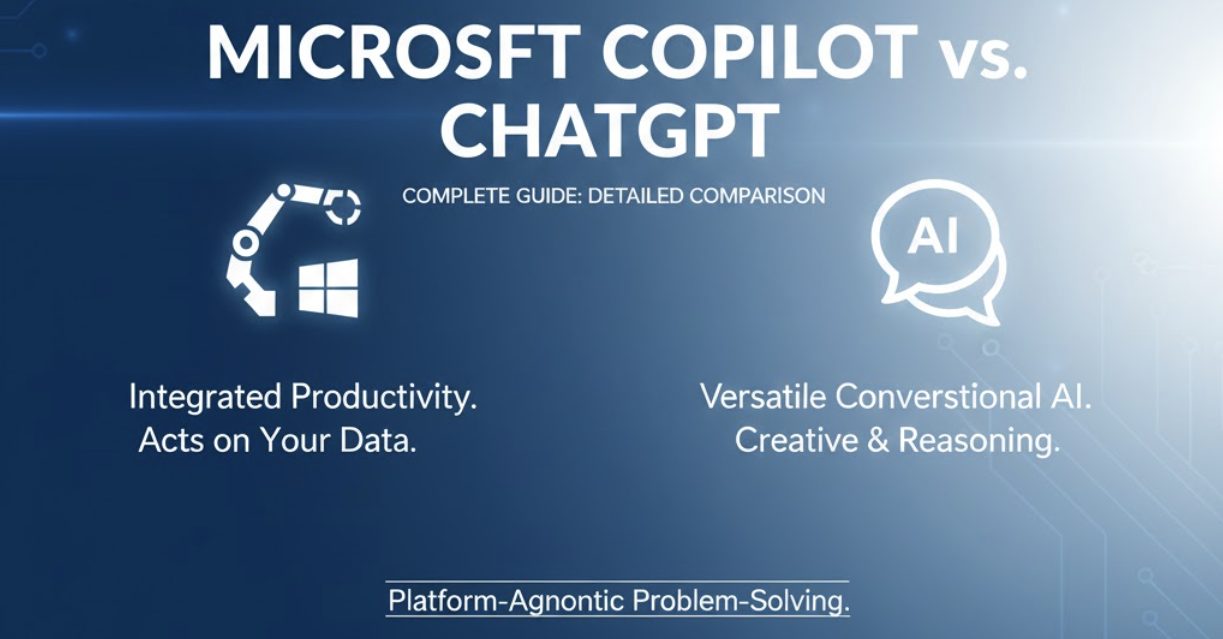
The past few years have witnessed an explosive leap in artificial intelligence, transitioning from a niche technological curiosity to an indispensable daily tool for hundreds of millions of users. At the forefront of this revolution stand two titans that have become synonymous with generative AI: OpenAI's ChatGPT and Microsoft Copilot. Their rapid ascent has sparked a widespread debate among professionals, developers, and enterprises: which platform reigns supreme?
"However, framing the question as a simple 'winner-takes-all' contest misses the mark. ChatGPT and Copilot, while powered by similar foundational technology, were built with fundamentally different philosophies."
Source: Introduction: The Rise of AI Assistants
This comprehensive guide moves beyond the hype to provide a clear, practical comparison. Our purpose is not to crown a theoretical champion, but to help you answer a far more useful question: "Which AI is better for my specific workflows, security requirements, and productivity goals?"
The Core Distinction: Philosophy & Identity
While both tools share DNA (OpenAI's GPT models), they serve different masters. Understanding their "product soul" is key to making the right choice.
🤖 ChatGPT: The General Intelligence Engine
ChatGPT is designed as a versatile, conversational brain. It is an "environment-agnostic" reasoning engine. Whether you need to debug code, write a novel, or brainstorm marketing strategies, ChatGPT functions as a brilliant, standalone consultant. Its primary goal is reasoning capability and creative flexibility.
💼 Microsoft Copilot: The Productivity Agent
Copilot is not just a chatbot; it is a productivity ecosystem. It acts as an intelligent layer woven into the software you use daily (Word, Excel, Teams). Its mission is to be a context-aware assistant that executes tasks securely using your organization's data.
Quick Comparison Overview (At a Glance)
| Feature | Microsoft Copilot | OpenAI ChatGPT |
|---|---|---|
| Core AI Model | Optimized OpenAI models (GPT-4, GPT-4 Turbo) | OpenAI's Latest (GPT-3.5, GPT-4, GPT-4o) |
| Primary Interface | Windows 11, Edge, Microsoft 365 Apps | Standalone Web Interface, Mobile App |
| Web Search | Always On (Real-time via Bing) | Limited; Mode toggle required (Paid) |
| Data Privacy | Enterprise-grade (No training on business data) | Variable (Requires Enterprise plan for strict privacy) |
| Ideal For | Enterprise workflows, Office 365 users | Creatives, Developers, Researchers |
Feature-by-Feature Deep Dive
1. Ecosystem Integration & Workflow
Microsoft Copilot's "killer feature" is its deep integration. It turns applications into co-creation spaces. In PowerPoint, you can ask it to "create a 10-slide deck based on this Word document," and it will generate slides, layouts, and images instantly. In Teams, it acts as a secretary, summarizing real-time discussions and assigning action items.
ChatGPT, conversely, relies on a "copy-paste" workflow for most users. However, it excels at connecting disparate ideas outside of any single platform. Its strength lies in its ability to generate a plan, a script, or a code block that you then implement yourself.
2. Writing & Content Generation
- ChatGPT: The superior choice for long-form creative writing. Whether you are crafting a novel chapter, a nuanced blog post, or a complex technical explanation, ChatGPT offers finer control over "voice," tone, and narrative structure.
- Copilot: Unbeatable for business productivity. Need to summarize a 50-page PDF report into a one-page executive memo? Need to rewrite a client email to be more diplomatic? Copilot thrives here because it has direct access to the document context.
3. Coding & Technical Development
For developers, the distinction is critical. GitHub Copilot (a sibling to Microsoft Copilot) is the undisputed leader for real-time code completion inside the IDE (like VS Code). It predicts your next line of code as you type.
ChatGPT, however, acts as the ultimate coding tutor and debugger. It is better at high-level architecture: "How should I structure this database?" or "Explain why this error is happening." It is a tool for understanding and planning, whereas GitHub Copilot is a tool for execution.
4. Real-Time Knowledge & Web Search
This is a major differentiator. Copilot is always connected to the web. Every answer can incorporate the latest news, stock prices, or academic citations via Bing. This makes it the superior tool for current events research.
ChatGPT (specifically the Free tier) has a knowledge cutoff. While paid users can browse the web, it is a specific mode or toggle, not the default state of the conversation.
🛡️ Security, Privacy & Enterprise Compliance
For businesses, this is often the deciding factor. Microsoft Copilot for Microsoft 365 is built on the Microsoft Trust Boundary. It promises that your prompts, responses, and proprietary business data are never used to train the public AI models. It adheres to GDPR, SOC 2, and existing enterprise compliance policies automatically.
ChatGPT Enterprise offers similar data protection guarantees (zero training on data), but the standard and free tiers of ChatGPT use your conversations to improve the model unless you actively opt out. For organizations handling sensitive IP, strict governance is required when using the public version of ChatGPT.
Pricing and Access Models
OpenAI ChatGPT
- Free: Access to GPT-3.5/GPT-4o (Limited).
- Plus ($20/mo): Priority access, File Uploads, DALL·E 3, Custom GPTs.
- Team ($25/user/mo): Higher limits, admin console, data privacy.
Microsoft Copilot
- Free: Access via Bing/Web with commercial data protection.
- Copilot Pro ($20/mo): AI in personal Office apps, priority access.
- Copilot for M365 ($30/user/mo): Full enterprise integration with Graph data.
Final Verdict: Which AI Should You Choose?
The decision isn't about selecting the "smarter" AI, but aligning the tool with your workflow context.
✓ Choose ChatGPT If:
- You prioritize creative writing, nuanced brainstorming, and complex logic puzzles.
- You work across a diverse set of tools (Google Workspace, Slack, Notion) and need a platform-agnostic assistant.
- You want to build highly customized AI agents (Custom GPTs) without writing code.
✓ Choose Microsoft Copilot If:
- You live in the Microsoft 365 ecosystem (Outlook, Teams, Excel) and want to automate drudgery.
- You need enterprise-grade security where data leakage is a critical risk.
- You require free, cited, real-time web search results for research.
Frequently Asked Questions (FAQ)
Q1: Is Microsoft Copilot just a rebranded ChatGPT?
No. While Copilot uses OpenAI's GPT models as its foundation, Microsoft has built a sophisticated orchestration layer on top. This layer connects the AI to the "Microsoft Graph" (your emails, calendar, files), allowing it to perform tasks and understand context that ChatGPT cannot access.
Q2: Can I use both tools together?
Absolutely. A popular "hybrid strategy" involves using ChatGPT as a "Think Tank" for high-level strategy and creative brainstorming, and then using Copilot as a "Do Tank" to execute those ideas specifically within Word, Excel, or PowerPoint documents.
Q3: Which tool is better for coding?
It depends on the need. For auto-completing code as you type in an editor, GitHub Copilot is superior. For explaining complex algorithms, debugging errors, or architectural planning, ChatGPT often provides better conversational support.
Q4: Is the free version of Copilot better than the free version of ChatGPT?
Generally, yes. The free version of Copilot provides access to GPT-4 class models and includes image generation (DALL·E 3) and web search capabilities by default. The free tier of ChatGPT has historically been limited to GPT-3.5 or limited GPT-4o access with more restricted web browsing capabilities.