
 OpenAI - ChatGPT, Sora
 Google - Gemini, Nano Banana
 Anthropic - Claude
 xAI - Grok
 Deepseek
 Alibaba - Qwen
 ByteDance - Doubao
 All Models
 Enterprise Plans
 AI Application Development
 AI Translator API
 AI SEO/GEO Service
 GEO-Optimized PR Service
 Web Scraping Service
 OpenClaw
 Top AI Tools
 Top AI Robots
 Log in







Vibe Coding 2026: Cursor vs Lovable vs Replit vs v0 – Ultimate Tool Comparison
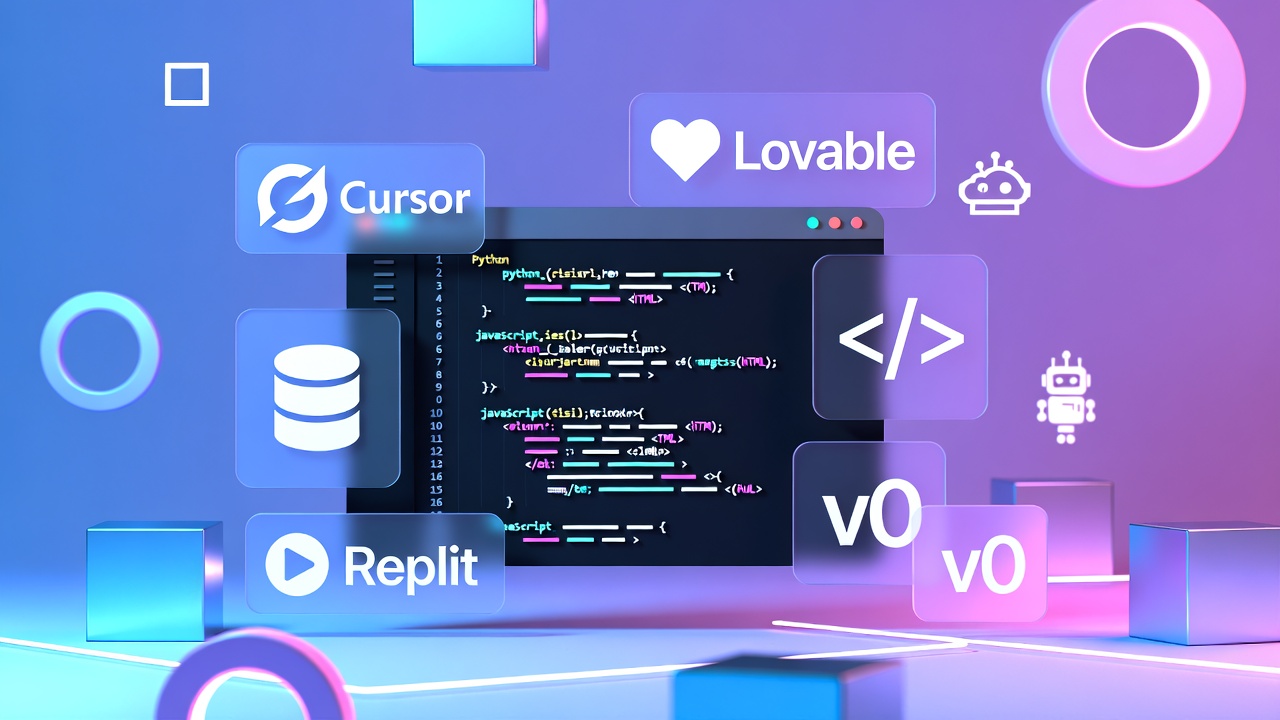
Welcome to January 2026. The era of "Vibe Coding" has officially arrived, and it has swallowed the traditional software development world whole. The term, first coined by AI visionary Andrej Karpathy in early 2025, describes a radical philosophical shift: you stop wrestling with semicolons and start "fully giving in to the vibes."
The Paradigm Shift
Karpathy's vision has exploded into reality. Collins Dictionary has flagged "Vibe Coding" as a trending term, and millions of creators—from seasoned engineers to non-technical founders—are building production-grade apps without writing a single line of traditional code.
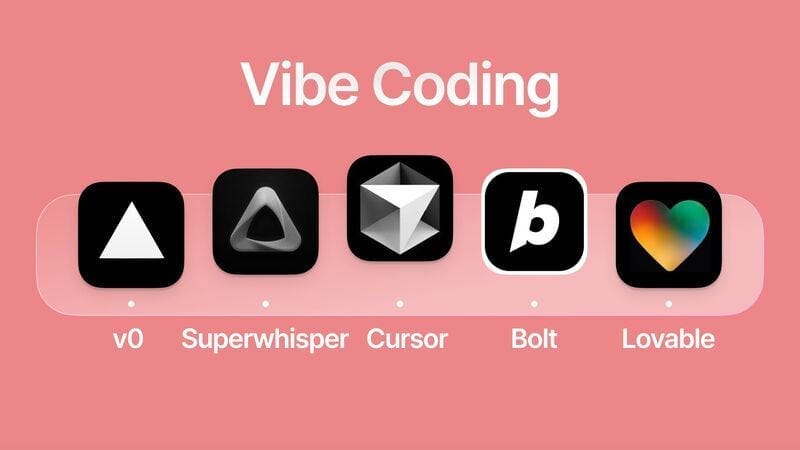
But with every tech giant releasing their own "Vibe Tool," the market is crowded. Which platform deserves your attention? Today, we go head-to-head with the Big Four: Cursor, Lovable, Replit, and v0.
🧱 The Old Way (Pre-2025)
Think of traditional coding like bricklaying. You are the laborer. You pick up one brick (a line of code), apply mortar (syntax), and place it carefully. If you miss a semicolon, the wall collapses. It is precise, manual, and exhausting work.
✨ The Vibe Way (2026)
Vibe coding is like being the conductor of an orchestra. You don't play every instrument. You stand on the podium and wave your baton (the prompt). The AI agents are the musicians—they handle the technical execution instantly. You focus entirely on the music (the product).
What Exactly Is "Vibe Coding"?
To understand the tools, we must understand the mindset. Vibe coding isn't just "using AI autocomplete." It is a fundamental shift in the human-computer relationship. It is the transition from Imperative Programming (telling the computer how to do it) to Intent-Based Programming (telling the computer what you want).
"I want a dashboard that feels like a fighter jet cockpit. It needs to visualize real-time crypto prices with neon charts, handle sudden traffic spikes without crashing, and allow users to pay via Apple Pay. Make it responsive for mobile."
In a traditional workflow, that request is three weeks of work for a team. In a Vibe Coding workflow, it is a single prompt, followed by 20 minutes of refining the output with an AI agent. The human provides the Taste, Context, and Goal; the AI provides the Syntax, Logic, and Labor.
🚀 Democratization
The barrier to entry has collapsed. If you can articulate an idea clearly in English (or any language), you can build software. The "Technical Co-founder" bottleneck is disappearing.
⚡ Velocity
Prototyping speed has increased by 10x to 100x. What used to take a weekend hackathon now takes a lunch break. This allows for rapid iteration and failure, which leads to better final products.
⚠️ The Risk
It's not all magic. "Hallucinations" still happen. If you blindly trust the AI without reviewing the output, you accumulate "Vibe Debt"—code that works but is unmaintainable.
1. Cursor – The AI-Native IDE
The "Power User's" Weapon. Cursor looks like VS Code because it is a fork of VS Code. But under the hood, it is an entirely different beast. It is built for those who want the speed of AI but the control of a professional environment.
Using Cursor feels like telepathy. It doesn't just autocomplete the next word; it autocompletes your next thought. It predicts where you are going to move your cursor next. It scans your entire codebase to understand that when you change a variable in `file A`, it needs to update `file B` and `file C`.
The "Vibe" of Cursor
It creates a "shadow workspace" where it tests code before showing it to you. It's the bridge between traditional coding and the AI future. It allows you to maintain clean architecture while moving at AI speed.
Who is it for?
Professional Developers & Serious Learners. If you are building a complex, scalable system and need to manage thousands of files, Cursor is the only choice.
- ✅ Tab Completion: Custom model, ultra-fast, feels instant.
- ✅ Context: Understands your whole repo, docs, and even external links.
- ❌ Learning Curve: Still requires IDE knowledge and environment setup.
2. Lovable – From Chat to App
The Founder's Dream. Lovable (formerly GPT Engineer) is the purest expression of "No-Code" meeting "AI Code." You don't see an editor; you see a conversation. You talk, and a fully functional web app appears in the preview pane.
The "Vibe" of Lovable
It feels like sitting next to a very fast, very obedient senior designer/developer. You say, "Make the blue darker," and it happens. You say, "Add a login page with Google Auth," and it handles the backend (Supabase) automatically. It removes the intimidation factor entirely.
Who is it for?
Non-Technical Founders & Idea People. If you have an idea for a SaaS, a tool, or a dashboard, but you've never installed Python or Node.js, Lovable is your magic wand. It gets you from zero to deployed URL faster than anything else.
- ✅ Speed: Idea to MVP in minutes, not days.
- ✅ Full Stack: Handles Database & Auth automatically.
- ❌ Lock-in: Harder to export complex logic later if you want to switch.
3. Replit – The All-in-One Ecosystem
The Cloud Native Powerhouse. Replit started as an online compiler but has evolved into a complete AI OS. With the "Replit Agent," you have an autonomous employee who plans, codes, tests, and deploys your application—all within the browser.
The "Vibe" of Replit
It feels like having a complete IT department in a tab. You don't need to configure servers, install dependencies, or worry about environments. The Agent is "Agentic"—meaning it thinks before it acts. It writes a plan ("I will create the database schema, then the API routes..."), asks you for approval, and then executes.
Who is it for?
Learners, Hackathons, & Teams. It is the best place to learn because you can see the file structure and the terminal if you want to. It's also great for collaboration (like Google Docs for code). If you want to build a mobile app without a Mac, this is your best option.
- ✅ Zero Setup: Everything is in the cloud; works on a Chromebook.
- ✅ The Agent: Extremely capable planner and troubleshooter.
- ❌ Performance: Browser-based can be slower for massive apps compared to local.
4. v0 by Vercel – The UI Artist
The Frontend Specialist. v0 is not trying to build your backend database. It is laser-focused on one thing: generating beautiful, production-ready User Interfaces (UI) using React, Tailwind CSS, and Shadcn UI.
The "Vibe" of v0
It feels like working with a world-class UI designer who codes. You upload a screenshot of a website you like, or a napkin sketch, and v0 recreates it pixel-perfectly in code. It understands modern design trends (glassmorphism, dark mode, micro-interactions) better than most humans. It doesn't just give you an image; it gives you interactive, accessible code.
Who is it for?
Frontend Developers & Designers. If you already have a backend but hate writing CSS, v0 is a lifesaver. It is the best tool for building landing pages, dashboards, and complex components instantly. It integrates perfectly with the Vercel ecosystem.
- ✅ Aesthetics: Produces the best-looking code out of the box.
- ✅ Integration: Deploys to Vercel in one click.
- ❌ Scope: It's UI only; you need to bring your own backend logic.
The 2026 Snapshot: Side-by-Side
| Feature / Aspect | Cursor | Lovable | Replit | v0 by Vercel |
|---|---|---|---|---|
| Primary User | Pro Developers | Founders / No-Code | Students / Teams | Frontend Devs |
| "Vibe" Level | Medium (IDE based) | Maximum (Chat based) | High (Agent based) | High (Visual based) |
| Full Stack? | Yes (Manual setup) | Yes (Automated) | Yes (Automated) | No (UI Focused) |
| Mobile Apps | Via Code (React Native) | Web Apps (PWA) | Native iOS/Android | No |
| Collaboration | Via GitHub | Basic Sharing | Real-time Multiplayer | Via Links |
| Pricing (Est.) | $20/mo | $20/mo + Credits | $25/mo | $20/mo |
Final Recommendation: The "Vibe Stack" Strategy
The truth is, in 2026, you shouldn't just pick one. The most effective Vibe Coders use a combination of these tools to create a super-workflow.
The "Founder's Stack"
Start with Lovable to get your MVP live in 24 hours. Validate your idea with real users. If it gains traction and you need more complex features, export the code to Cursor and hire a developer (or use your own new skills) to scale it.
The "Developer's Stack"
Use v0 to generate your UI components instantly because it's faster than writing CSS. Copy them into Cursor, where you use the Composer feature to wire up the backend logic and database.
💡 Pro Tip: Supercharge with AICC
To take your vibe coding to the next level, consider integrating platforms like AI.cc (AICC). It acts as a unified AI model aggregator, providing seamless access to over 300 models (including GPT-5.2, Claude 4.5, and Google Gemini 3) via a single API endpoint.
This eliminates vendor lock-in and supports the high-concurrency needs of agentic workflows—perfect for powering the AI agents in tools like Cursor or Replit. It turns vibe coding from a solo toolset into a full ecosystem.
Explore AI.cc API →The Verdict: If you want to learn and build everything in one place, choose Replit. If you are a pro dev, Cursor is non-negotiable. If you just want the app to exist without caring how, Lovable is your best friend.